These days whenever high-stakes elections happen, all eyes turn towards various social media platforms as hate speeches and fake news begin to be circulated due to myriad vested interests at play.
And as four major States go for polls in India, the Facebook is again under the scrutiny.
But this time, the social media giant has come up with steps to clamp down on malicious content on its platform.
"We believe Facebook has an important part to play in creating an informed community, and helping people access all the information they need to take part in the democratic process. We also remind people to exercise their democratic right to vote," it said.
Facebook has said it would temporarily reduce the distribution of content from accounts that have recently and repeatedly violated the company's policies.
This content will be removed if determined to violate Facebook's policies, but its distribution will remain reduced until that determination is made.
"We recognise that there are certain types of content, such as hate speech, that could lead to imminent, offline harm...To decrease the risk of problematic content going viral in these states and potentially inciting violence ahead of or during the election, we will significantly reduce the distribution of content that our proactive detection technology identifies as likely hate speech or violence and incitement," Facebook said in a blogpost.
Facebook uses tech to weed out hate speech
Facebook said it is taking steps to enhance civic engagement, combat hate speech, limit misinformation and remove voter suppression amid elections across Tamil Nadu, West Bengal, Assam, Kerala and Puducherry.
"We also continue to closely partner with election authorities, including to set up a high priority channel to remove content that breaks our rules or is against local law after receiving valid legal orders," it said.
Facebook pointed out that under its existing Community Standards, it removes certain slurs that it determines to be hate speech.
Facebook also uses technology to identify new words and phrases associated with hate speech, and either remove posts with that language or reduce their distribution.
Facebook said its policies prohibit voter interference, defined as objectively verifiable statements such as misrepresentation of dates and methods for voting (for example text to vote). It also removes offers to buy or sell votes with cash or gifts.
Facebook fact-checks in 11 Indian languages
Facebook also works with third-party fact-checkers --- it has eight partners in India --- to provide people with additional context about the content they're seeing on Facebook.
In addition to English, these eight partners fact-check in 11 Indian languages including Bengali, Tamil, Malayalam and Assamese.
When a fact-checker rates a story as false, such content is labelled and shown lower in News Feed, significantly reducing its distribution.
For the record, Facebook has been taking such measures during national elections across many countries, including India.
During 2019 national election in India, Facebook had set up a high priority channel with the Election Commission of India (ECI) for Facebook, Instagram and WhatsApp, to receive content-related escalations.
But this is probably the first suo motu announcement from Facebook for Indian State elections.
Its announcement for State polls show how important India is to Facebook. India is among the biggest markets for Facebook and its group companies, WhatsApp and Instagram. India has 53 crore WhatsApp users, 41 crore Facebook users, and 21 crore users of Instagram.
A host of different services will now let you put a website online, quickly and easily, no coding skills required – but if you're looking for something to show off your talents as a musician then you need a more specific set of features.
Primarily, a way of uploading and sharing your tunes in a simple and secure way, even if it's just snippets of songs rather than whole tracks or indeed albums.
If you're a musician for hire then it can be useful to have some kind of booking system in place as well, or at least a contact form. On top of that, there are all the extras you might be interested in, like support for your own domain name or gallery pages to show just how many people came to your last gig.
Here are our picks for the best website builder for musicians to create a presence online.
Top 3 website builder services
1.Wix - a top-notch website builder that's great value Wix is top dog when it comes to free website builders, but it also offers some powerful paid plans. These start from as little as $8.50 per month for the Combo plan (over three years) which removes the adverts from your site, as well as giving you 3GB of storage space, a free domain and free SSL certificate.
2.Gator is a great website builder service Gator Site Builder from Hostgator has a superbly cheap Starter package which comes with free hosting and a domain name included, plus a free SSL certificate. You get constantly available customer support, too, and the benefit of website analytics to boot: all with 50% off meaning you pay just $3.84 per month.
3.Zyro - a serious, high-quality site builder Hostinger-owned Zyro offers a website builder that is very easy-to-use and ideal for novices, allowing anyone to get their site up swiftly. You’ll pay very little for the privilege too and even the premium "Unleashed" plan costs just $3.09 monthly.
Website builder designed specifically for musicians
Sell music, tickets and merch
Plug in all your social accounts
Not the most flexible theme editor
You won't find too many website builder services aimed specifically at musicians, but Bandzoogle gleefully jumps in to provide a bespoke service specifically for bands and artists. While it lacks some of the polish of the big names, because it focuses on the musician niche in particular, it has everything you should need.
That includes, of course, the ability to upload your own tracks and let visitors stream them from your website. You can get tracks organized into entire albums if you really want to go to town, or just share (or even sell) single tracks. And then, as well as that, you've got simple ways to post gig dates, blog updates, and so on.
Whether you need to build a contact form or a video diary, Bandzoogle makes it easy, no coding required – you can really make a site that's as simple or as complex as you like, and the end result is something that looks like you hired a specialist.
You've got over 100 themes to choose from (there is even one for crowdfunding), they're all straightforward to edit and tweak, and connecting up social accounts (including the likes of SoundCloud and Bandcamp) only takes a few clicks as well. As an added bonus, you can sell fan subscription, merchandise and tickets right through Bandzoogle as well.
This all makes, in our opinion, Bandzoogle the best overall website builder for musicians.
Check out any list of website builders for any purpose and Wix is likely to feature on it, but not only does this service earn that high reputation, it also has some useful tools for musicians – not least the ability to upload your own tracks so visitors to your website can listen to them without any extra software or browser extensions.
Platforms that you're probably already using, like Bandsintown and Songkick, can plug directly into your Wix site: you can set up integrations like these in just a few clicks. What's more, you can add on an e-commerce portal to your site, for the purposes of shifting albums, T-shirts, or whatever else you need to sell.
Wix has a very solid selection of templates, with more than 500 to choose from, and if you delve into the music section you'll see there are options for solo artists, bands, DJs, producers, or anyone else connected to the industry. Have a click around these templates to see the kind of sites it's possible to create.
After that you've got all the features Wix has become known for: a site editor that's a breeze to use whether or not you know what CSS stands for, custom domain name support, easy blogging and simple social media support, and a free tier that lets you work out whether Wix is for you before you part with any cash.
Overall, Wix offers a great website builder, and especially a website builder for musicians.
Music Glue is a little different to the other website builder services we've featured here: it focuses first and foremost on the merchandise and ticketing aspects of the music business, and indeed powers the online stores for some of the biggest names in the industry. Its pricing system is unusual too, taking a 10% cut of whatever you sell rather than a flat fee.
That does at least mean you won't be out of pocket if your online marketplace doesn't attract much attention to begin with. There are no additional fees for payment processing, and customers can rock up with debit or credit cards, or PayPal.
Music Glue is less impressive on the website building side, although you do get the basics – a choice of themes for the site attached to your online shop, the option to bring over your own custom domain name, tools for tweaking the code and layout of your site, and so on. It's possible to plug in social media accounts and even set up a mailing list.
If your priority is the mechanics of selling music and tickets to your audience, then Music Glue is a good bet, and has some very famous clients on its books, as we mentioned. If you don't really have anything to sell right now and want to spend more time fiddling with a site design and layout, then maybe look elsewhere.
French website Difyd2c isn't the most well-known website builder for musicians out there, and it doesn't have the same breadth of tools and features as some of the big names – but where it really comes into its own is in getting your music online quickly and easily.
If you'd rather just get your stuff up quickly with a few pictures and links, rather than spend ages choosing a theme and editing HTML, Difymusic could be for you. It relies on plug-ins – like Spotify or SoundCloud for getting your music up, for example – but it supports an awful lot of them, so you're bound to find something that works.
If you want to sell merch and tickets, then you can pay to add that on your main site, with a one-time €9.99 setup fee (about £9 or $12) and then 5% commission based on sales, but the basics are free. Connect up your Facebook page and your YouTube channel and you're good to go in just a few minutes.
Admittedly the choice of templates and editing options aren't very strong, but the designs you can play around with are decent enough, and certainly won't put anyone off your music. Difyd2c lets you get started quickly, and scale up as required.
Tumblr isn't a website builder in the conventional sense – it's more of a half blogging, half social media platform – but if you take a longer look at what Tumblr has to offer, it's actual very appealing for musicians. For one thing, it's completely free to use, plus it already attracts a busy community of creatives.
You can post up to one 10MB MP3 file every day, as well as links, text posts, videos, photos and more. Those MP3s appear as streamable files for visitors to your site – they can listen to the tunes in their browser, no plug-ins or extra software required, so it's a great way of showcasing your talents without paying anything.
If Tumblr was simply a blogging platform and that was it, we probably wouldn't recommend the service, but it also supports pages alongside your blog (for a gallery or a contact form), custom domain names (so you can pay extra for whatever URL name you like), and posting from mobile apps too.
On top of all that there are a host of themes to choose from, some of which cost money, but many are free, and a lot of them would suit a musician's portfolio. If the theme isn't exactly to your liking, you can tweak it with the integrated options or your own CSS, and switching between themes whenever you like is simple, too.
Xiaomi has launched a new laptop called the Xiaomi Mi Laptop Pro 15-inch at an event in China. This has been accompanied by the Xiaomi Mi Laptop Pro 14-inch which will be made available at a later date.
The two new laptops have been priced at CNY 5,300 ($805/€690) for the lowest variant of the Mi Laptop Pro 14-inch while the highest spec variant will cost CNY 7,000. The lowest variant of the Mi Laptop Pro 15-inch starts from a price of CNY 6,500 ($990/€845) while the top end would be priced at CNY 8,000. The 14-inch laptop goes for pre-booking on April 26 and will be available from May 1, while the 15-inch variant is currently on pre-order and will be made available from April 2.
The Xiaomi Mi Laptop Pro 15-inch comes with a 11th generation Intel Core processors with the base variant offering an i5 one with an i7 option and has Intel Evo Platform certification. The laptop features a GeForce MX450 GPU with dual-fan cooling.
It comes with a 66 WHr battery that supports 100W fast charging. In terms of connectivity it features a Thunderbolt 4 port along with two USB-C ports. Xiaomi says that a free port expander dongle will be included with the retail package that effectively adds a full-size HDMI and a USB-A port.
The Xiaomi Mi Laptop Pro 15-inch has a E4 OLED display which can be seen in Xiaomi smartphones. The display has a 3.5k resolution with 261 ppi pixel density and an aspect ratio of 16:10. It has Gorilla Glass protection and the 10-bit panel with 100% coverage of the DCI-P3 color gamut. The AMD variant of this laptop will be made available in May.
Xiaomi Mi Laptop Pro 14-inch
The Xiaomi Mi Laptop Pro 14-inch is the more portable variant of the two laptops and weighs only 1.5kgs. The biggest difference is that the laptop comes with a 120 Hz LCD display with a 2.5K resolution and 16:10 aspect ratio.
It comes with options for either Core i5 or i7 11th gen Intel processor along with GeForce MX450 for GPU. It has a 56 WHr battery with support for 100W fast charging. But it loses out in terms of ports and has only a single Thunderbolt 4 post.
Chromebooks have an apparently serious security flaw which can allow a snooper to see the location history of where the device has been – and therefore (presumably) where you’ve visited – in the past week.
Getting this info involves logging into the device in guest mode when the Chromebook is first turned on, which anyone can do (providing it hasn’t been disabled). The whole point of this mode is that it allows guests to use the device to browse the web without knowing the laptop’s password.
Unfortunately, when in guest mode on Chrome OS, there’s a security issue which a snooper can leverage to discover your location history. Namely, Wi-Fi logs are accessible and unprotected in local storage in guest mode, and that includes logs pertaining to the password-protected accounts on the system.
While those logs may be gobbledygook to the average user, somebody who knows what they’re doing can find out the history of which Wi-Fi networks the computer has been connected to – and therefore, with a bit of extra work, the locations where the laptop has been. The aforementioned logs could contain details of location history going back up to a week.
While a password isn’t required to exploit this bug, the perpetrator needs to be able to physically access the Chromebook when the owner isn’t there to be able to extract those location details.
Guest who?
As The Verge, which reported on this, points out, these kind of location details may not be of any particular interest to the typical cyber-criminal, but they could be to tech-savvy people close to Chromebook owners – the likes of spouses or work colleagues – who might want to surreptitiously check up on where the owner has been.
Google has acknowledged this, and said it’s looking into the issue, so hopefully we’ll hear more from the firm soon. Meantime, Google has advised that users who are concerned about any possible security risks can turn off guest mode if they wish.
To do this, when logged into your (owner) account (and not guest mode), go to ‘Settings’ (click on the clock, bottom-right, and then on the ‘Settings’ gear cog at the top of the panel that pops up).
Click on ‘People’ in the menu on the left side panel, and then on the right, click ‘Manage other people’. Here you’ll find a slider to ‘Enable Guest Browsing’, so simply turn this off – but obviously bear in mind that now, people won’t be able to use guest mode with the device at all, whether they have snooping intentions or not.
Adobe has launched a new Design Mobile Bundle subscription service for iPad devices – and the new bundle gives you significant savings on buying the likes of Photoshop, Illustrator, Fresco and Adobe Spark.
The bundle includes all of those aforementioned apps for $14.99 a month (or $149.99 a year), along with 100GB of cloud storage. You also get access to Adobe Fonts, Portfolio and Behance, the latter being Adobe’s bespoke social media platform for showcasing your creative work.
Adobe’s new iOS bundle doesn’t include access to its desktop apps, so if you use those you’ll need to subscribe to those separate app collections. But given it saves you around 50% on buying the mobile apps separately, it does look a good option for those who mainly work on their iPads.
Adobe has also promised that apps like Photoshop will soon get more desktop-like powers. In an official blog post, it said: “Soon, you’ll be able to load your brushes onto Photoshop on the iPad, meaning that all the great brushes you’ve discovered or created on Photoshop on the desktop will be close at hand on the iPad as well.”
That would be a very welcome feature on Photoshop for iPad, as some rival apps like Procreate already give you the option of installing sets of brushes. Adobe Fresco, meanwhile, is adding support for animation, allowing users to bring their drawings to life with an oil paint-like aesthetic.
Bargain bundle?
If the bundle does prove to be a success, we can certainly see Adobe making it available for a global release. While some Adobe apps like Photoshop for iPad are missing a lot of features compared to their desktop counterparts, they do offer enough flexibility for a lot of non-professionals. That’s why the latter is in our guide to the best photo editing apps.
We can see the Adobe Design Mobile Bundle proving popular with hobbyists, especially beginners who might see the process of finding a suite of design apps to be a daunting process. That said, there are now some very solid alternatives available at competitive, non-subscription prices – such as our number one photo editing app, Affinity Photo.
We’d love for the Design Mobile Bundle to reach Android devices eventually, too. While Photoshop Express, Illustrator and Spark are all available to download on the Google Play Store, Adobe Fresco currently isn’t. As such, it’s likely that Android users won’t see the bundle until Google’s devices feature all of the Design Mobile Bundle’s apps and features.
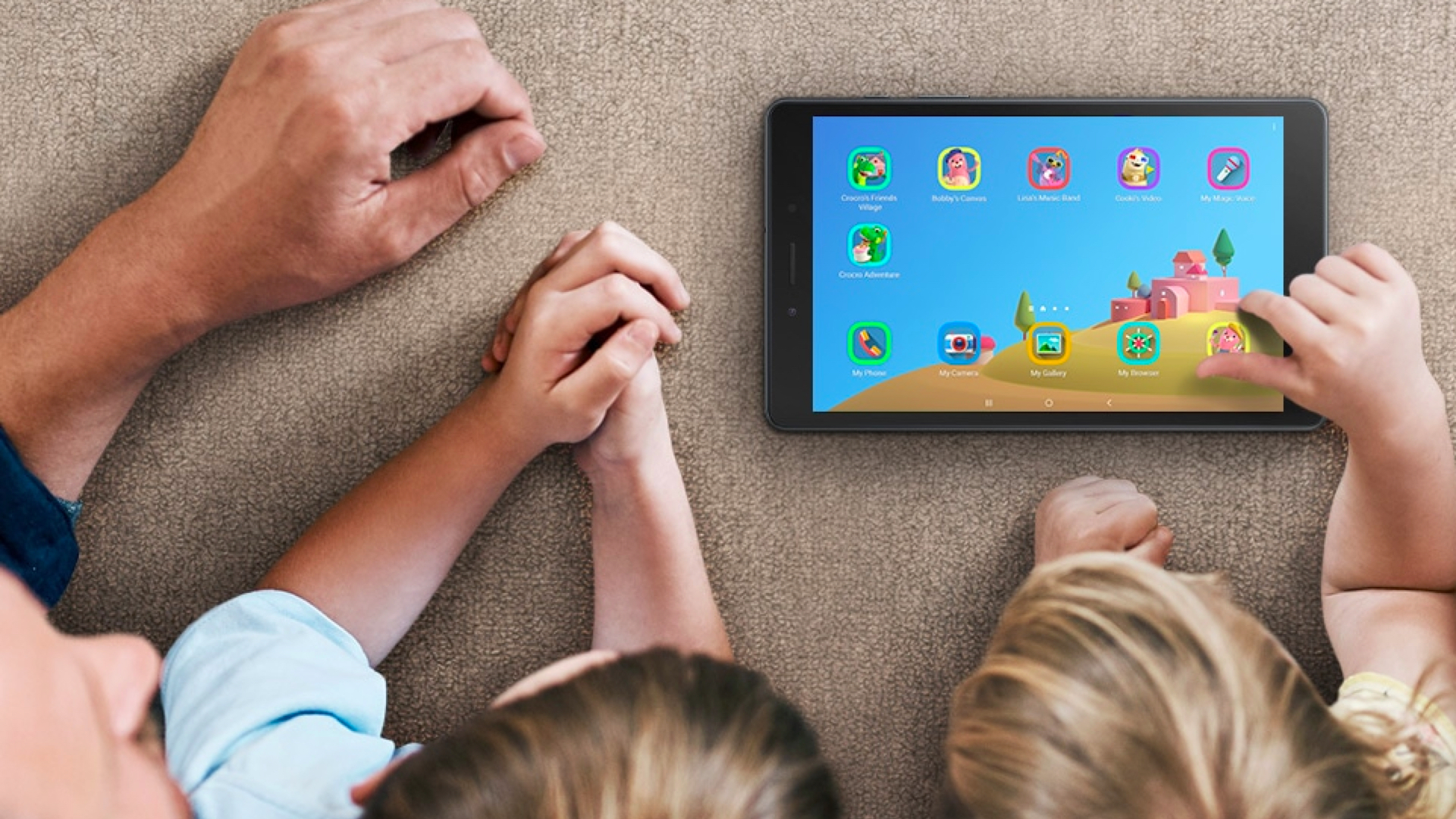
The best tablet for kids isn't the same as it would be for adults. Generally, a dedicated kids tablet from Amazon or Samsung is often a far better option for young children than a fully fledged iPad Pro or similar.
Typically, kids tablets are hardier than their adult counterparts so they can withstand a few knocks and drops. They're often cheaper too as they tend to pack lower-spec processors due to not requiring the high-end performance you might need for work or video calls.
Despite the relatively lower specs, such tablets are still ideal for playing games, watching films, reading books, or listening to music -- all the core activities your child is most likely to want to do with their gadget. Even better, these tablets tend to come at a fraction of the price of a modern smartphone. If your kids are stuck indoors for long periods or on a long journey with you, these tablets should keep your little ones happy.
Many tablets for kids also come with custom software which have parental controls activated by default, making it easier for you to monitor what they're installing or looking at.
Before you dive into purchasing a tablet for kids, it's worth thinking about what your child is most likely to use their device for in case there's a more appropriate alternative out there. If they love to read then something like the Amazon Kindle Kids Edition might be best. It comes in a child-friendly case and includes a year of Amazon Fire for Kids Unlimited.
If they're a big fan of gaming above everything else then a dedicated console like the Switch Lite or even the New Nintendo 2DS XL (if you can still find one) might be a better bet than a tablet. If you're convinced a tablet is the solution, read on as we break down the best tablet for kids.
(Image credit: Future)
1. Amazon Fire 7
Amazon's cheapest tablet is a winner for kids
Weight: 286g | Dimensions: 192 x 115 x 9.6mm | OS: Fire OS | Screen size: 7-inch | Resolution: 1,024 x 600 | CPU: 1.3GHz Quad-core | Storage: 16GB/32GB | Battery: up to 7 hours | Rear camera: 2MP | Front camera: VGA
Amazing value
Great selection of content
Underpowered tech
Disappointing stamina
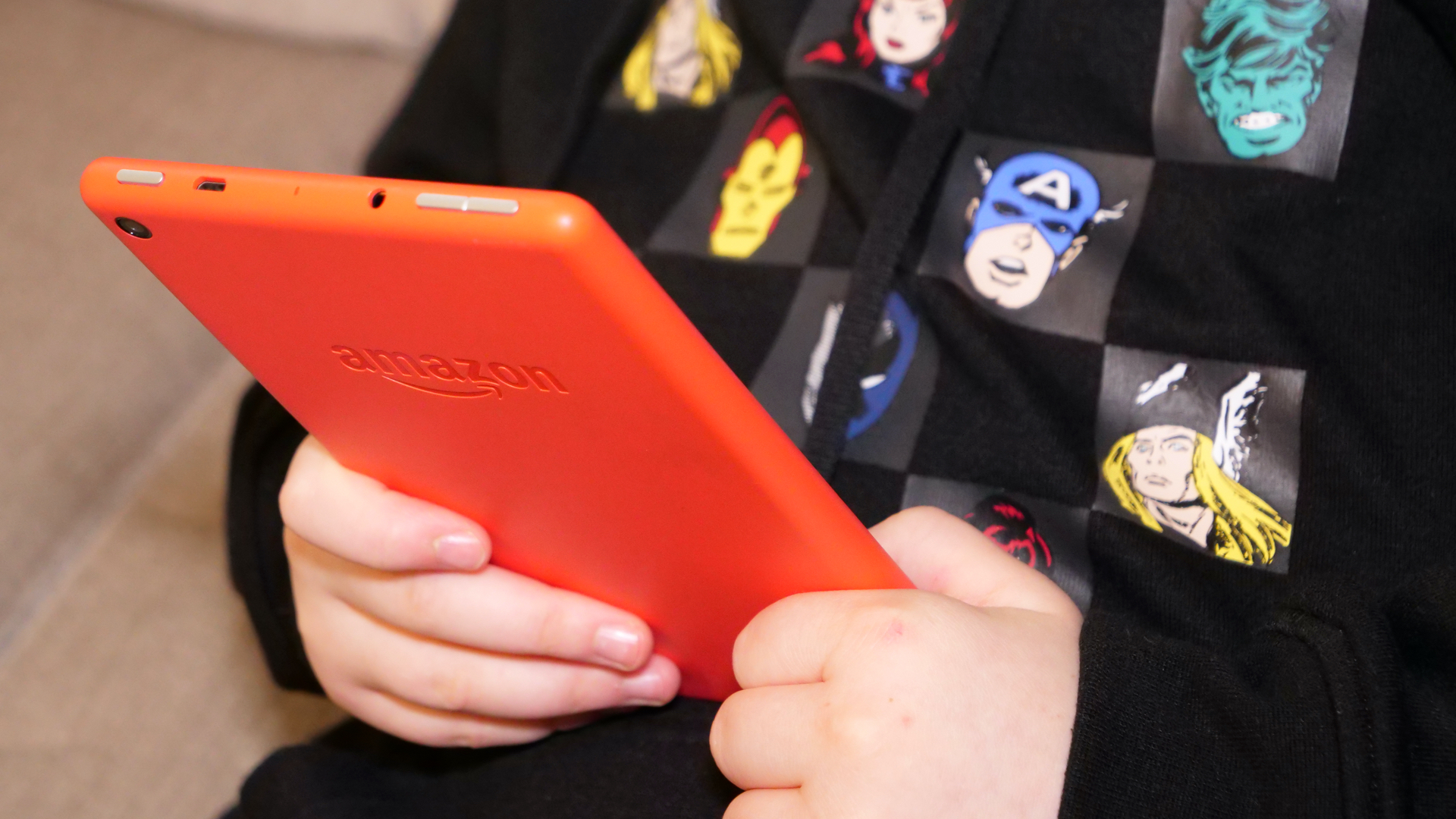
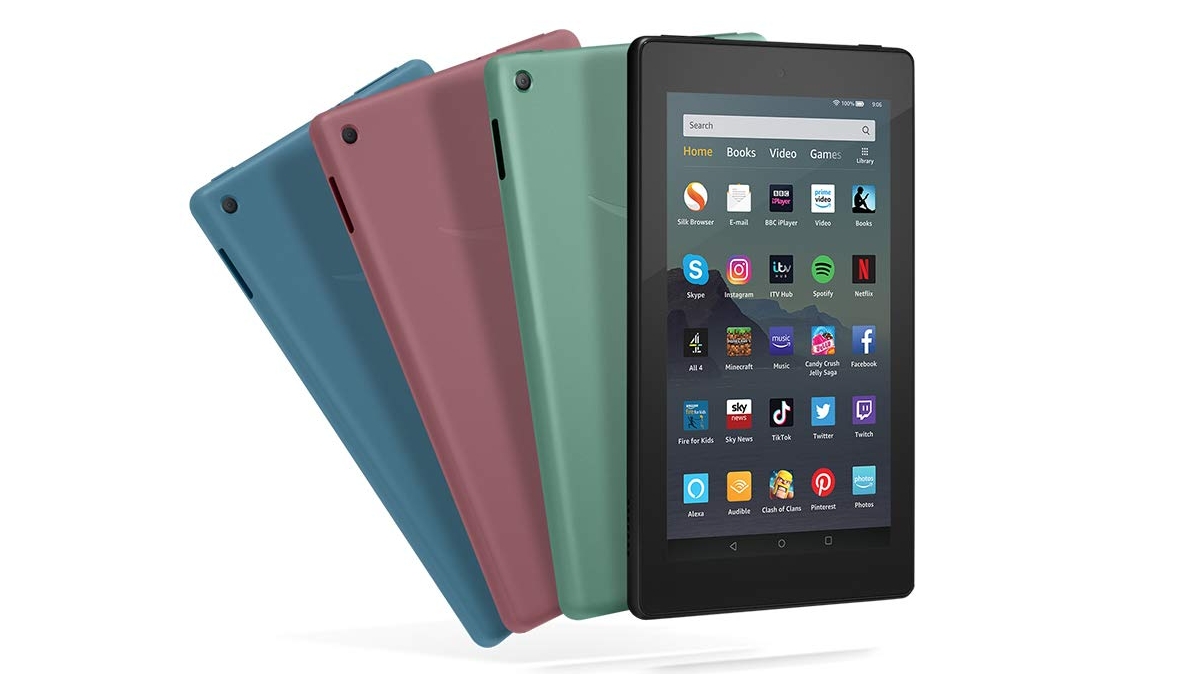
Amazon's Fire line has been around for ages, and has quite rightly cornered the market when it comes to cheap and cheerful tablets. The Fire 7 is one of the cheapest tablets around and comes in a range of bright colors, which makes it the ideal choice for school kids and teenagers looking for their first smart device.
You'll want to get to grips with the parental controls before handing it over to very young children and don't expect cutting-edge performance or exceptional battery life for the price, but it really is hard to think of any other tablet which can match the Fire 7 when it comes to price and sheer volume of content; Amazon's app store is stocked to bursting point.
A small screen slate built specifically for children
Weight: 550g | Dimensions: 233 x 184 x 26mm | OS: Fire OS | Screen size: 8-inch | Resolution: 1280 x 800 | CPU: quad-core | Storage: 32GB | Battery: up to 12 hours | Rear camera: 2MP | Front camera: 2MP
Durable
Comes with loads of content
Pricier than standard Fire tablets
Chunky
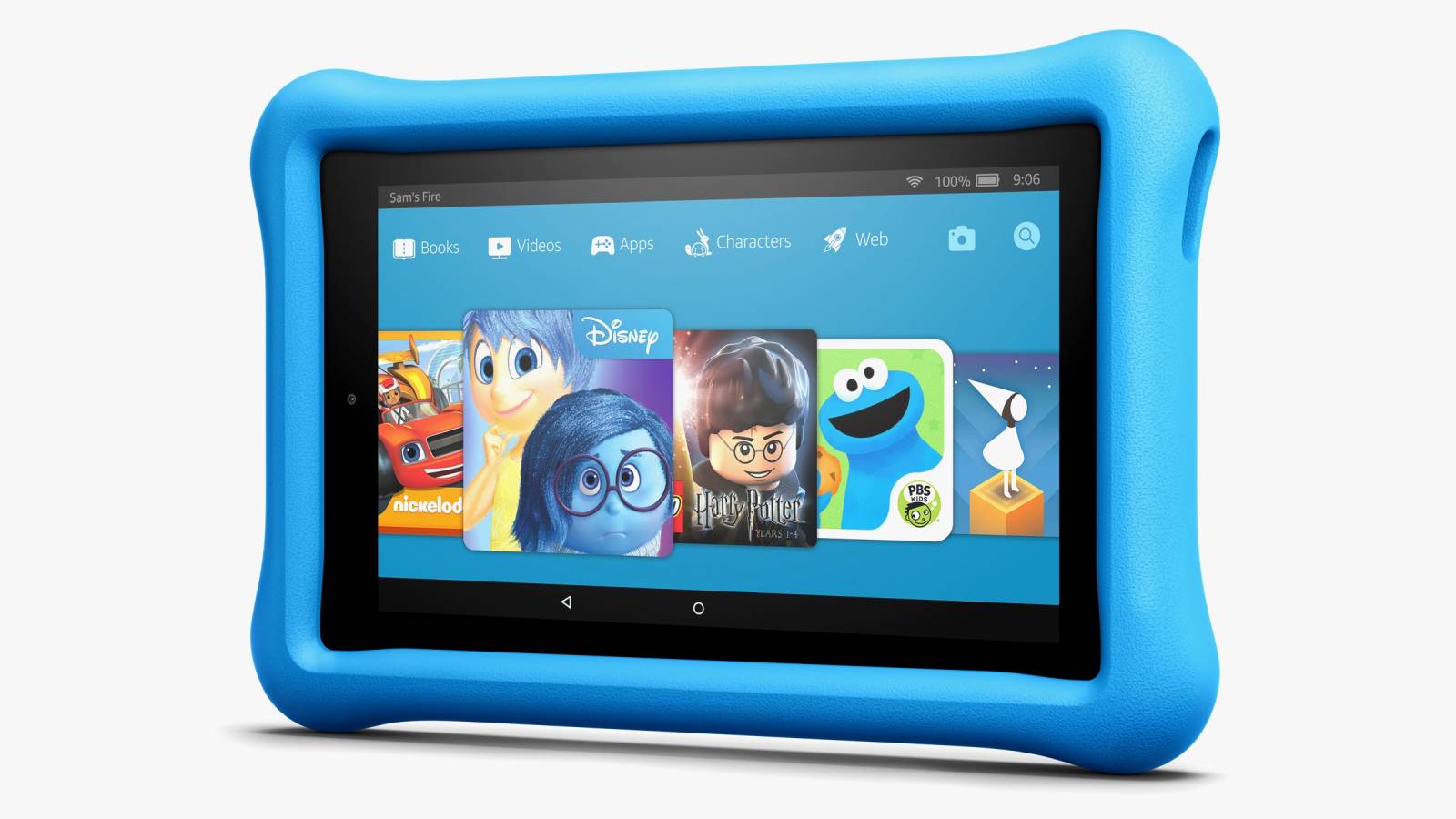
The Amazon Fire HD 8 Kids Edition (2020) is the latest version of Amazon’s kid-friendly 8-inch slate, and while it’s not a huge upgrade on the previous model it’s certainly the one to go for, as it has more power and storage than its predecessor, while still coming in at a low price.
Essentially it’s a kid’s version of the standard Amazon Fire HD 8 (2020), with the key strengths of this tablet including its durable, colorful shell, that will both appeal to children and withstand most accidents.
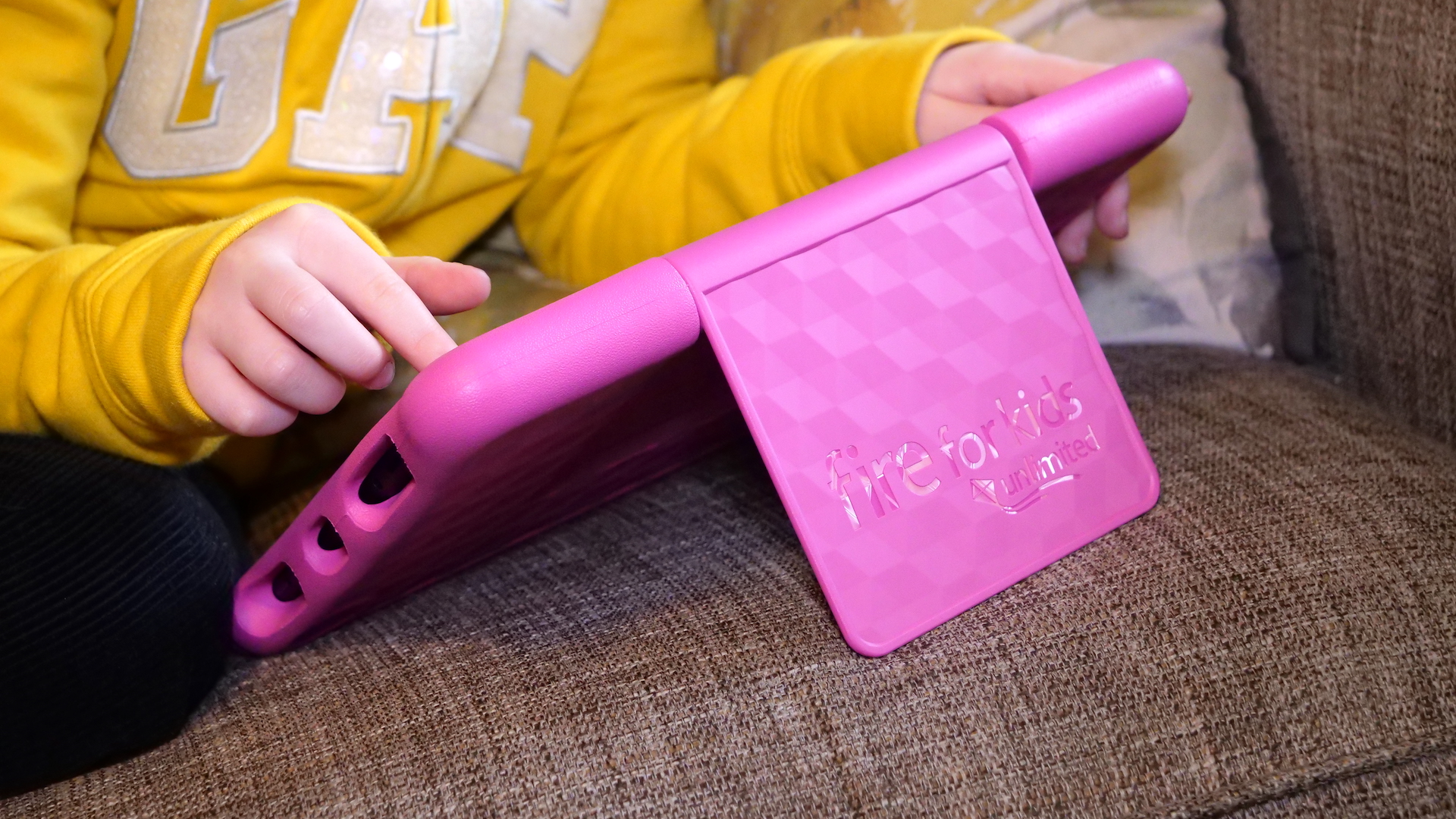
There’s also an adjustable stand built in, so children won’t have to hold the tablet to use it, and it comes with a one-year subscription to Fire for Kids Unlimited, giving you access to a wealth of kid-friendly apps, videos, and games.
(Image credit: Apple)
3. iPad 10.2 (2019)
Expensive for kids, but a fantastic choice
Weight: 483g | Dimensions: 251 x 174 x 7.5mm | OS: iPadOS | Screen size: 10.2-inch | Resolution: 1620 x 2160 pixels | CPU: A10 Fusion | RAM: 3GB | Storage: 32/128GB | microSD slot: No | Battery: Up to 10 hours | Rear camera: 8MP | Front camera: 1.2MP
Bigger screen than previous models
iPadOS has lots of apps
Older iPads are cheaper
You may need a case
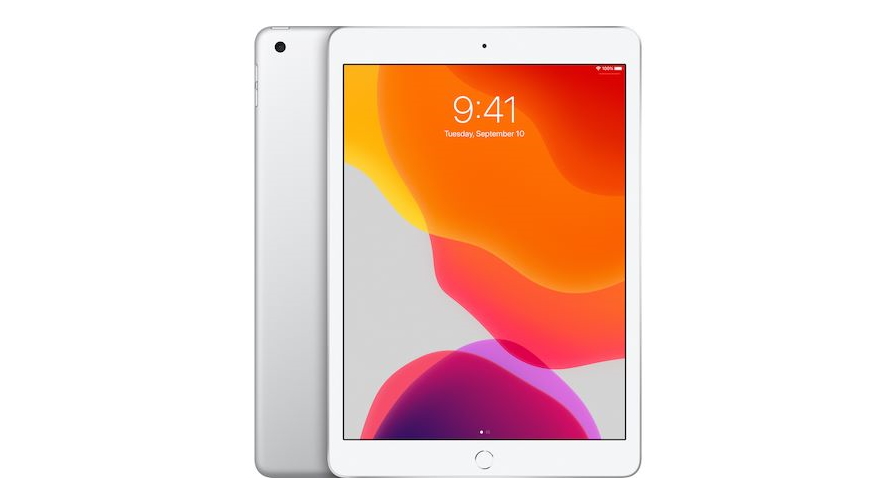
The iPad 10.2 is the cheapest tablet in Apple's range, and it may be a great choice for your kids. iPadOS is full of fantastic tools, apps and games for your children, and this is one of the cheapest options.
If you're worried about it getting damaged, you may want to buy a case for the iPad 10.2 as well. This isn't going to the be the most durable option you'll find on this list.
We've also opted for the older 2019 edition, instead of the latest iPad 10.2 that was released in 2020. That is still a great option for kids if you're looking for a even faster tablet, but this 2019 edition isn't that different and won't cost as much as the 2020 version.
Weight: 345g | Dimensions: 210 x 124.4 x 8mm | OS: Android | Screen size: 8-inch | Resolution: 800 x 1280 | CPU: quad-core | Storage: 32GB | Battery: N/A | Rear camera: 8MP | Front camera: 2MP
Great design
Decent specs for the price
Still not quite cutting-edge
No protection
If you've got an older child or fashion-conscious teen then they might not thank you for buying a tablet which comes with a brightly-colored bumper or crayon-like stylus.
If an iPad is still out of the question then Samsung's Galaxy Tab A8 could present the ideal middle ground; it's got a mature design and decent specifications but offers the option of adding parental controls so you can still have some peace of mind.
The best thing is that as your teenager gets older, they don't need to discard the Galaxy Tab 8 as you can remove the controls (assuming you trust them) and viola – it becomes a tablet for a grown-up (well, a grown-up child, at least). Samsung's reputation for quality and design shines through on this reasonably-priced slate, so it's well worth a look.
(Image credit: Future)
5. Amazon Fire HD 10 Kids Edition
A large, pin-sharp screen and bumper protection
Weight: 778g | Dimensions: 292 x 206 x 26mm | OS: Fire OS | Screen size: 10.1-inch | Resolution: 1920 x 1200 | CPU: octa-core | Storage: 32GB/64GB | Battery: up to 12 hours | Rear camera: 2MP | Front camera: 2MP
Amazing screen
Comes with Fire For Kids Unlimited
Expensive
Quite bulky
Amazon's 10-inch kids tablet offers a crisp IPS 1080p screen that's great for playing games and watching movies on, and also provides plenty of display real estate for kids who are just starting to find their love of reading.
Like several of Amazon's other tablets, the Fire HD 10 is available in a 'Kids Edition' package which slaps a massive rubber bumper on for protection and allows you to enable controls which prevent your children from viewing questionable content. The catch is that the Fire HD 10 is quite expensive, and that massive screen means an equally massive footprint, which some younger users may find too unwieldy.
However, you do get a year of Fire For Kids Unlimited, which provides free age-appropriate content for your precious ones.
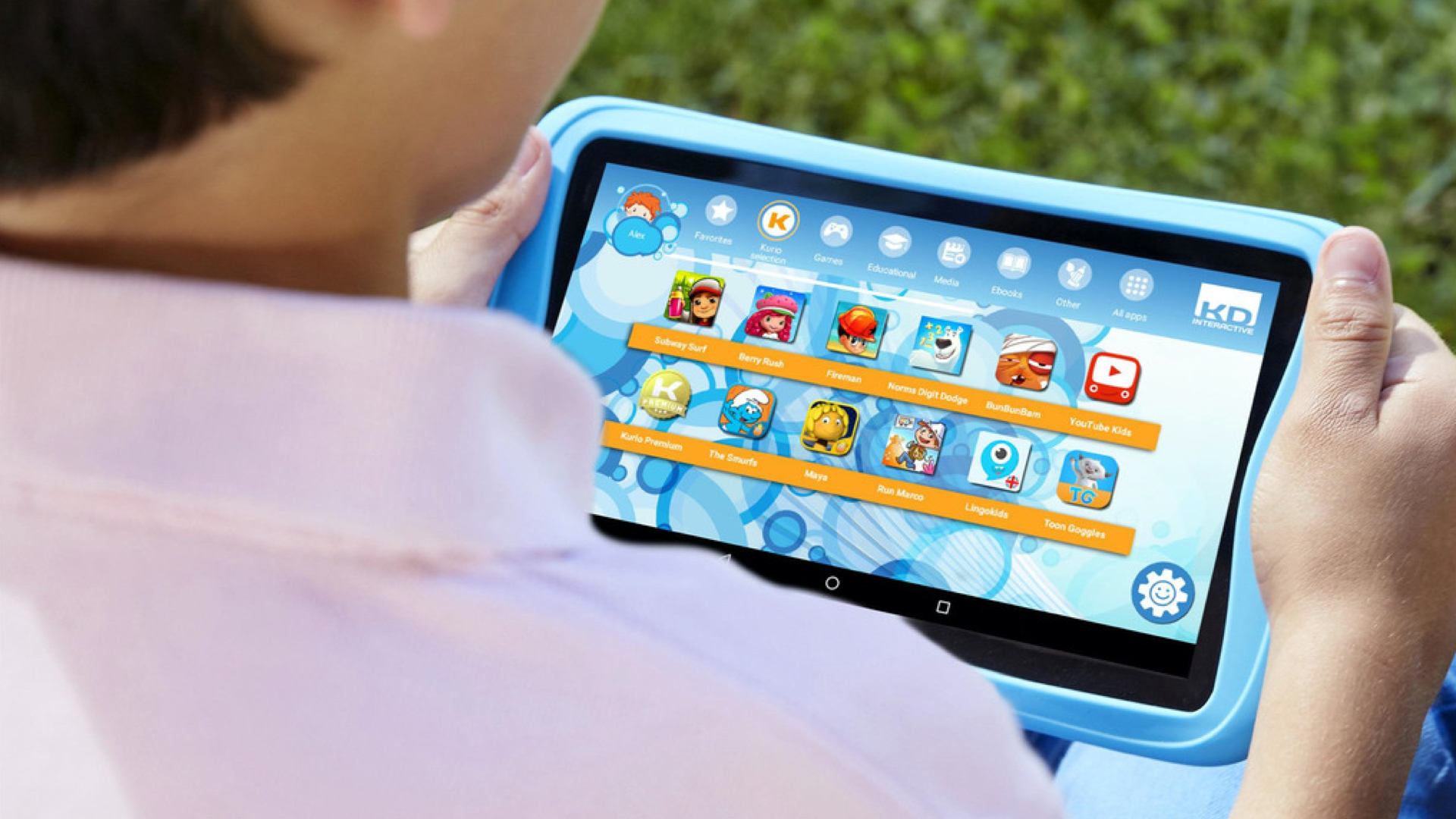
Kurio's speciality in making tech for younger users so you'd expect the company to have a fairly assured grasp of what's required from such a device.
The Kurio Tab Advance has a protective bumper to prevent damage from accidental drops and a host of detailed controls which mean you have peace of mind at all times; the web filter, for example, automatically blocks inappropriate content.
However, this is still a pretty capable Android-based tablet which can access the Google Play Store so, as your child grows, they can download content which evolves at the same rate as their minds.
On the downside, the screen is a bit of a letdown and, like many tablets aimed at kiddies, the processor is quite weak compared to what's available elsewhere. The camera is also something of a disappointment, but it gets the job done regardless.
(Image credit: LeapFrog)
7. LeapFrog Epic
A child-friendly tablet with software that grows as your child does
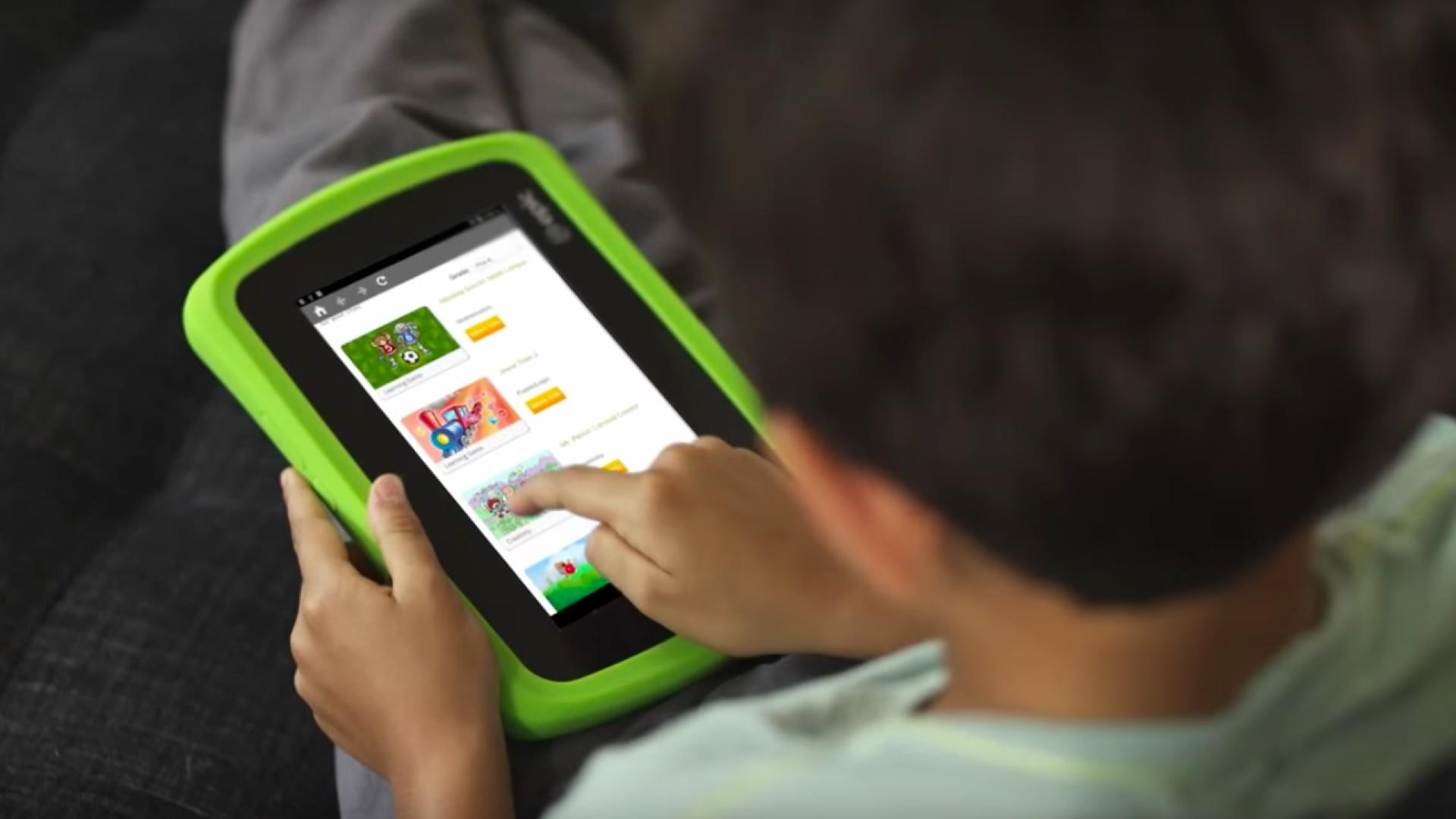
LeapFrog is a name that will be instantly familiar to many parents – the brand has been responsible for countless electronic devices aimed at very young children – and the Epic (which stands for 'Explore, Play, Imagine, Create', in case you were wondering) is the company's most advanced tablet yet.
While the tech is admittedly unimpressive – it has an average screen and a sluggish processor – the Epic's strength is that the whole experience is tailored for very young users. While it's running Google's Android OS, LeapFrog has customized the UI with bespoke features like daily gifts and the whole system is designed to 'grow' as your child does.
Stringent parental controls are a given, and the rubber bumper, shatter-proof display, MicroSD card slot and bundled stylus round off a package that's ideal for especially young users.
Didn't find what you needed? Try our full best tablet list
The best iPad for you depends on what you need or want from your iPad purchase. There's no shortage of options out there with Apple's range including standard iPads, mid-spec Air models, compact mini editions, and the high-performing Pro iteration too. It can be tricky to know which model iPad is best for you, so we're here to help with a guide to the best Apple iPads.
This guide is regularly updated because the answer changes frequently due to new iPads launching multiple times a year. Right now, there are rumors of a new iPad Pro currently in the works although we're still waiting for the official word from Apple.
For now, our list includes relatively recent arrivals including the iPad Air 4 (2020) and we're expecting to feature the current iPad Pro 2020 soon, once we've finished putting it through an in-depth review.
We’ve ranked them from best to worst, and included a detailed overview of what makes each so good. This should be the one and only place you'll need to check to find the best iPad for you – though we’ve also included links to our reviews of each model, so you can take an even closer look at them. Don't ignore the date next to each model name. We generally recommend the most recent version of each iPad, but we won't list tablets we haven't fully tested yet.
While there’s an iPad suited to most people, if you decide Apple’s devices aren’t for you then make sure to also check out our best tablet, best Android tablet, and best cheap tablet guides for other options.
Best iPads in 2021 at a glance:
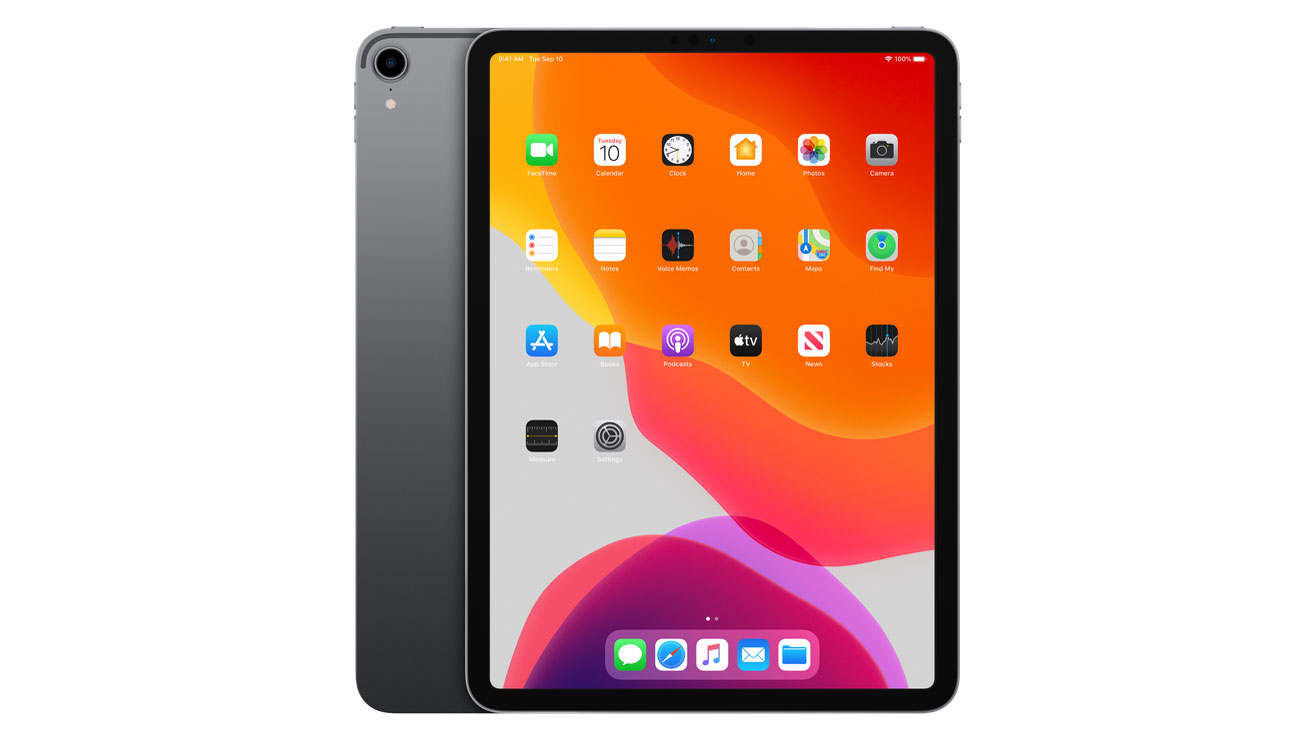
iPad Pro 11 (2018)
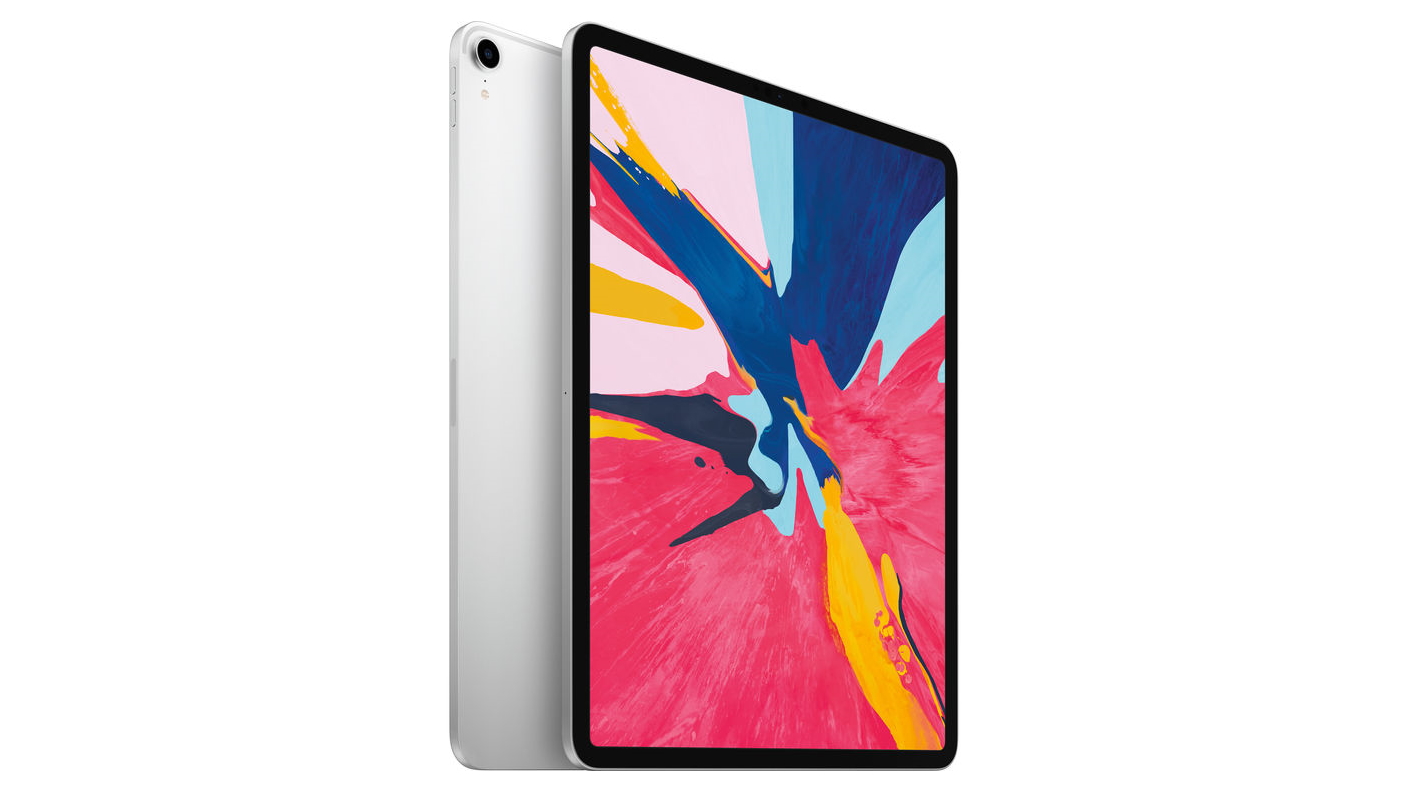
iPad Pro 12.9 (2018)
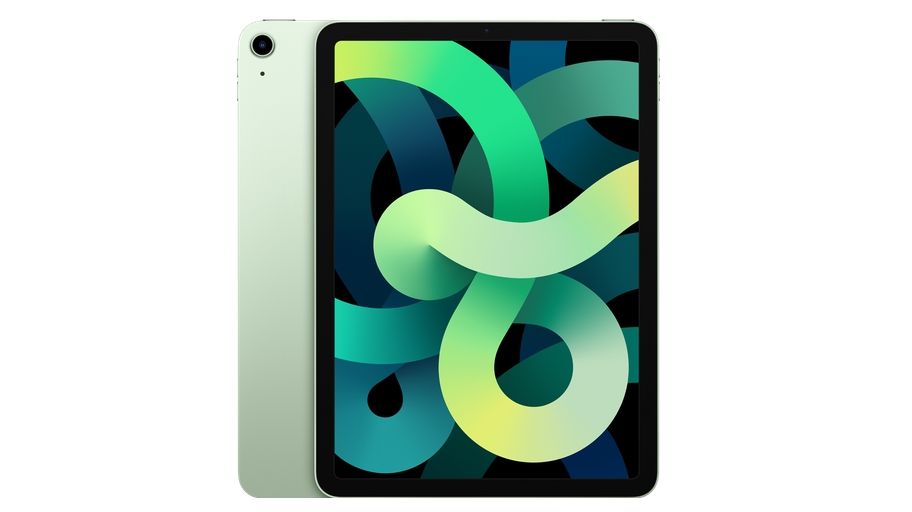
iPad Air 4 (2020)
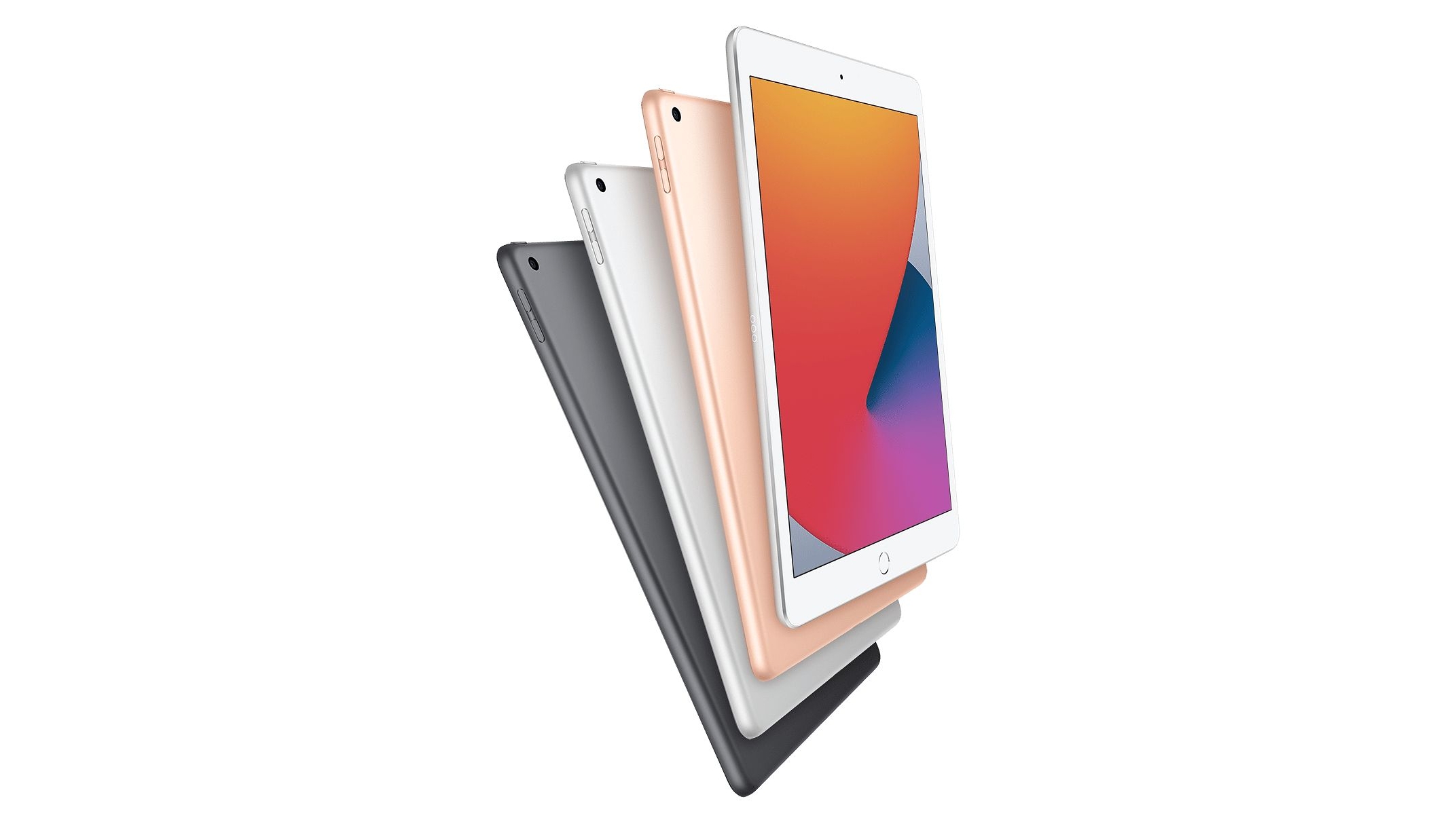
iPad 10.2 (2020)
iPad Mini (2019)
iPad Pro 10.5 (2017)
iPad Air 3 (2019)
iPad 10.2 (2019)
iPad 9.7 (2018)
iPad 9.7 (2017)
Best iPads 2020: which is the best iPad you can get right now?
(Image credit: Apple)
1. iPad Pro 11 (2018)
The best iPad you can buy right now
Weight: 468g | Dimensions: 247.6 x 178.5 x 5.9 mm | OS: iPadOS 14 | Screen size: 11-inch | Resolution: 2388 x 1668 pixels | CPU: A12X Bionic | Storage: 64GB/256GB/512GB/1TB | microSD slot: No | Battery: 7,812mAh | Rear camera: 12MP | Front camera: 7MP
Pencil clips on, finally
Insane amount of power for a tablet
Software limits laptop experience
Pencil and keyboard expensive extras
The iPad Pro 11 is the best iPad you can buy right now. It may be expensive, but it's Apple's most powerful tablet and furthers the 2-in-1 design ethos if you spring for the pricey new keyboard cover folio.
It has a laptop-like experience in design and performance, and the new Apple Pencil magnetically clips onto the frame of the new iPad Pro. With superb speakers and a great new screen-to-body ratio, it's hard not to fall in love with the finely crafted hardware design.
And with the arrival of iPadOS its software has been transformed, making it even better than it was at launch.
However, it doesn't have a headphone jack. If you want the standard 3.5mm jack in a computer-like device, you'll spring for an actual computer.
Everything about the iPad Pro 11 makes it the best experience if you're looking for the best Apple tablet - you'll just need to swallow the high price - but it's no MacBook replacement.
Note however that the iPad Pro 11 covered here isn't the latest version. There's now an iPad Pro 11 (2020), but we haven't fully reviewed that yet.
Weight: 632g | Dimensions: 280.6 x 214.9 x 5.9 mm | OS: iPadOS 14 | Screen size: 12.9-inch | Resolution: 2048 x 2732 pixels | CPU: A12X Bionic | Storage: 64GB/256GB/512GB/1TB | microSD slot: No | Battery: 9,720mAh | Rear camera: 12MP | Front camera: 7MP
Massive display
Unrivalled music quality
Low battery life
Short range for Face ID
The iPad Pro 12.9 (2018) is a big monster – monster in the good kind of way, as it effortlessly crushes half the things you need in your life – goodbye mobile phone, laptop, coloring pad, music mixing table, games console. It's the ultimate creativity and workflow tool, with its huge screen, useful peripherals and snappy iOS.
It has the fastest processing power we've ever seen in a mobile device, four powerful speakers and a vibrant screen and, depending on which model you get, more storage power than you'd ever need.
It doesn't have the best battery life though, so it's not going to last you too long. You might not be able to use it for long periods of time watching films on a journey or mixing your music, and it charges rather slowly too.
All in all, the iPad Pro 12.9 (2018) is one of the best iPads you can buy right now, but if you don't need its huge display, the slighter cheaper iPad Pro 11 will save you a few bucks and be more portable.
It's worth noting that the iPad Pro 12.9 above isn't the latest model though, that's the iPad Pro 12.9 (2020). We haven't fully reviewed that yet, but keep an eye on this list to see where it ranks.
Weight: 458g | Dimensions: 247.6 x 178.5 x 6.1mm | OS: iPadOS 14 | Screen size: 10.9-inch | Resolution: 1640 x 2360 pixels | CPU: A14 Bionic | Storage: 64GB/256GB | microSD slot: No | Battery: Up to 10 hours | Rear camera: 12MP | Front camera: 7MP
All-screen design
Lots of power
64GB storage is limited
Higher price than last-gen
The iPad Air 4 (2020) is almost an iPad Pro, yet it’s a whole lot cheaper than any recent Pro model, making it a very tempting buy for all but the most demanding of users.
It looks a lot like an iPad Pro for one, with its all-screen front, and like an iPad Pro it supports both the second-gen Apple Pencil and the Smart Keyboard.
It also has an enormous amount of power thanks to its A14 Bionic chipset – that’s the same as you’ll find in the iPhone 12 range, and actually newer than the chipset in the iPad Pro (2020) range. Plus there are four powerful speakers, a decent (albeit 60Hz) 10.9-inch screen, and good battery life.
The iPad Air 4 also comes in a wide range of colors, which isn’t something you can say about other recent Apple tablets.
Apple's newest basic iPad is more of the same, but that's okay
Weight: 490g | Dimensions: 250.6 x 174.1 x 7.5mm | OS: iPadOS 14 | Screen size: 10.2-inch | Resolution: 1620 x 2160 pixels | CPU: A12 Bionic | RAM: 3GB | Storage: 32/128GB | microSD slot: No | Battery: Up to 10 hours | Rear camera: 8MP | Front camera: 1.2MP
Excellent value
Strong performance
Very little change
Only 1.2MP selfie camera
The iPad 10.2 (2020) isn’t the most thrilling of updates, as it’s really only a modest improvement on 2019’s iPad 10.2, but it’s still an improvement, and that makes it the best 10.2-inch iPad you can buy, and also arguably the best cheap iPad.
Its A12 Bionic chipset is faster than its predecessor’s processor, and the 20W charger in the box ensures you can also juice it up more quickly.
Plus, the iPad 10.2 (2020) has all the great features you’d expect, including support for the Apple Pencil and Smart Keyboard, plus strong battery life. The selfie camera doesn’t impress and storage starts low, but opt for a 128GB model and you’ll have an impressive and versatile tablet on your hands.
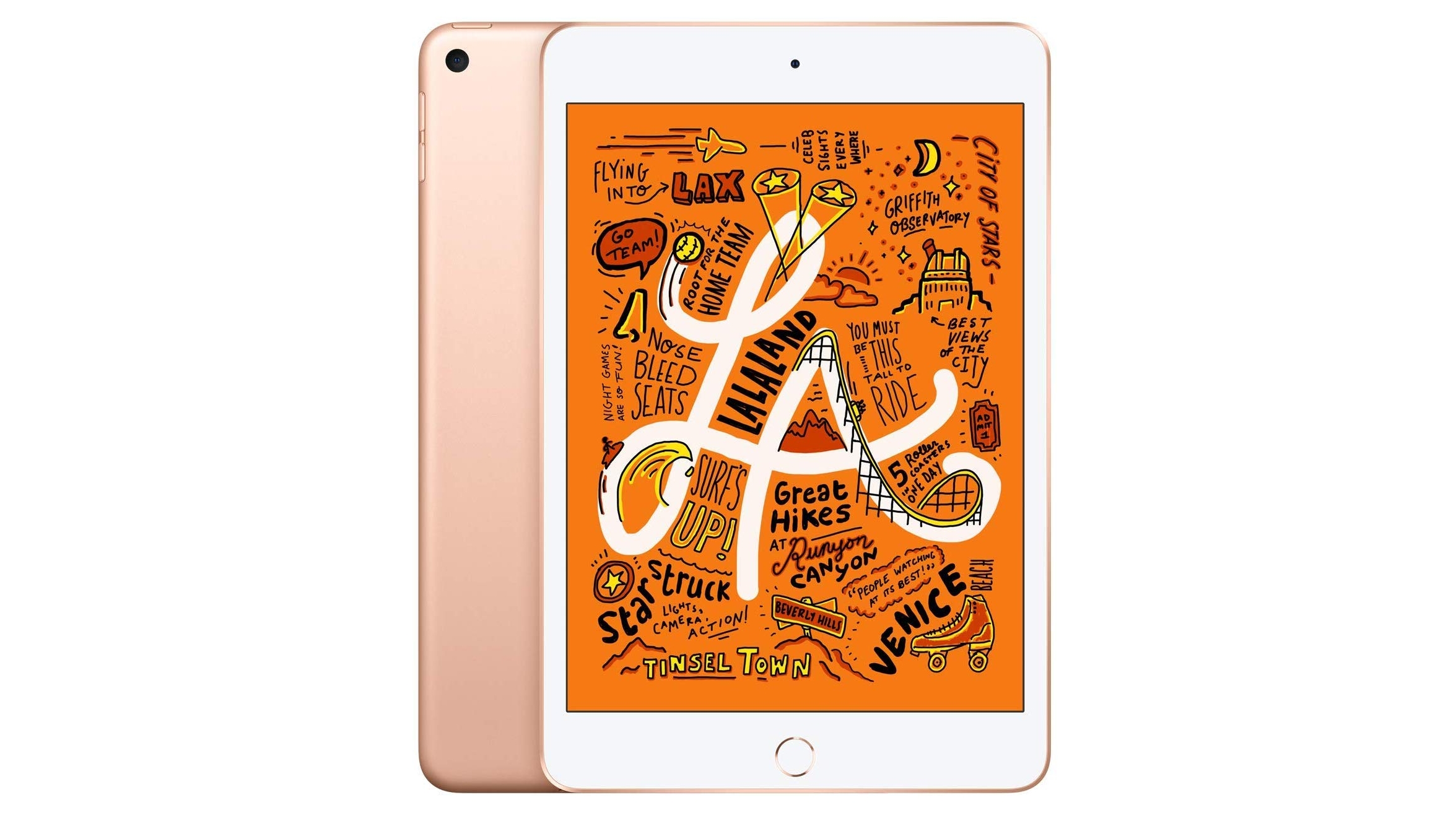
Weight: 304g | Dimensions: 203.2 x 134.8 x 6.1 mm | OS: iPadOS 14 | Screen size: 7.9-inch | Resolution: 1536 x 2048 pixels | CPU: A12 Bionic | Storage: 64GB/256GB | microSD slot: No | Battery: 5,124mAh | Rear camera: 8MP | Front camera: 7MP
Perfect portable size
Surprisingly powerful specs
Bezel-heavy design
Uses the older Apple Pencil
Sometimes with a tablet you just want a slightly plus-sized phone, and the iPad Mini (2019) fits that bill. It's a dinky device with some impressive specs, boasting Apple's most recent processor and a decent battery life.
What makes the iPad Mini (2019) great is the fact you can use the Apple Pencil alongside it, turning the iPad Mini into a tiny notebook in your pocket.
The iPad Mini is one of the best small tablets you can get at its price point, so if you're looking for an easily totable pocket powerhouse, you can't get much better than this little monster.
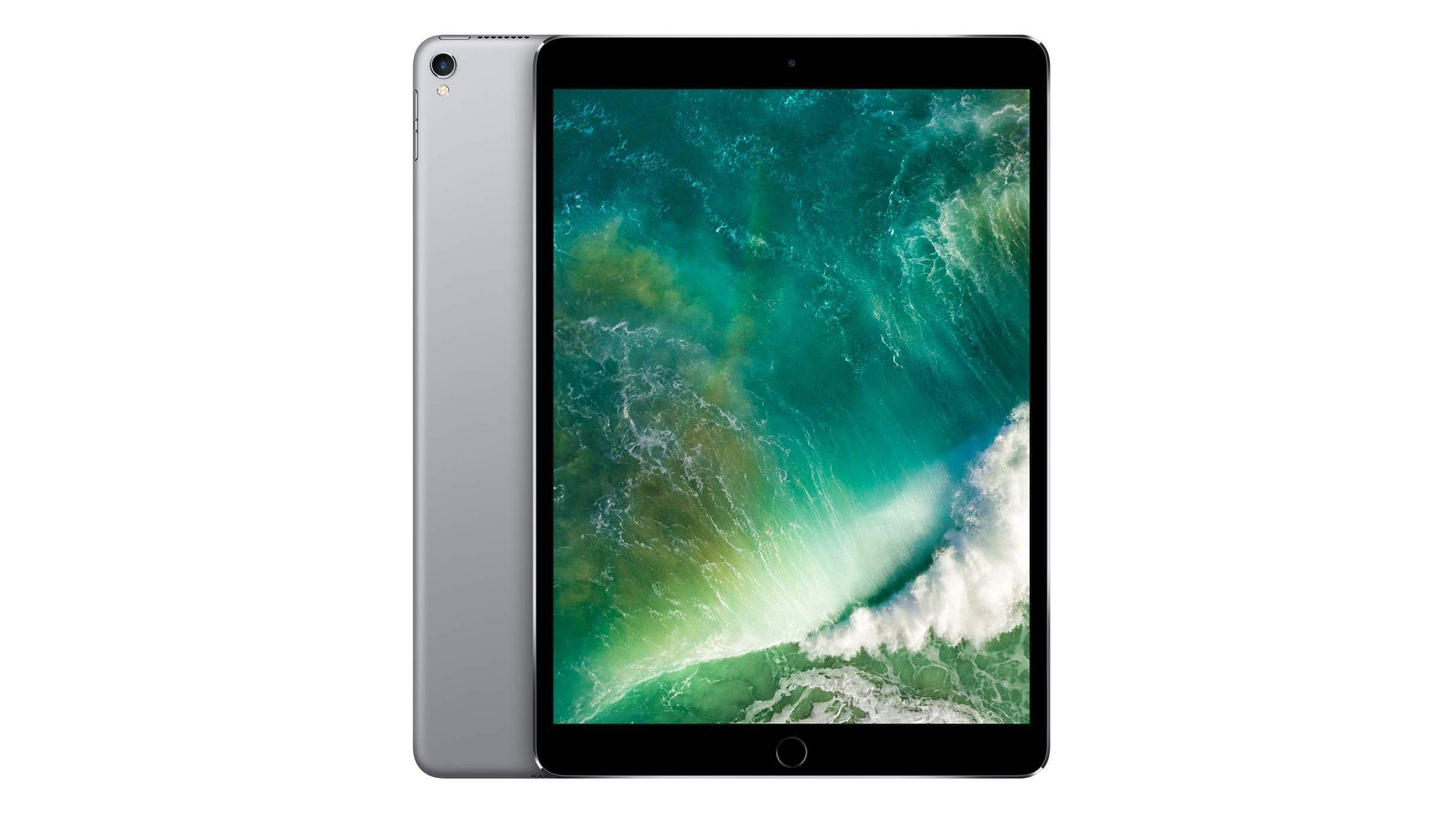
Weight: 469g | Dimensions: 250.6 x 174.1 x 6.1 mm | OS: iPadOS 14 | Screen size: 10.5-inch | Resolution: 1668 x 2224 pixels | CPU: A10X Fusion | RAM: 4GB | Storage: 64GB/256GB/512GB | microSD slot: No | Battery: 8,134mAh | Rear camera: 12MP | Front camera: 7MP
Great speakers
512GB version
Screen adds a lot of expense
Still not quite a laptop replacement
The iPad Pro 10.5-inch version is an all-star tablet which has since been superseded by the iPad Pro 11. There's good news for the Pro 10.5 though, as this means it's now cheaper - though it's also no longer sold direct from Apple.
Its bright ProMotion Retina HD screen is its best selling point. It adds an impressive layer of fluidity to daily use - if not strictly necessary - and the smaller bezels means you're getting far more display in a footprint not much bigger than 2016's 9.7.
It's an iPad for the professionals - but also one that media munchers will adore using.
It takes advantage of the Apple Pencil and several tablet-focused features like the dock, Control Center and Instant Markup with the stylus. If you invest in the recommended Smart Keyboard, you can attach it to a Pro-level iPad without jumping through all of the hoops of Bluetooth.
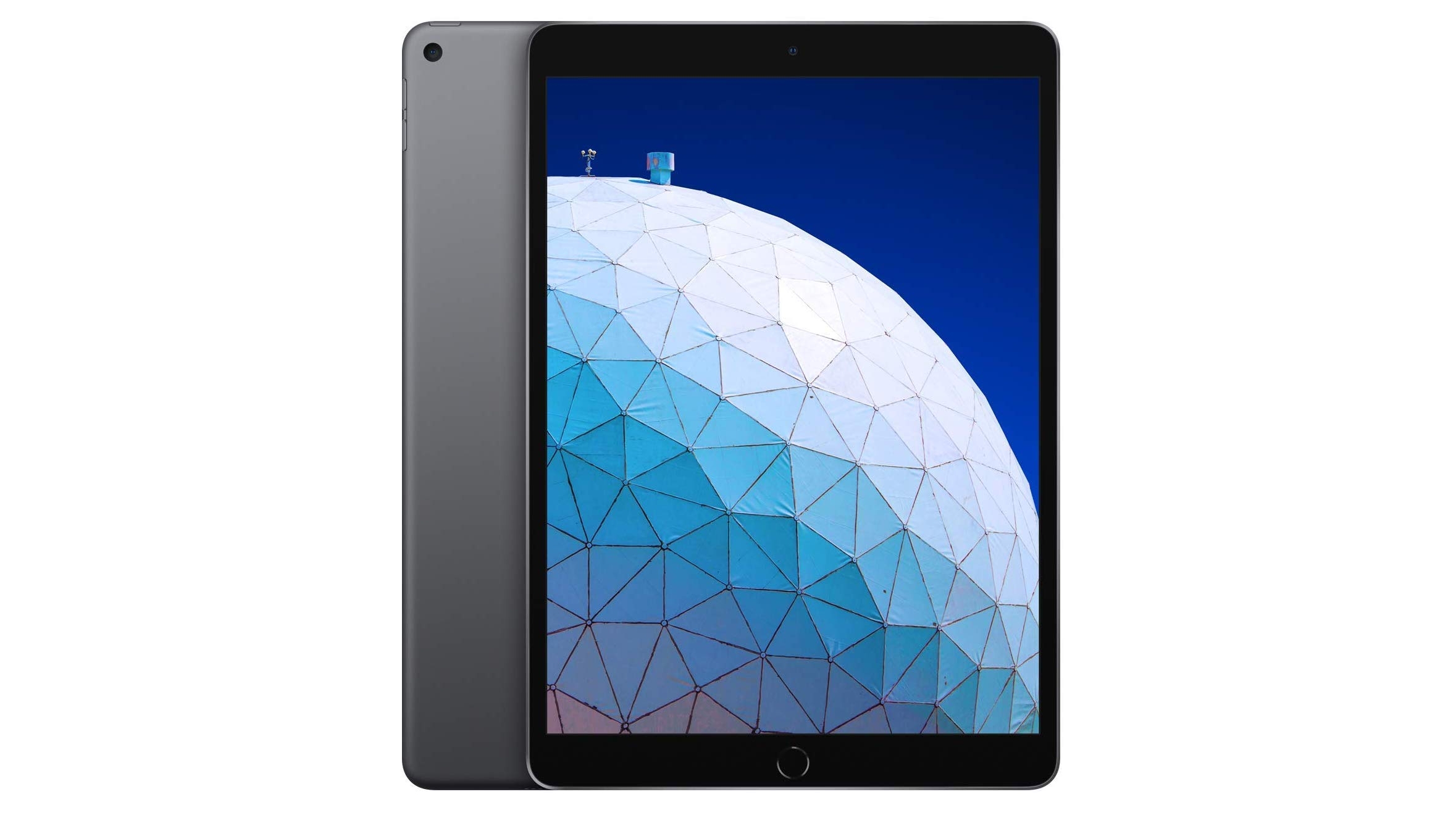
Weight: 456g | Dimensions: 250.6 x 174.1 x 6.1 mm | OS: iPadOS 14 | Screen size: 10.5-inch | Resolution: 1668 x 2224 pixels | CPU: A12 Bionic | Storage: 64GB/256GB | microSD slot: No | Rear camera: 8MP | Front camera: 7MP
Brilliant-looking laminated screen
Cheapest Smart Keyboard iPad
Uses the 1st Gen Apple Pencil
Traditional design doesn't wow
The iPad Air, with a 10.5-inch screen, is the ultimate compromise between the entry-level iPads and the more powerful, but more expensive iPad Pro 11. It sits at the original iPad price in most countries, so it's cheaper than the iPad Pro 10.5 (2017) that it replaces, and although it isn't a 'Pro' tablet in name, it has several high-end features that make it a convincing laptop supplement.
It's one of the cheaper iPad models that's compatible with Apple's Smart Keyboard Cover, meaning you don't need to deal with tricky Bluetooth keyboard connections to get real work done on this thing.
It also has Apple's A12 chipset, borrowed from the iPhone XS. It's incredibly fast. Students will be able to take notes and respond to email on this tablet, but artists will hate the first-generation Apple Pencil.
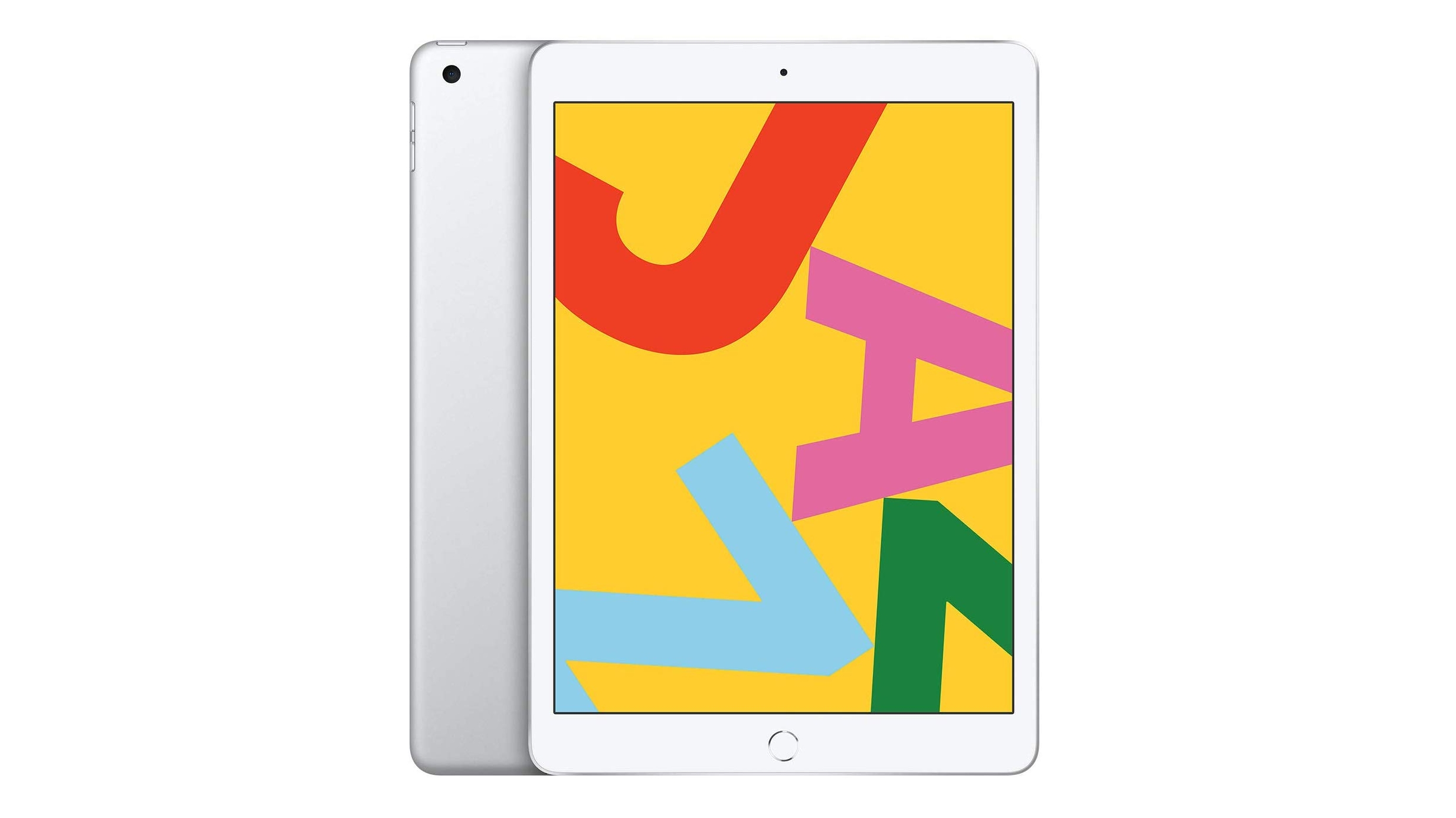
Weight: 483g | Dimensions: 250.6 x 174.1 x 7.5mm | OS: iPadOS 14 | Screen size: 10.2-inch | Resolution: 1620 x 2160 pixels | CPU: A10 Fusion | RAM: 3GB | Storage: 32/128GB | microSD slot: No | Battery: 8,827mAh | Rear camera: 8MP | Front camera: 1.2MP
Slightly bigger screen
Works with the Smart Keyboard
Marginally better than iPad 9.7
iPad Air is superior for sketching
The iPad 10.2 (2019) brings Apple’s basic tablet range a step closer to the iPad Pro line – or at least the latest iPad Air - with the addition of Smart Keyboard support and a slightly larger screen, growing from 9.7 inches to 10.2 inches.
The iPad 10.2 also got a power boost, with an extra gigabyte of RAM compared to the iPad 9.7 (2018), though it’s stuck with the same A10 chipset.
It also has broadly the same design, meaning big bezels and a home button. So if you want one of Apple’s sleekest slates, this isn’t it.
But with strong battery life, decent performance, and a fairly low price – at least by Apple standards – there’s a lot to like here, especially if you want some of Apple’s best iPad features on a more limited budget.
Weight: 469g | Dimensions: 240 x 169.5 x 7.5mm | OS: iPadOS 14 | Screen size: 9.7-inch | Resolution: 1536 x 2048 pixels | CPU: A10 Fusion | RAM: 2GB | Storage: 32/128GB | microSD slot: No | Battery: Up to 10 hours | Rear camera: 8MP | Front camera: 1.2MP
Affordable
Works with Apple Pencil
Its education ambitions are overhyped
Smart Keyboard Cover incompatible
This is a good Apple iPad for the average consumer and for education, even if it isn't the most powerful one available. It's still great value. That said, the newer iPad 10.2 has it beat for most users, and has the advantage of still being sold direct from Apple, which this model isn't.
The iPad (2018) replaces the very similar 2017 model, slotting in below the Pro and Air ranges with a dependable tablet that hasn't changed much in years - but Apple clearly feels it doesn't need to mess with success.
The basic iPad works with the Apple Pencil, offering you the cheapest way to doodle on the 9.7-inch glass - though you can't get the Smart Keyboard with this non-Pro model, for that you'll need the newer 10.2-inch one.
It also has the same luxurious metal unibody as the rest of Apple's iPad range, though notably it's ever-so-slightly thicker than the iPad Air 2 or iPad Pro at 7.5mm.
With the Touch ID fingerprint sensor included, iPadOS 13 under the hood and up to 10 hours of battery life when web browsing or watching videos, it's a great media player and a strong tablet choice if you're not planning to use it heavily for productivity.
Weight: 469g | Dimensions: 240 x 169.5 x 7.5mm | OS: iPadOS 14 | Screen size: 9.7-inch | Resolution: 1536 x 2048 pixels | CPU: Apple A9 | RAM: 2GB | Storage: 32/128GB | microSD slot: No | Battery: 8,827mAh | Rear camera: 8MP | Front camera: 1.2MP
Cheaper price
Good 9.7-inch screen
Only A9 chipset
No 256GB version
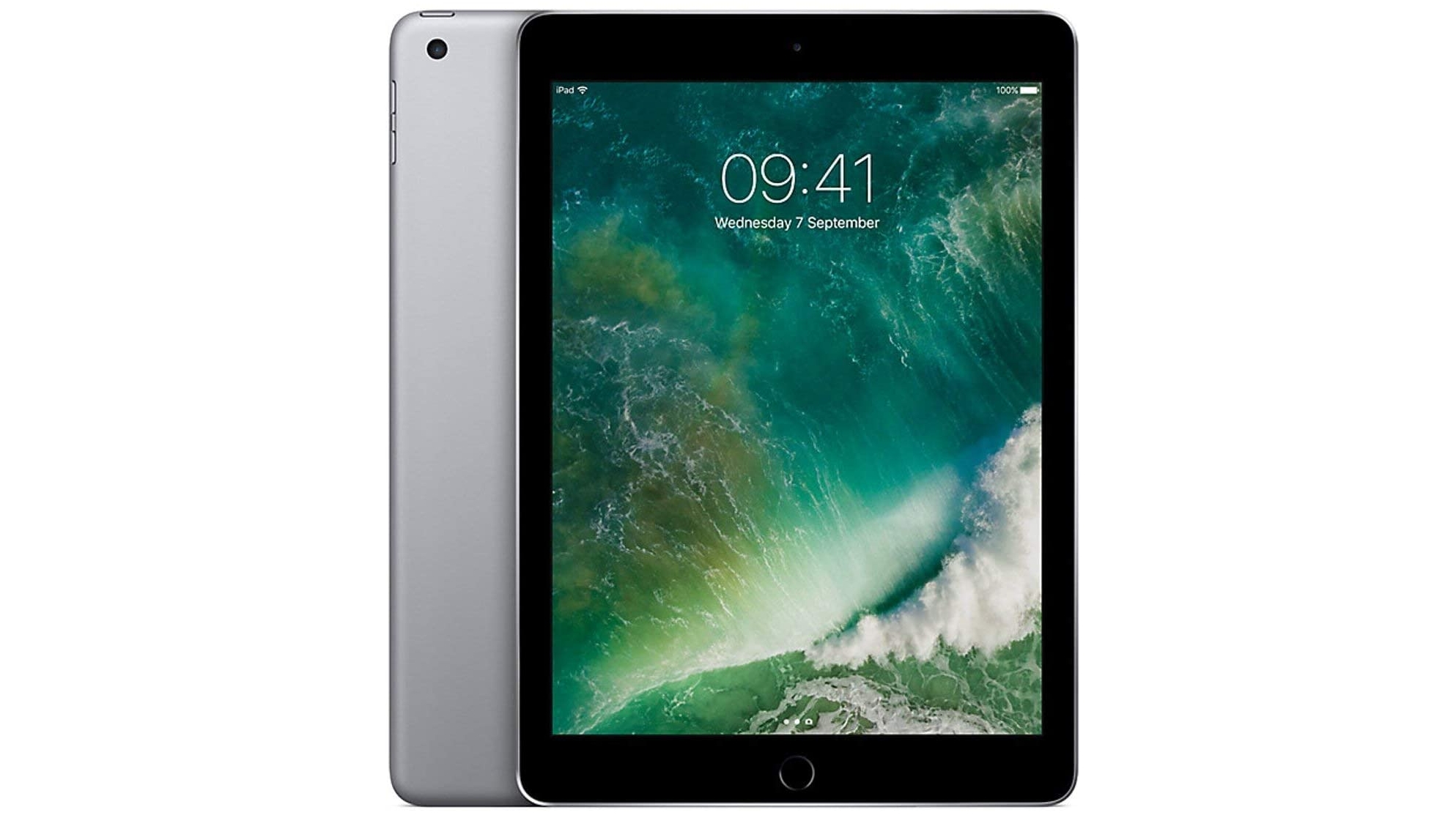
The iPad 9.7 (2017) is getting on a bit now, but it has aged with dignity, as it continues to support the latest iPad software at the time of writing, and it has a screen that holds up surprisingly well.
You also get decent speakers on the iPad 9.7 (2017), and the battery life is similar to more recent models, while the price – if you can find it – will be a lot lower.
The design and chipset are both a bit dated now, and it doesn’t support all the accessories of more recent models, so the iPad 9.7 (2017) is sure to start showing its age soon. But for now, if you’re on a tight budget it remains worth considering – especially if you mostly just want a tablet for media, basic apps and web browsing.
The best cheap tablet selection isn't as varied as the selection of the best cheap phones. That's because most tablets tend to be mid-range and above, with Apple’s iPad ranges being prime examples of that.
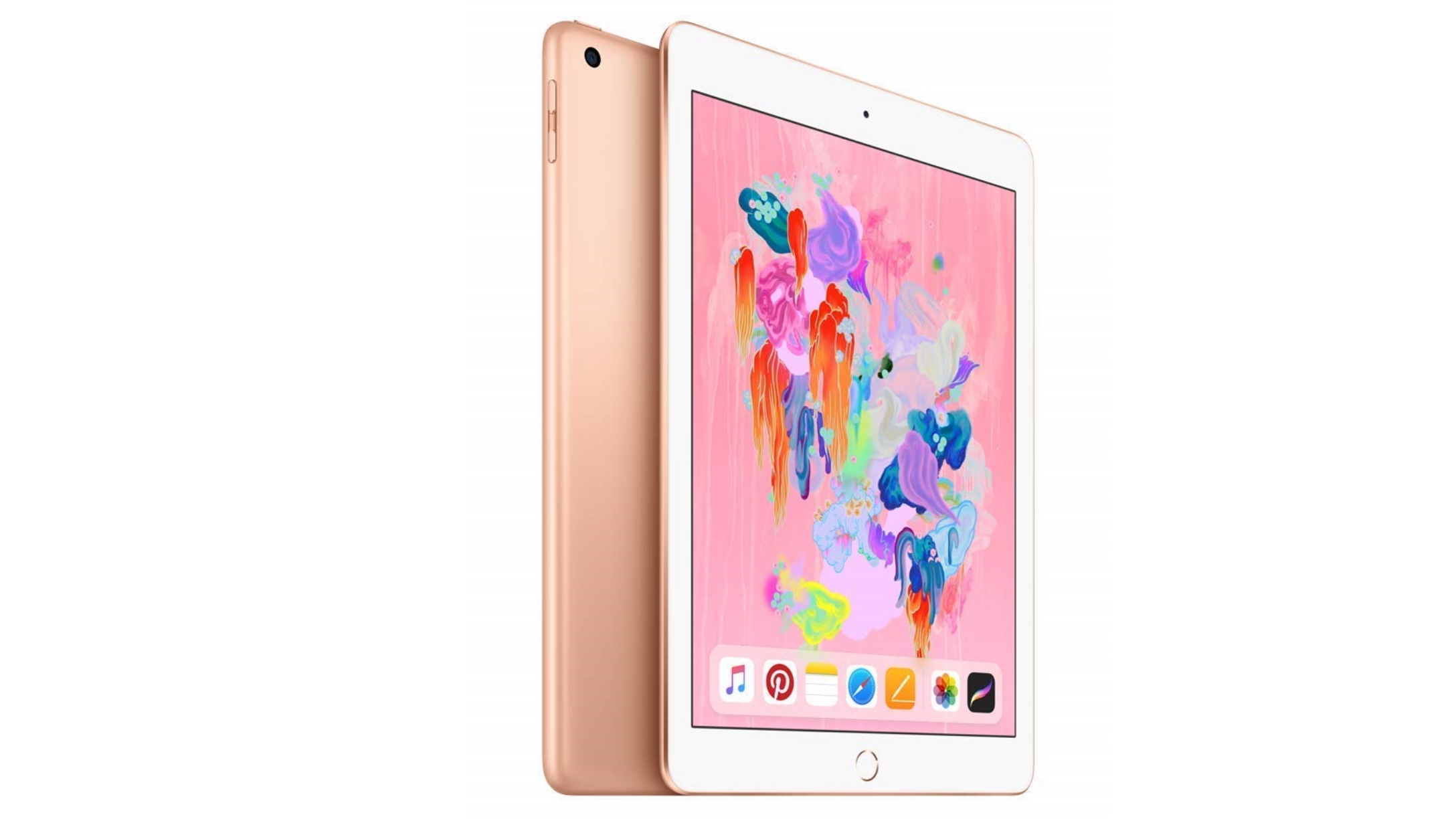
However, there are still some great choices out there. Even if you're set on an iPad, there are a few that are surprisingly affordable, like the iPad 10.2 (2019).
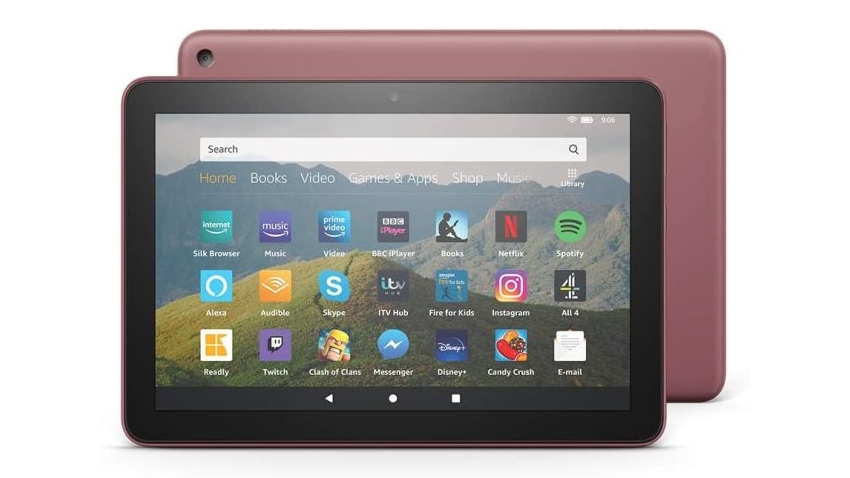
Elsewhere, the bulk of the best cheap tablet options come from Amazon. The firm specializes in this area with tablets like the Amazon Fire HD 8 Plus ruling the roost. Most entries on this list come from Amazon, but there are also Apple and Samsung tablets here too so there should be something for almost every taste.
Below are all the best options. To make your decision even easier, we've ranked them in order and highlighted all the major good and bad points for each tablet. We recommend reading our full review of any that you're keen to buy, so you know exactly what you're buying.
Weight: 483g | Dimensions: 250.6 x 174.1 x 7.5mm | OS: iPadOS 13 | Screen size: 10.2-inch | Resolution: 1620 x 2160 | CPU: Apple A10 Fusion | Storage: 32GB/128GB | Battery: 8827mAh | Rear camera: 8MP | Front camera: 1.2MP
Good screen quality
Still reasonably priced
Only marginally better than the iPad 9.7
Mediocre camera
The best cheap tablet you can buy right now, the iPad 10.2 (2019) packs a lot in for the price. It might no longer be the newest entry-level iPad out there with the iPad 10.2 (2020) taking that crown, but that doesn't stop the iPad 10.2 (2019) being a worthy cheap alternative.
You still get a 10.2-inch display, along with Smart Keyboard Cover compatibility, extra RAM, and all the great features that the latest iPadOS offer. That includes being able to use the iPad 10.2 (2019) as a second Mac display via MacOS Catalina's SideCar feature. The display is gorgeous and bright and colorful so it's a fine choice, both as a tablet or as a secondary screen.
The only weakness then is the camera but that's a small price to pay for paying a small price. The iPad 10.2 (2019) might not be the newest basic iPad but you can be confident that it'll be supported for years to come by Apple.
Weight: 355g | Dimensions: 202 x 137 x 9.7mm | OS: Fire OS | Screen size: 8-inch | Resolution: 880 x 1280 | CPU: quad-core | Storage: 32GB/64GB | Battery: up to 12 hours | Rear camera: 2MP | Front camera: 2MP
Wireless charging
Can be used like an Echo Show
Poor screen quality
Not swift, even with extra RAM
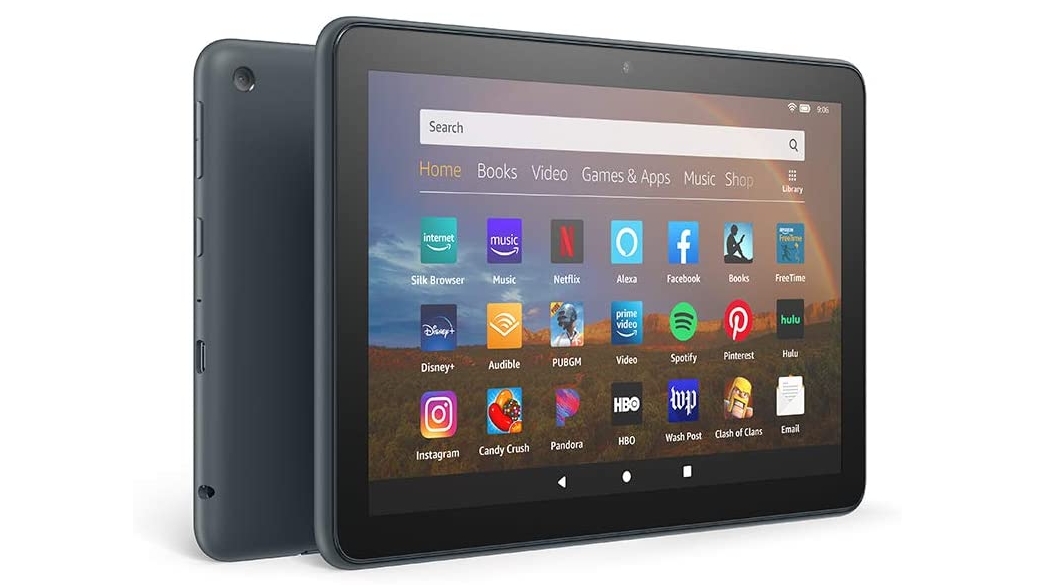
The Amazon Fire HD 8 Plus is essentially the Amazon Fire HD 8 (2020), but just made a little bit better. It has more RAM at 3GB, supports wireless charging (so you can use it with an optional dock that brings it close to an Echo Show), and comes with a speedier charger than the standard Fire HD 8.
Beyond that it’s much the same as its cheaper sibling, but that in itself makes it faster than the previous generation of the Amazon Fire HD 8, as well as giving you much more storage to play with.
The Amazon Fire HD 8 Plus still isn’t the fastest of slates, but it holds its own for what it costs, and if you want a tablet and smart display all in one it’s a top choice – though for just the tablet part you might want to consider the standard Fire HD 8 (2020) instead.
Weight: 504g | Dimensions: 262 x 159 x 9.8mm | OS: Fire OS | Screen size: 10.1-inch | Resolution: 1920 x 1200 | CPU: octa-core | Storage: 32GB/64GB | Battery: up to 12 hours | Rear camera: 2MP | Front camera: 2MP
Large, clear screen
Dependable battery life
Divisive software
Only okay speakers
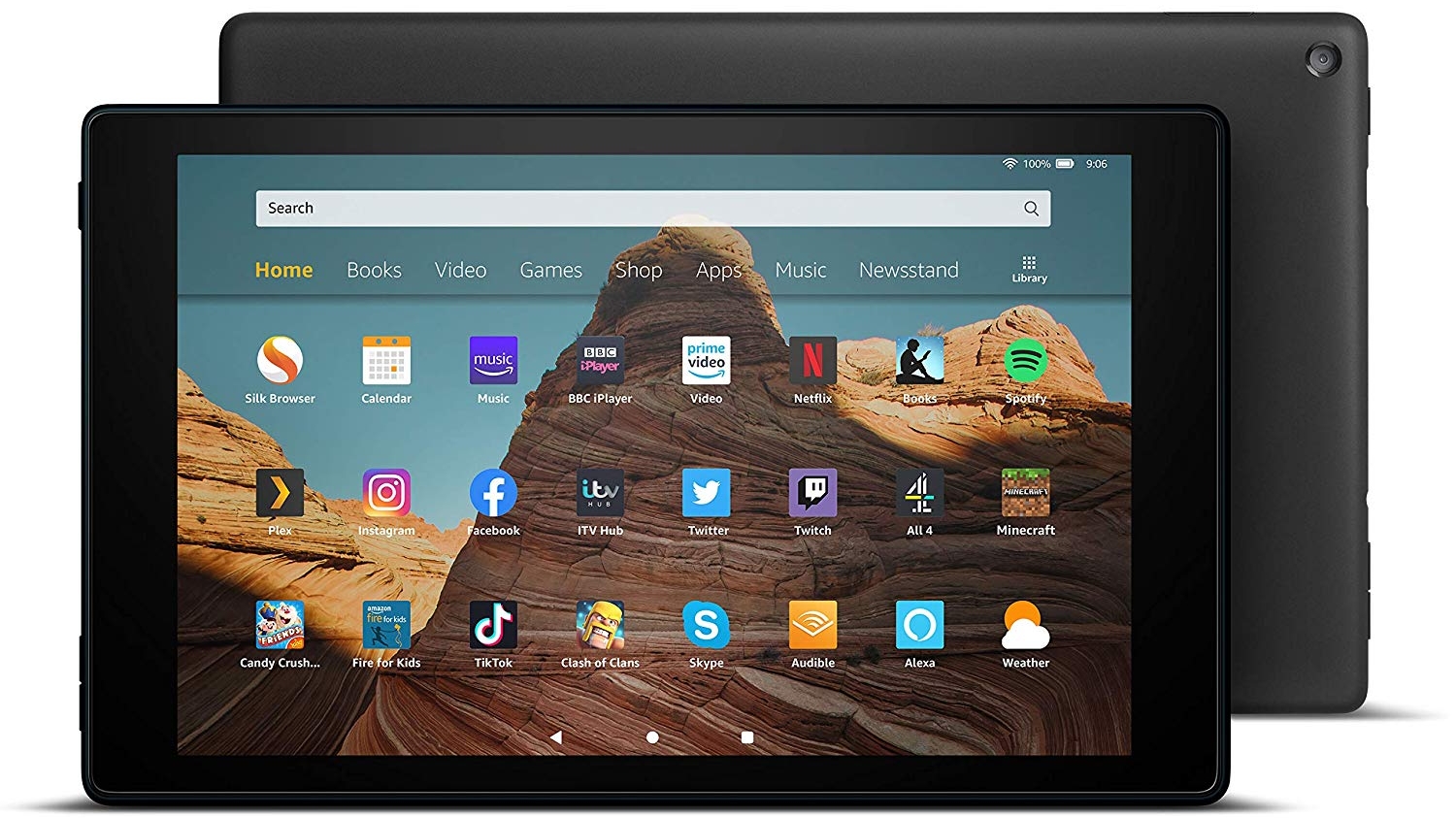
The Amazon Fire HD 10 (2019) is the latest and best of Amazon’s big tablets. Having a 10.1-inch 1200 x 1920 screen makes it a good budget option for media in particular, especially if you have an Amazon Prime subscription.
It’s built to last too, and has decent battery life, so this is a slate you can happily take with you wherever you go – as long as the size isn’t an issue.
Its biggest issue is the same issue all Amazon tablets have, namely the software, which is big on pushing Amazon products and services, and lacks access to the Google Play Store. But if you can live with that then the Amazon Fire HD 10 (2019) is a strong cheap choice.
Weight: 355g | Dimensions: 202 x 137 x 9.7mm | OS: Fire OS | Screen size: 8-inch | Resolution: 880 x 1280 | CPU: quad-core | Storage: 32GB/64GB | Battery: up to 12 hours | Rear camera: 2MP | Front camera: 2MP
Super-low price
Great front camera placement
Poor screen quality
Locked to Amazon’s ecosystem
The Amazon Fire HD 8 (2020) is the latest and greatest version of Amazon’s affordable 8-inch slate. It’s 30% faster than its predecessor, has twice as much storage, slightly better battery life, and finally makes the move to USB-C (where the previous model uses micro USB), but otherwise it’s very similar.
So if you’re shopping for your first Amazon slate or have a much older one then this is a good upgrade, but you might want to think twice about upgrading from the previous model.
Other highlights of the Amazon Fire HD 8 (2020) include a 3.5mm headphone port and a cleverly positioned front camera – which is at the top when you hold the slate in landscape, as you likely will during video calls. Plus, of course, it’s very, very cheap.
Weight: 529g | Dimensions: 260 x 161.1 x 8mm | OS: Android 8.1 | Screen size: 10.5-inch | Resolution: 1200 x 1920 | CPU: Snapdragon 450 | Storage: 32GB | Battery: 7300mAh | Rear camera: 8MP | Front camera: 5MP
Has a headphone jack
Long battery life
Design a little bulky
Can be sluggish
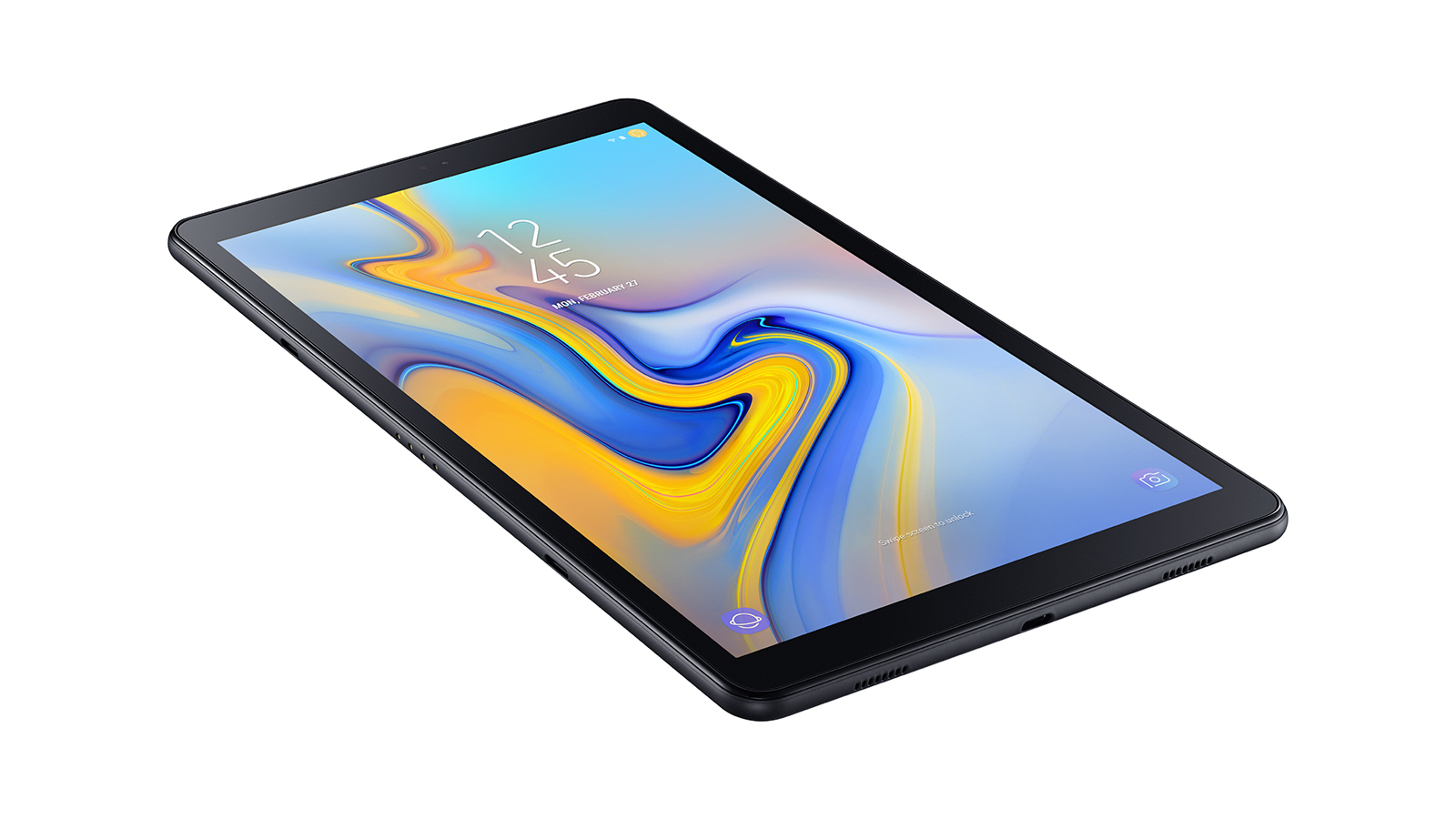
The Samsung Galaxy Tab A 10.5 is the South Korean firm's answer to Apple's best cheap tablet, which you've seen above.
If you're looking for an Android iPad rival on a budget, this is the slate you should consider. With Google's Android operating system providing plenty of flexibility, coupled with a large HD display, the Tab A 10.5 is great for movies and web browsing.
It also benefits from long battery life, so you can indulge in a movie marathon. It’s not the most powerful slate around and its size makes it slightly less portable than some, but for media and basic app use around the house it’s a strong choice.
Amazon's latest 7-inch slate is a very cheap, very basic tablet
Weight: 286g | Dimensions: 192 x 115 x 9.6mm | OS: Fire OS | Screen size: 7-inch | Resolution: 1,024 x 600 | CPU: 1.3GHz Quad-core | Storage: 16GB/32GB | Battery: up to 7 hours | Rear camera: 2MP | Front camera: VGA
Affordable
Durable build
Disappointing non-HD screen
Poor battery life
Notice the lack of 'HD' in the name of the Amazon Fire 7, compared to the other Amazon slates on this list? That's because the screen quality of the tablet is, well, not HD.
That's a compromise you'll have to make if you're wanting Amazon's latest super-cheap device, as it won't grace your eyes with a stunning display or slick performance. However there is enough power under the hood to get you through basic tasks, like streaming content or shopping.
It's also great as a Kindle device, if you want your Kindle to also come with Alexa and the internet and the best books of all, movies.