While Amazon's Kindle devices are by far the biggest names in ereaders, with E-Ink devices from Onyx and Xiaomi only getting limited attention, a big new device has just been announced which could be a serious rival.
This comes from tech giant Huawei, unveiled as part of its conference at MWC 2022, and it's called the Huawei MatePad Paper. There are some seriously impressive specs here for an ereader, which is why we think it could rival Amazon's slates, particularly the Kindle Oasis.
The Paper comes with a 10.3-inch screen, which is pretty big for an ereader, has support for a stylus and there's a fingerprint scanner built into the power button.
It uses a USB-C port which will allow for quick charging, has an Oasis-like spine to be easily holdable, and has a four-week battery life.
Software-wise, this runs Huawei's HarmonyOS, and includes the Huawei Books app providing you access to over 2 million books. There's support for over 20 languages and the store is accessible in over 170 countries/regions.
More than just books
Huawei MatePad Paper specs
(Image credit: Huawei)
Display: 10.3-inch E Ink
4,096 levels of pressure sensitivity
26ms low latency
86.3% screen to body RAM: 4GB Storage: 64GB Connectivity: Wi-Fi 6+, USB-C Battery: 4 weeks standby Colors: black, khaki, blue Price: €499
There's more than just books though, as this seems like a fully-functioning productivity device with emails, calendars, certain apps available to download from the Huawei App Gallery, handwriting conversion (using the stylus), connectivity between the Paper and a smartphone or PC, voice recording, video playback and more.
Internally, this has 4GB RAM and 64GB storage, so again it's more powerful than the Kindles, but it's quite a bit more expensive too.
In Europe, it costs €499 (roughly $560 / £420 / AU$780) - we're not sure where it'll launch just yet, but given Huawei's track record, we'd take the US off the list straight away.
With nearly two years of pandemic lockdown behind us, lots of companies have been unveiling new workplace and work-from-home gadgets, and the MatePad Paper seems like a tablet-slash-ereader that's designed to be easy to look at, long-lasting and useful...
... saying that, we haven't tested the thing, and won't come to any full conclusion until we've given it a spin. We're fond of our Kindle, and a rival needs to really impress us.
MWC (Mobile World Congress) is the world's largest showcase for the mobile industry, stuffed full of the newest phones, tablets, wearables and more. TechRadar is reporting on the show all week. Follow ourMWC 2022 live blogfor the very latest news as it happens and visit ourdedicated MWC 2022 hubfor a round-up of the biggest announcements
from TechRadar - All the latest technology news https://ift.tt/vsEXqRw
via IFTTT
Good old 3G is at the top of the news cycle these days, as it finally fades into the sunset.
Automakers sounded the alarm that the move would break all sorts of important-sounding functions in their vehicles, but so far few have proposed solutions. Audi and Verizon, however, are well down that path, as the two announced a partnership to integrate 5G tech into upcoming models from the German automaker.
It's unclear when the services will make their way into a vehicle, but Verizon says it more than doubled its 5G deployment in 2021and notes that it plans to continue expanding aggressively going forward.
“Audi drivers will be among the first in the world to experience a new generation of automobiles, one in which their car is both a 5G mobile device and a vehicle,” said Tami Erwin, CEO of Verizon Business, in a press statement.
Mobile phones and connected devices got a huge speed boost when 4G debuted more than a dozen years ago, but 5G promises to blow all of that out of the water and open a new world of connected services for cars. Audi says the technology will let passengers stream and download quicker than before and notes that its vehicles will be updated via over-the-air software. The faster speeds also enable enhanced mapping capabilities with high-definition and 3D displays. So, no more pinch-and-zoom trying to read the name of a street in an unfamiliar place.
Audi points out that 5G opens the door for better vehicle-to-everything (V2X) technologies in its vehicles. The cellular function lets vehicles communicate with each other and with nearby infrastructure, which could help increase safety. It's also a stepping stone that enables more capable autonomous vehicles, as they will require strong and fast data connections to communicate and negotiate with the world around them.
“Audi was the first automaker to bring in-vehicle Wi-Fi to customers as well as 4G LTE connectivity in the 2015 A3, and we will be among the first to bring the next generation of connectivity to our customers in the U.S.,” said Filip Brabec, senior VP, Product Planning, Audi of America in a press statement.
Now that even budget cellphones offer 5G connectivity, it's time for the automotive world to get on board. The Audi-Verizon partnership won't be the last collaboration that we see, and the efforts will intensify as more robust autonomous driving technologies are developed. Faster data transmission will be vital if we hope to have vehicles that can "understand" what's going on and make real-time decisions on how to navigate live traffic. It's worth noting, however, that even with the aggressive development of 5G networks across the U.S., it's still not as widespread as 4G is and 3G was in its heyday.
Rumors point to Oppo launching its first Android tablet very soon - people think it'll come alongside the Find X5 series on February 24, though we don't know that for sure - and the biggest leak yet has provided us some imagery of the tablet.
This comes from a leaker posting on Chinese social media platform Weibo, who shared hands-on imagery of the slate. They also mentioned that it'll be called the Oppo Pad, and will be compatible with a stylus and keyboard folio, with one of the images showing the latter in use.
The pictures don't show us too much, but tablets don't exactly vary wildly in appearance. It looks like an iPad Air 4, with thin bezels, one rear camera and a sleek design.
Some could call the appearance divisive though, as part of the rear is filled up with the word Oppo repeated in large, oddly positioned letters, and it all looks a bit weird.
Analysis: a true iPad Air rival
Apple rules the tablet roost, but while loads of companies try to put out super-premium slates to rival the iPad Pro, we see fewer brands attempt to rival the mid-range iPad Air.
The Oppo Pad could be that rival though - it has a sleek-looking build, a single rear camera, and compatibility with standard workfare accessories. That list of tick-boxes seems very similar to the iPad Air.
We'll have to wait for a price to see if the tablet really is a mid-range Android rival to the iPad Air, but early leaks make it seem promising.
Apple could be preparing to develop a very different MacBook in the future, in the guise of a foldable device, if the latest chatter from the grapevine is correct.
Obviously all MacBooks fold in half, but when we say a foldable, we do, of course, refer to a laptop which is simply one big display that folds in the middle, and this is what analyst Ross Young (of Display Supply Chain Consultants, or DSCC) believes that Apple is now researching.
In a newly released report flagged by MacRumors, Young claims that Apple may have delayed a rumored foldable iPhone until 2025, and that the company is also currently exploring the potential of said foldable MacBook. However, the latter wouldn’t be expected to arrive until perhaps 2026 or 2027 even, so we’re looking way down the line here.
The overall suggestion is that Apple is keen not to rush into foldables – previously its foldable iPhone was thought to perhaps be a prospect for as soon as next year – but that a MacBook along the lines of a 20-inch model is being mulled.
So, what we’d have would be a 20-inch screen that folds, and could be used with one half as a virtual touch keyboard in laptop mode, or when at a desk, you could use the entire display with a physical keyboard and mouse (perhaps via a docking station), effectively making it a 20-inch monitor (likely with a 4K resolution, or better, Young theorizes).
Analysis: Foldable plans are one thing, but a real product is very much another
Naturally, this is speculation which should be regarded with extra care, although Young has proved a reliable source in the past. Don’t get us wrong, it’s easy to believe Apple is looking at the feasibility of a foldable MacBook along these lines, but as outlined in the report, it’s very early days.
Apple will constantly be exploring lots of avenues for different categories of hardware. Indeed, we’ve lost count of the amount of patents and laptop concepts that we’ve seen from the MacBook maker which diverge from the traditional keyboard base, like dual-screen implementations with a virtual OLED keyboard or one using haptic feedback to feel like a real keyboard, or a retractable keyboard, to pick a few examples over past years.
It’s the job of design boffins at Apple to come up with these kinds of concepts, some of which may make the prototype stage, but many might be discarded even before that process begins. That could hold true for the current iPhone idea, as well as a MacBook foldable.
Remember, foldable phones are still pricey and remain something of a niche category – dominated very much by Samsung – but that said, DSCC forecasts major growth in this arena. Young tweeted that foldable phone shipments will double over the course of 2022 compared to last year, with Samsung planning to produce in excess of 14 million handsets.
So, while the appetite for foldable devices seems to be increasing, and certainly an iPhone may seem like a logical move – eventually – the jury is still very much out, for us, in terms of bringing this concept to the MacBook.
Smaller internet providers are winning a higher share of NBN customers, a report by the Australian Competition and Consumer Commission (ACCC) shows, with consumers slowly moving away from the major telcos.
“We are glad to see continued growth from smaller NBN providers,” says the ACCC’s commissioner Anna Brakey. “Their presence in the market keeps pressure on the big four of Telstra, TPG, Optus and Vocus to maintain a high quality, competitive service,” she said.
Brakey offered an explanation as to what was causing the shift: “Some smaller providers are offering consumers different options to meet their specific needs, such as tailored plans and discounted pricing options, network performance graphs, Australia-only call centres and gamer-optimised plans,” she said.
Here’s a look at some smaller internet providers:
What smaller NBN providers are Australians moving to, and why?
The ACCC’s report reveals that Superloop and Aussie Broadband’s customer base is growing, with Aussie Broadband in particular seeing a jump from 5.1% market share to 5.6% in the December 2021 quarter.
As indicated by the consumer watchdog’s commissioner, Aussie Broadband is one such ISP that has Australian-based customer support, and offers the ability to build your own NBN plan should you want to. That includes tailoring download and upload speeds, and choosing whether you want unlimited data or a set cap.
Superloop offers Aussie-based support seven days a week, but we’d argue it’s also winning customers by offering discounts of up to AU$20 a month on all of its NBN plans. Its fastest NBN plans in particular have excellent typical evening speeds, making Superloop an appealing choice for busy households and gamers.
MyRepublic is another small provider that’s giving consumers more control of their NBN plan, as it offers optional add-ons such as a static IP, while its 'Gamer Pro' add-on optimises network traffic for gaming and comes with a static IP as standard. MyRepublic’s also earning favour for its discounted NBN plans, making them the cheapest provider in the NBN 100, NBN 250 and NBN 1000 speed tiers.
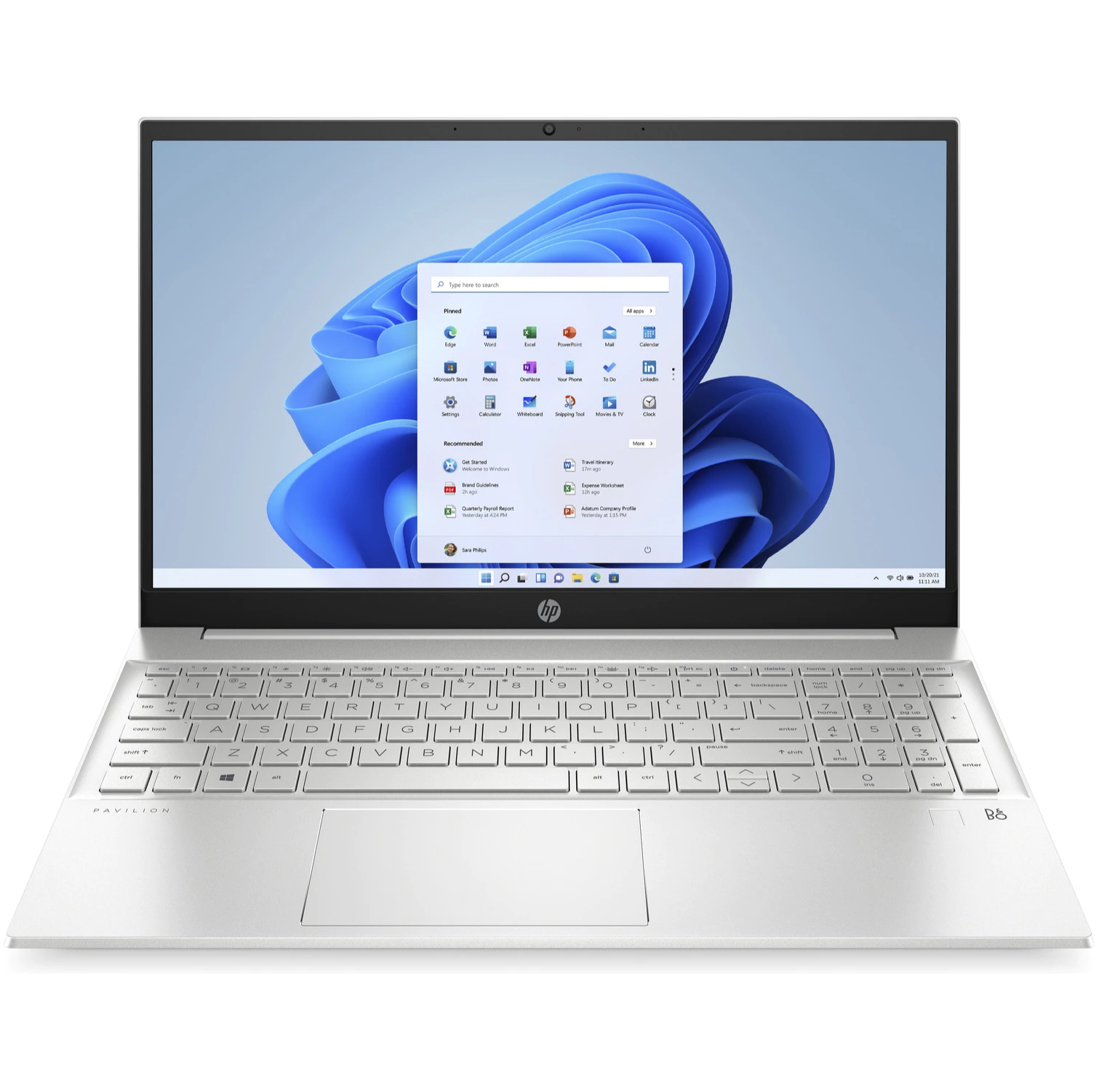
Following last week's reductions, a new selection of laptop deals are now live for the Presidents' Day sale at HP. Once again you can find massive discounts of up to 70% on laptops, desktops, monitors, and accessories - plus free shipping is available on all orders.
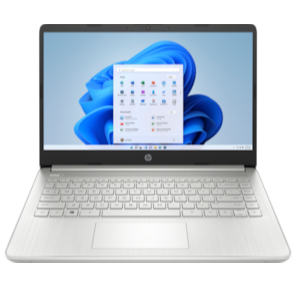
After taking a look at what's new, we've picked out this HP 14t for $379.99 (was $549.99) as the best laptop deal in this new range of Presidents' Day sales. It comes with a 14-inch HD display, Intel i3 processor, 8GB RAM, and a 256GB SSD. While we would have liked to have seen an i5 for this price, these are still all excellent components for the price. Altogether, they will ensure strong performance during your everyday tasks such as general browsing, multitasking at work or media streaming.
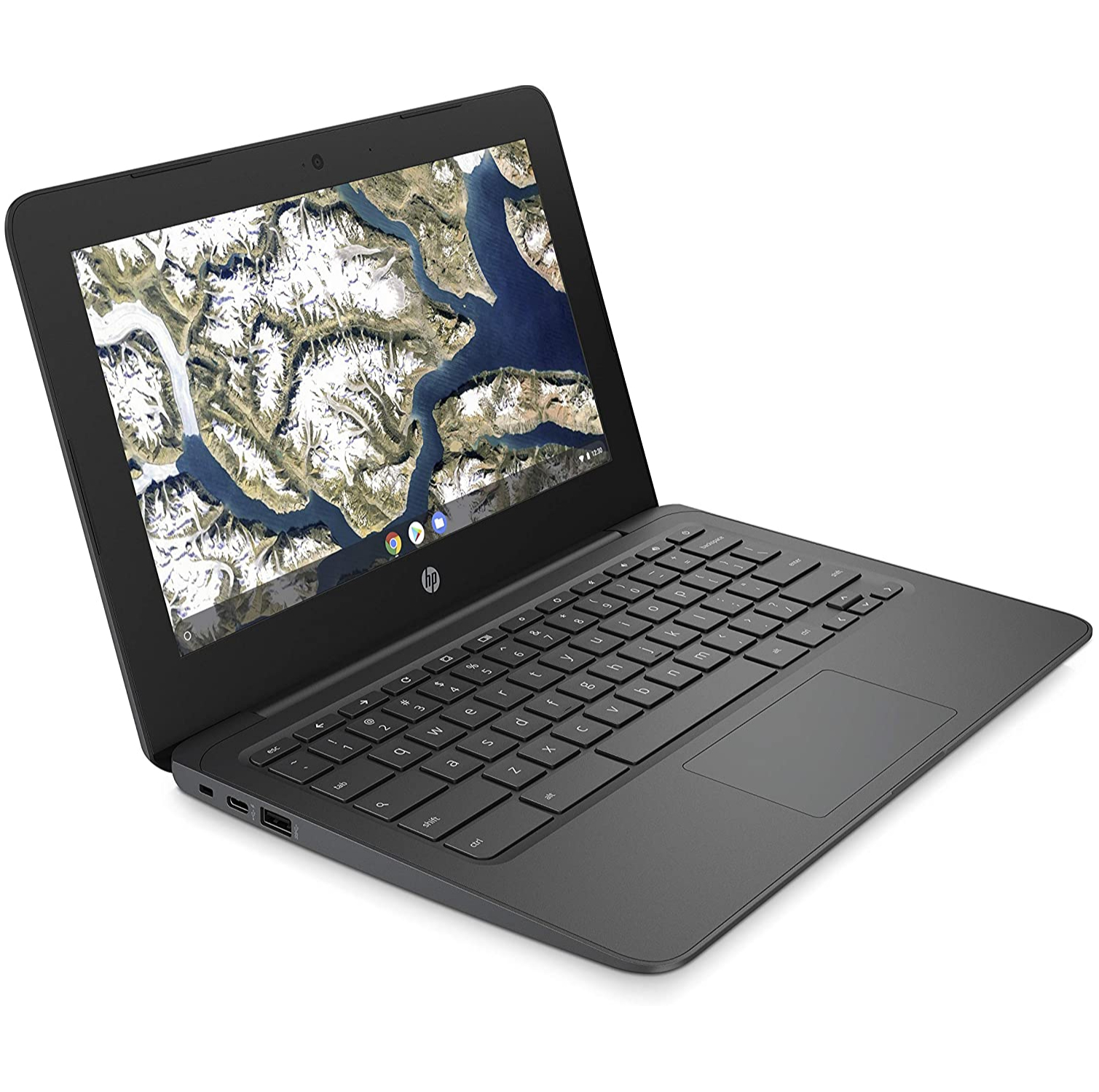
There are a couple of more affordable options, too. The first is this HP Chromebook 11a for $149.99. This is better suited to basic work or school tasks and is also more portable thanks to the smaller 11-inch screen. It's a little more expensive compared to some other Chromebook deals we often see, but it does come with a better processor than cheaper devices which will give you a worthwhile performance boost.
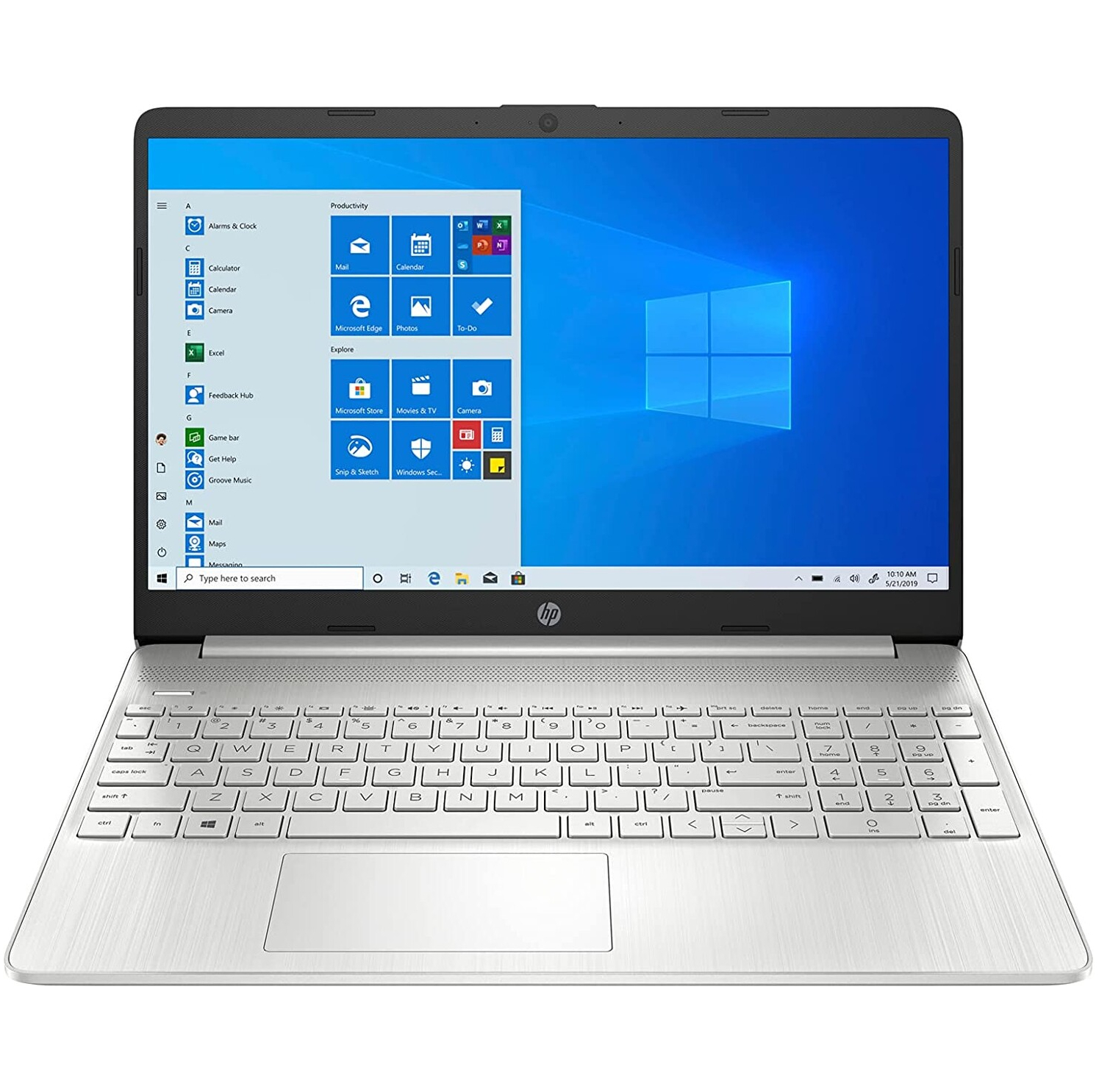
Another laptop worth looking at under the $300 mark is the HP 15z for $299.99 - that's a massive $170 saving on the usual price. The most important part is that it sports 8GB of RAM, a performance upgrade we love to see in cheaper devices to ensure they don't fall behind. Plus, there's a 128GB SSD, which combine to give you fast access to files and quicker load times.
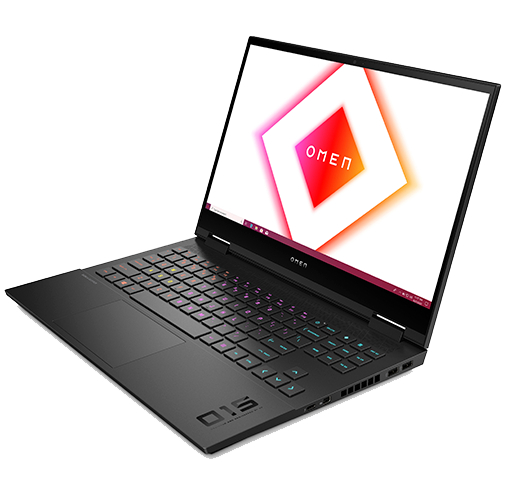
For the gamers out there, we definitely suggest taking a look at the HP Omen 15 for $1,199 (was $1,299). As well as a top-of-the-line AMD Ryzen 5 processor, you get an Nvidia GTX 3060, 16GB RAM, and a 512GB SSD for lots of lightning-fast storage. It's a small saving but on a well-built machine that will comfortably handle games in full 1080p HD at 144Hz.
HP 14t laptop:$549.99$379.99 at HP
Save $170 – Our pick for the best laptop deal in the HP Presidents' Day sale. This is a big discount on a machine that comes with an Intel i3 processor, 8GB RAM and a 256GB SSD - not many laptops are available for less with all of these top components. It'll power through everyday tasks and hold its own with more demanding work or multitasking.
HP Chromebook 11a:$259.99$149.99 at HP
Save $110 – We've seen Chromebooks for less than this many times in the past but this one comes with a processor upgrade that shouldn't be ignored. If you need a simple machine on a tight budget for light use or schoolwork this will do the job without compromising too much on specs.
HP 15z laptop:$469.99$299.99 at HP
Save $170 – For those on a smaller budget but still want to come away with a great value laptop this is HP 15z is a solid option for under $300. It's a great choice if you need a machine for light use and basic work. The real highlight is that it still comes with 8GB RAM, which will ensure good performance despite the weaker processor. You also get a 128GB SSD for speedy access for files and quick load times for applications.
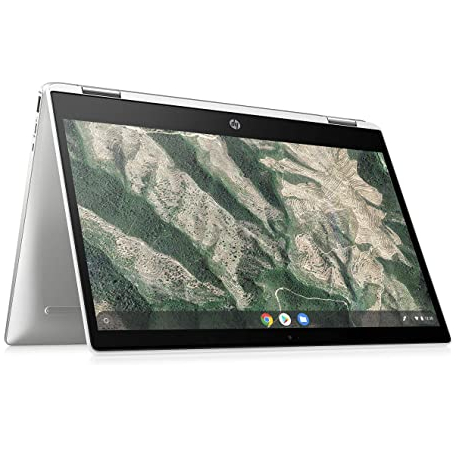
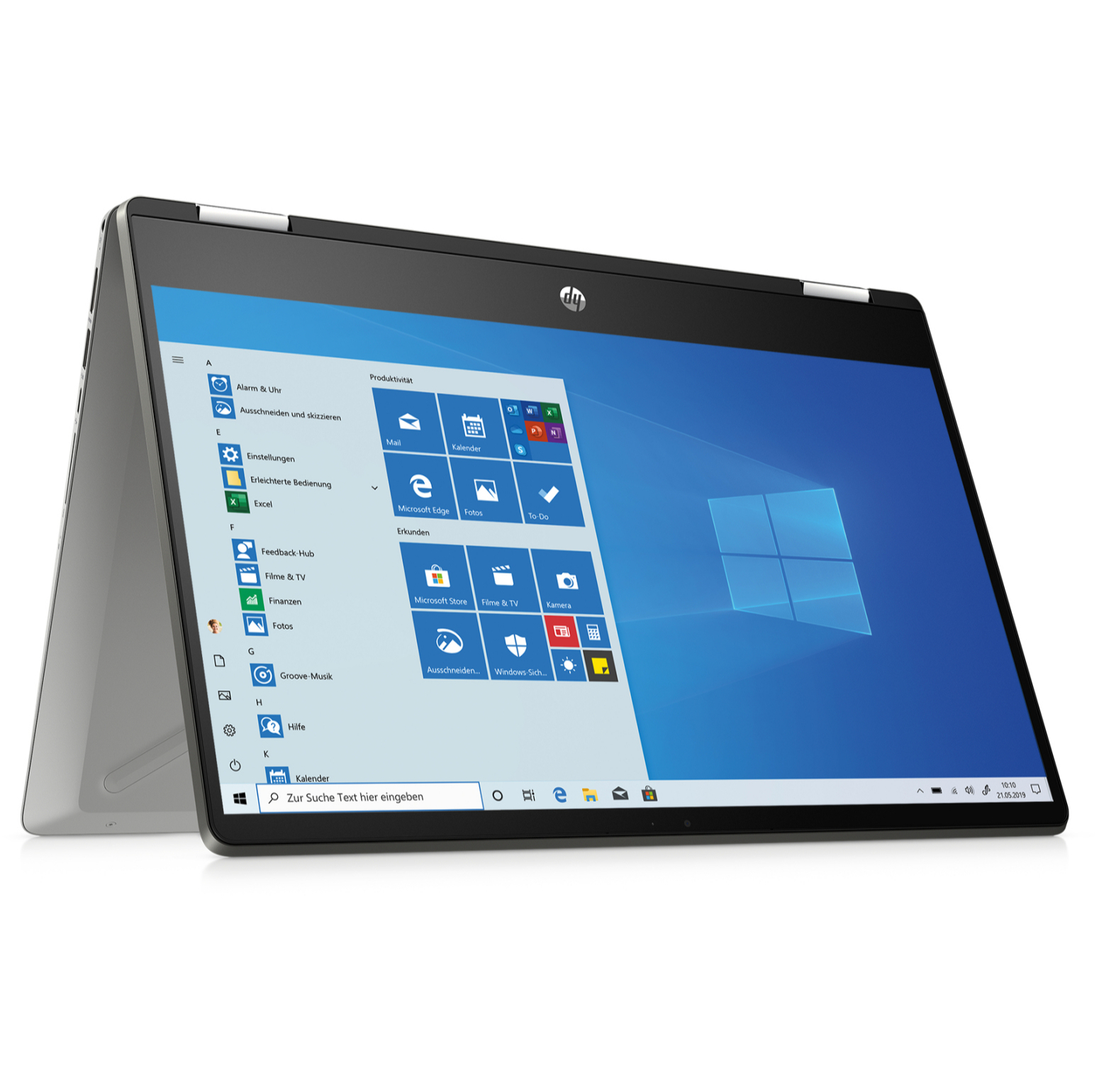
HP Chromebook x360:$359.99$259.99 at HP
Save $100 – While this may look expensive for a Chromebook, we actually think it's a terrific deal when you factor in the fact this is a 2-in-1 laptop with a 14-inch touch screen. If you chose to pay a lot less you'd usually find only 11-inch machines with no touch capabilities and worse components. This x360 has a basic but decent AMD processor as well as 4GB of RAM and 32GB of storage - fine for light use or schoolwork.
HP Pavilion 15:$999.99$629.99 at HP
Save $370 – Need a more powerful machine? There's a whopping $370 off this HP Pavilion 15 that comes packed with high-end components. Finding a laptop with an Intel i7 processor, 16GB RAM and a 512GB SSD for this close to $600 is very rare. Chances are this is overkill for most general uses, but if you want your laptop to be at the top of its game then this HP Pavilion 15 is worth the investment while you can get it at such a good price.
HP Pavilion x360:$699.99 $599.99 at HP
Save $100 – There's a distinct lack of 2-in-1 laptop deals in the second wave of HP's Presidents' Day sale. Still, this is a very solid device, with a powerful spec that features a crisp 14-inch IPS display, an Intel i5 processor, 8GB RAM and a 256GB SSD. That makes for a high-quality, versatile and portable machine for the price.
HP Omen 15:$1,299$1,199 at HP
Save $100 – The only gaming laptop deal in the HP Presidents' Day sale is a solid one. With an AMD Ryzen 5 processor, GTX 3060 and 16GB RAM it can run games in 1080p HD at 144Hz with no issues. You might be able to find the odd machine that's just as capable for a little less but chances are it will compromise on a few components elsewhere, whereas this will give you loads of room to breathe that we think it's worth the extra cash.
Even though we're still far from February 21, it's clear there are already some smashing offers here. We will continue to track all the best offers for Presidents' Day over the coming days as well so you don't miss out on a bargain. We've also got an early look at the top Presidents' Day TV sales and Presidents' Day mattress sales you can already buy.
from TechRadar - All the latest technology news https://ift.tt/dlpEQJr
via IFTTT
Is Twitter not loading for you? You're not alone, Twitter appears to be having an issue loading tweets on profile pages.
Many users - including ourselves at TechRadar towers - are being greeted with "Something went wrong. Try reloading" when trying to access profile pages on desktop, although the mobile app appears to be working as expected.
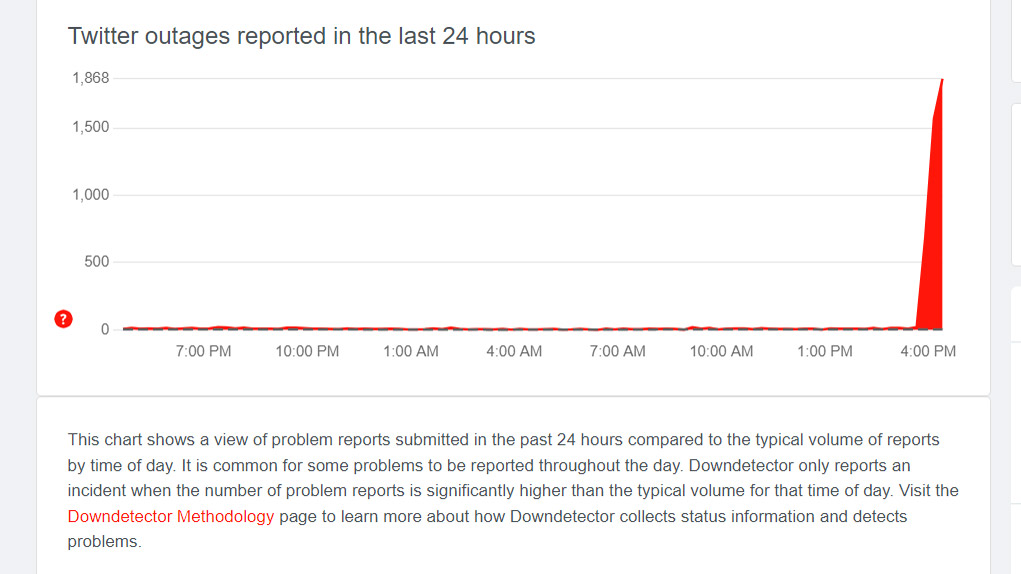
The issue began around 8am PT / 11am ET / 4pm GMT on Thursday 17 February, 2022.
Uh oh...
(Image credit: TechRadar)
Error reports on the up
The folks over at Downdetector are reporting a huge surge in error reports with Twitter, so this certainly looks to be a relatively widespread issue.
(Image credit: Downdetector)
Profile pages the main casualty
Interestingly, the main Twitter feed is working for us, so we can see what people are tweeting, but clicking on any profiles returns the failure to load message.
We're seeing other Twitter users reporting the issue too.
Twitter is down on my laptop, but okay on my phone. https://t.co/ksJ4vCBj6sFebruary 17, 2022
See more
Not able to retweet anything this morning. Is twitter down?February 17, 2022
See more
A global issue
This issue looks to be wide-spread, with reports from users in multiple countries around the world saying they are struggling to access the social network.
There are a variety of different reported issues as well, with some users not able to load profiles on desktop, while others are reporting issues with retweeting, the main feed and individual tweets.
February 17, 2022 at 05:40PM from TechRadar - All the latest technology news https://ift.tt/J7ANy19
via IFTTT
Whether you're making the switch from a desktop machine to something more portable, looking at an all-in-one gaming beast, or just after an upgrade on your existing laptop, now’s a great time to compare the best laptops around.
Here at TechRadar, we review all the latest and greatest notebooks, ultrabooks and 2-in-1s, so we have the benefit of being able to thoroughly weigh up their pros and cons.
Apple has really come out swinging with its own M1 chipset and, for the first time in quite a while, their MacBook Air and MacBook Pro have beaten out many of the powerful Windows competition (including the almighty Dell XPS 13).
There's also some excellent ultra-affordable options in the Chromebook category if you're just after a machine for some casual browsing and document editing to take on the go.
If you're unsure where to start, at the foot of the page we've put together a quick buying guide to steer you in the right direction – are you a gamer or do you need something affordable and versatile?
Best laptops in New Zealand 2022 at a glance
Apple MacBook Air (M1, 2020)
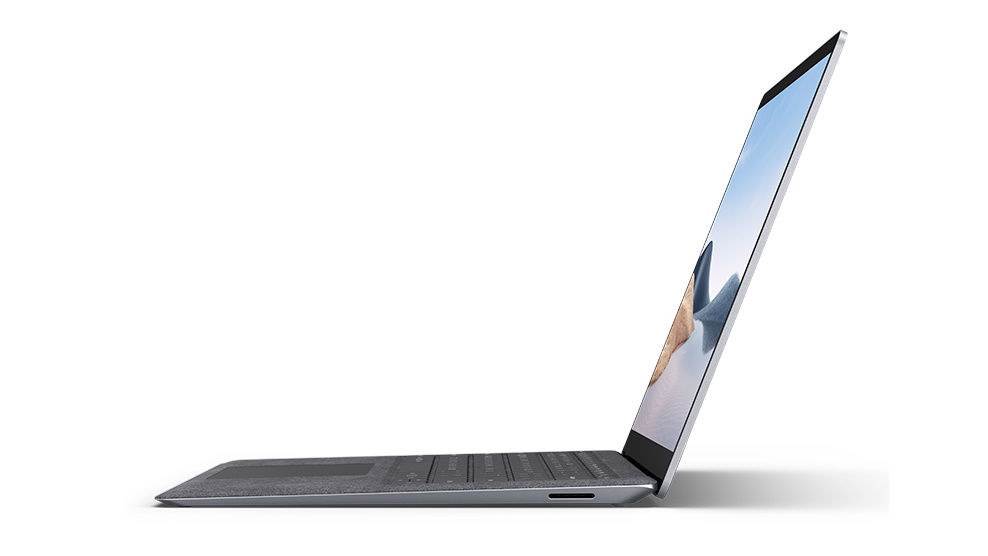
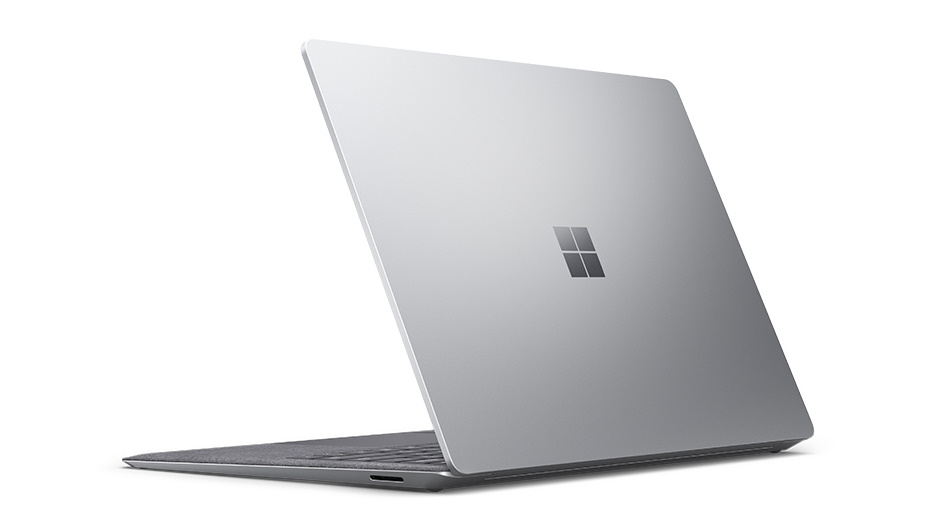
Microsoft Surface Laptop 4
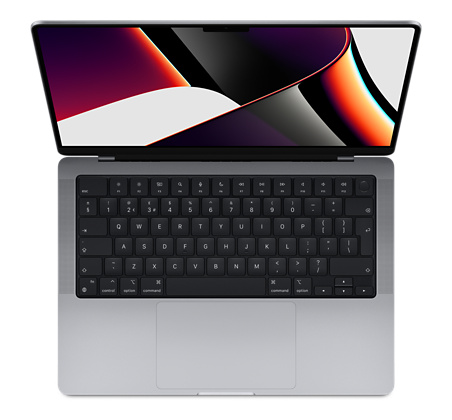
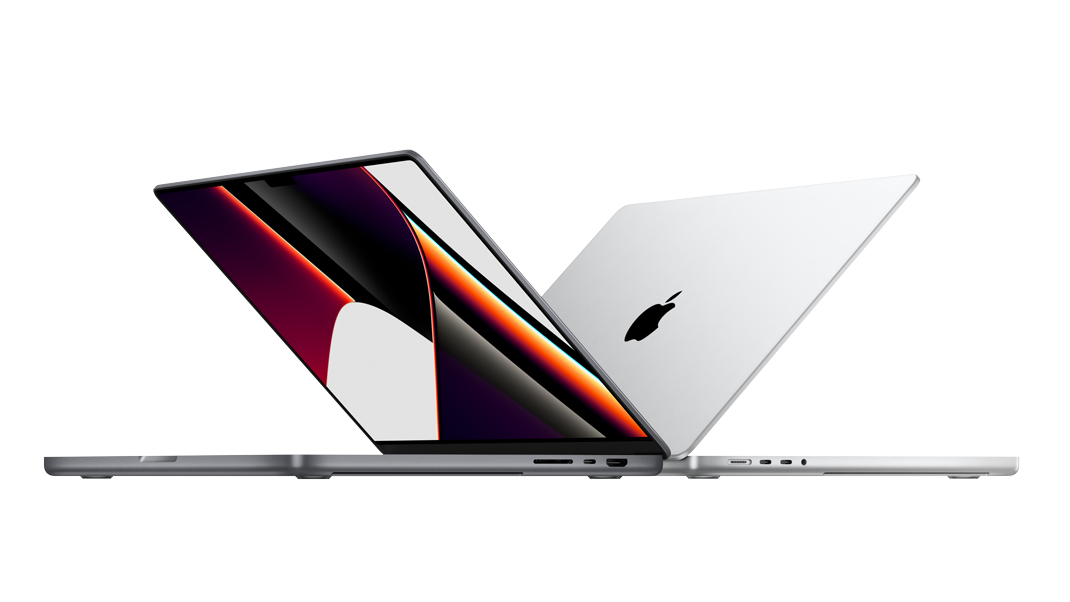
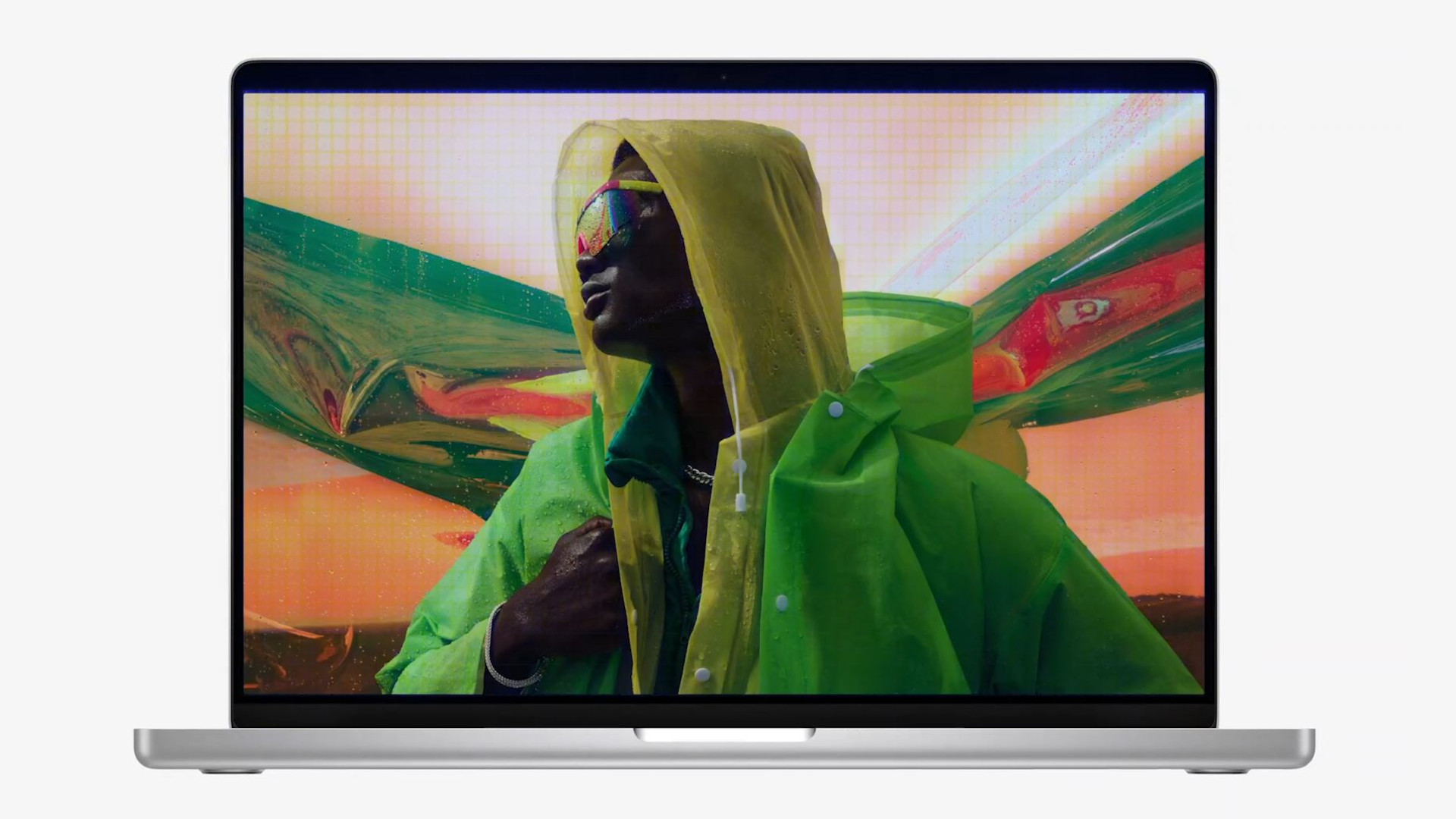
Apple MacBook Pro 14-inch (M1, 2021)
Dell XPS 13 (Late 2020)
Razer Blade 14
Asus ROG Zephyrus G14
Lenovo ThinkPad X1 Yoga Gen 6
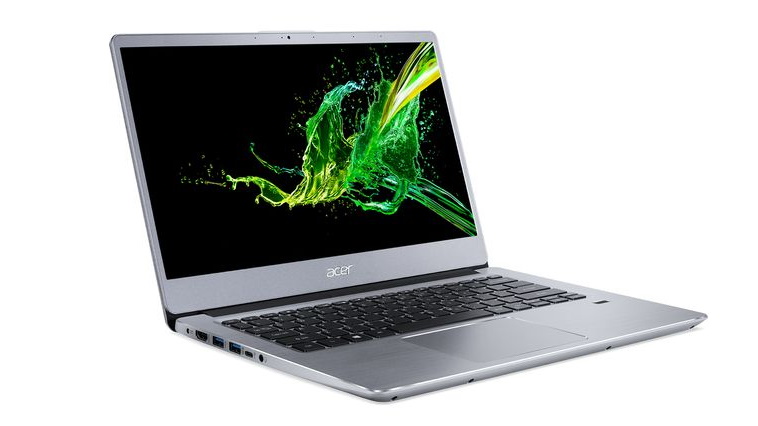
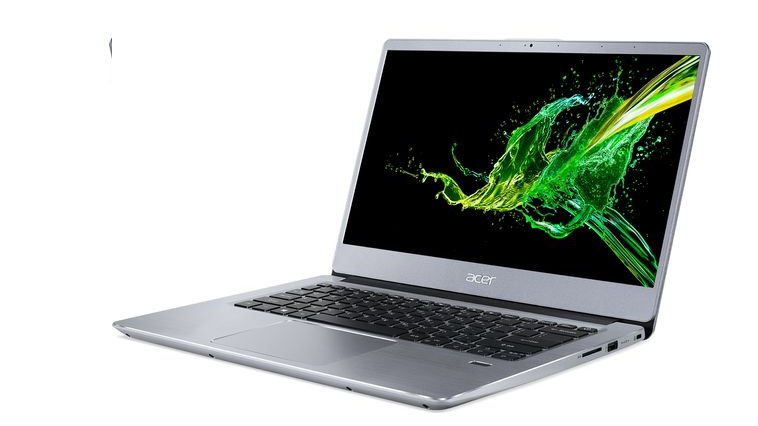
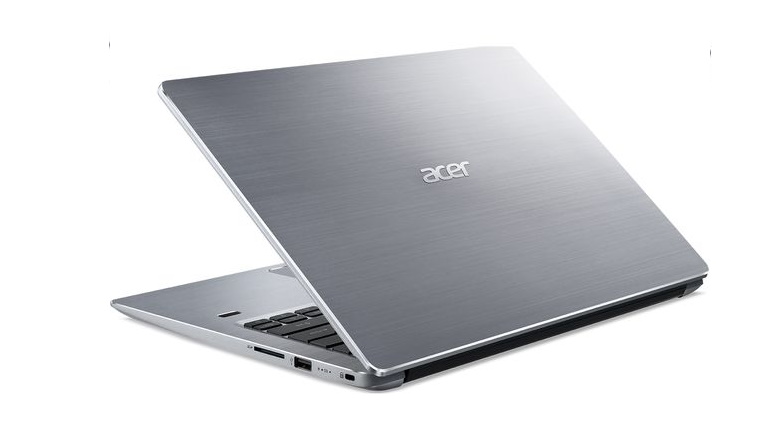
Acer Swift 3
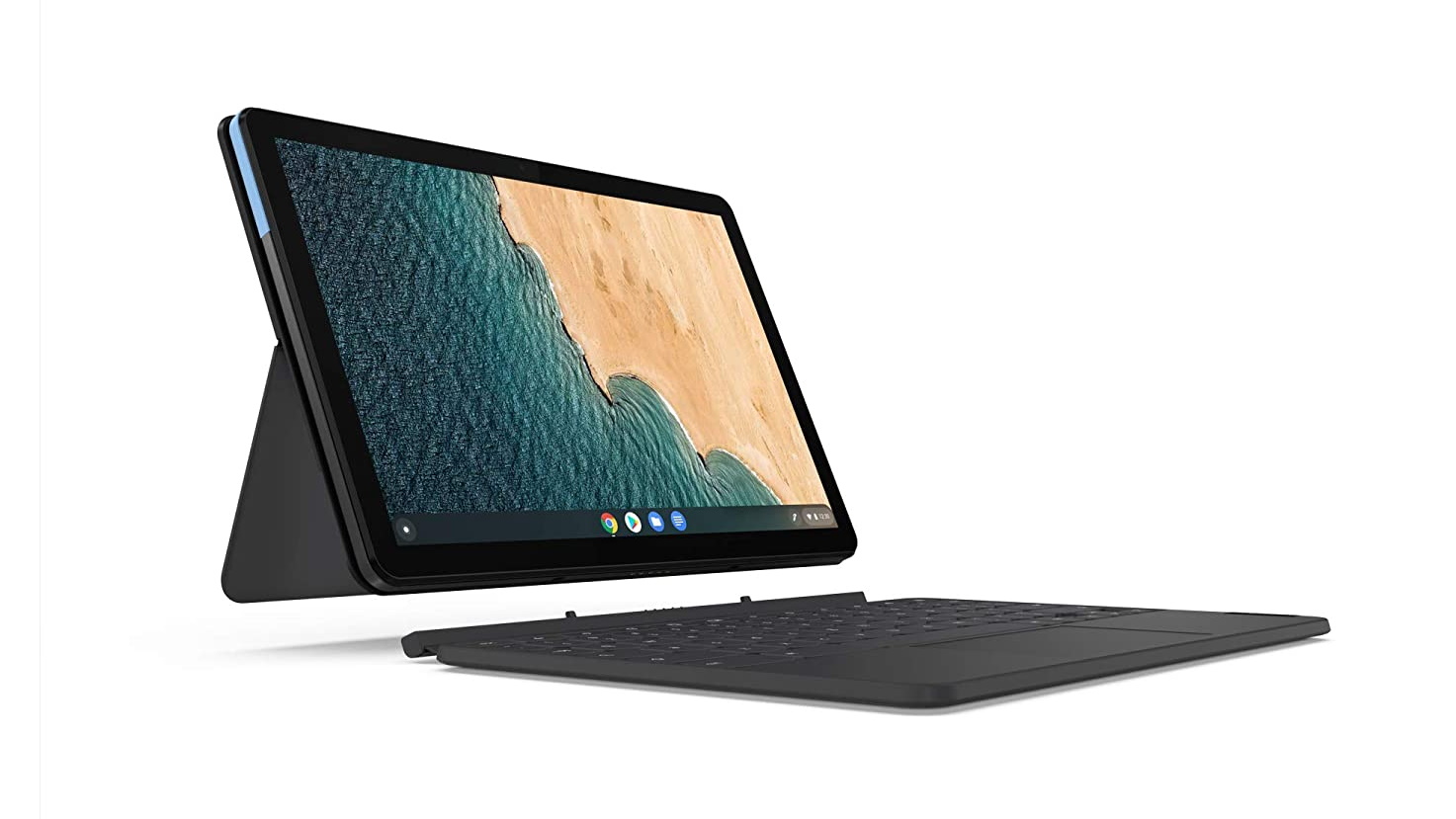
Lenovo IdeaPad Duet Chromebook
Asus TUF Dash F15
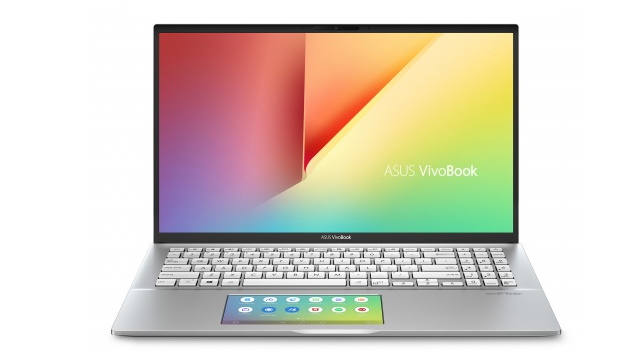
Asus VivoBook S15
The best laptops of 2022:
Image 1 of 2
(Image credit: Apple)
Image 2 of 2
(Image credit: Apple)
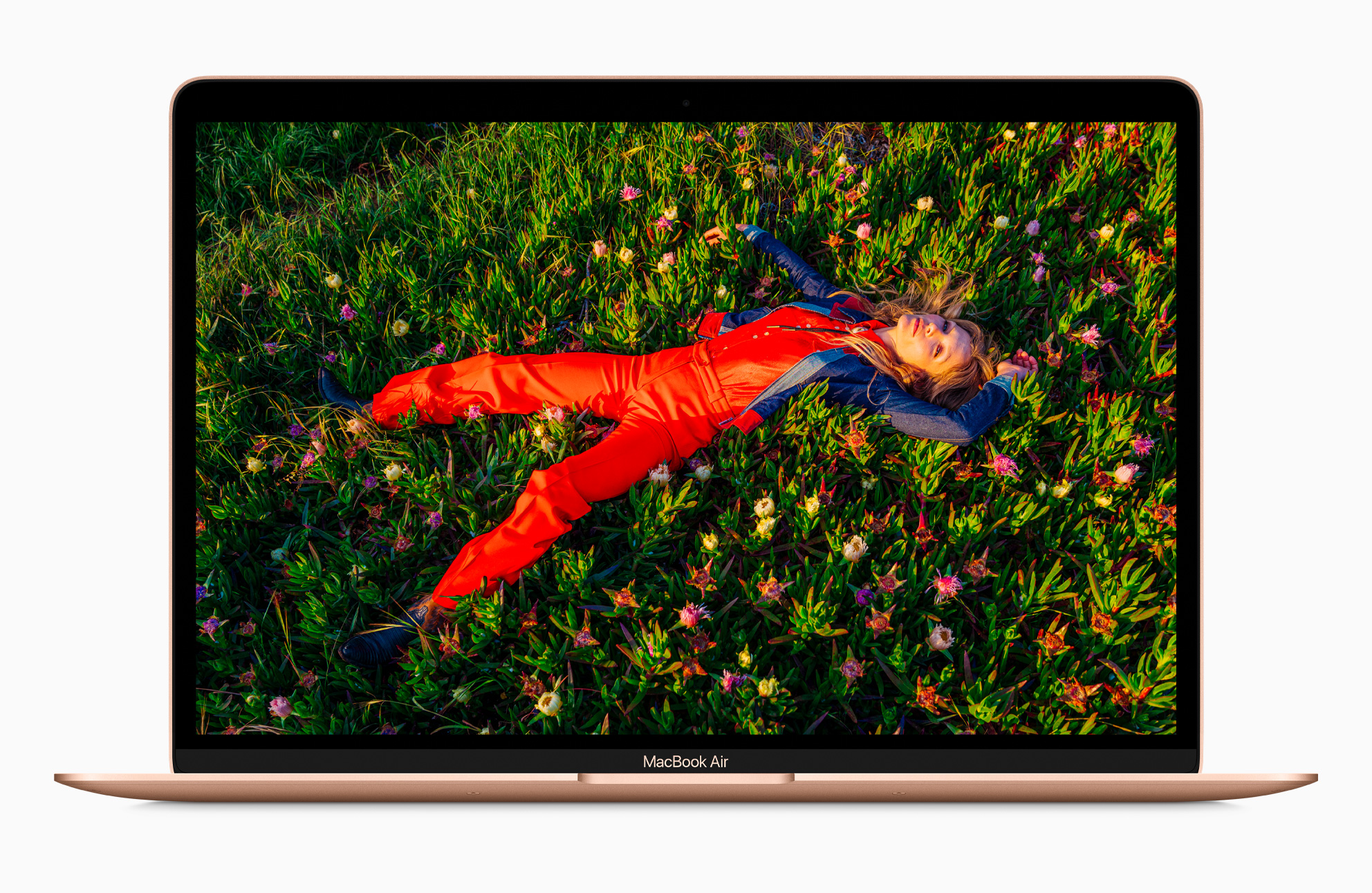
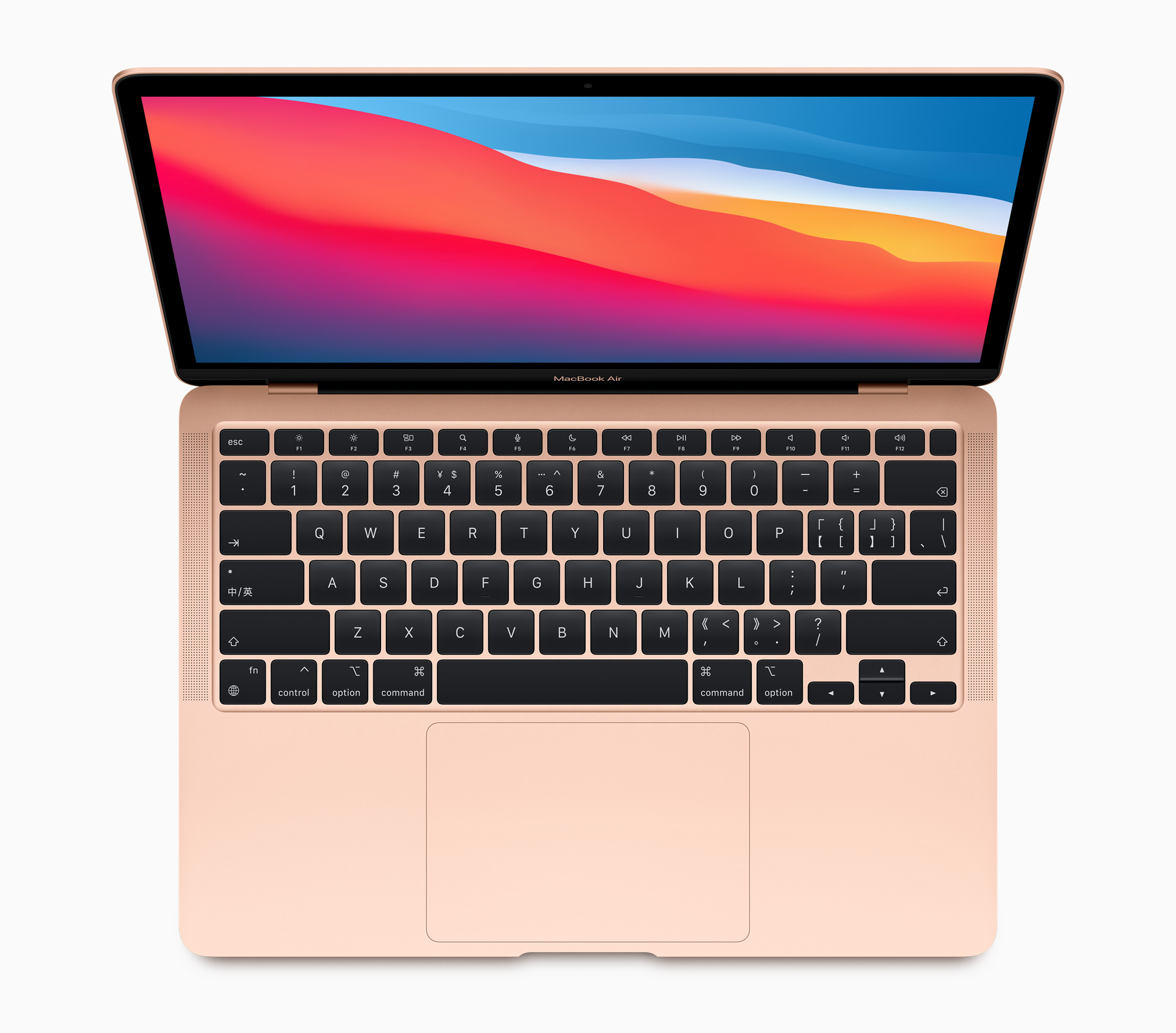
1. Apple MacBook Air (M1, 2020)
The best laptop of 2021
CPU: Apple M1 | Graphics: Integrated 7-core /8-core GPU | RAM: 8GB – 16GB | Screen: 13.3-inch (diagonal) 2,560 x 1,600 LED-backlit display with IPS technology | Storage: 256GB – 2TB SSD | Dimensions: 11.97 x 8.36 x 0.63 inches (30.41 x 21.24 x 1.61cm; W x D x H)
Silent to use
Amazing battery life
No new design
Fanless design could impact performance
The new Apple MacBook Air (M1, 2020) isn't just the best laptop Apple has ever made, it's also the best value laptop money can buy right now. This is definitely the highest placement an Apple laptop has ever found itself in one of our lists, but the MacBook Air (M1, 2020) is worthy of this spot. Thanks to the revolutionary ARM-based Apple M1 chip that powers the new MacBook Air (Apple has ditched Intel for these new laptops), this is a stunning achievement: a thin and light laptop that offers great performance, even with 4K video editing, while also offering incredible battery life. Easily managing over 11 hours on a single charge, this is a laptop you can easily carry around with you at work or school, and its price is decently competitive compared to Windows 10 rivals (for once). Running both new and old Mac apps, the new MacBook Air can now also run iOS apps for iPhone and iPads, giving it access to hundreds of brilliant mobile applications and games as well.
Even if you've only ever used Windows laptops before, the MacBook Air (M1, 2020) is well worth getting and making the jump to macOS. Yes, it really is that good.
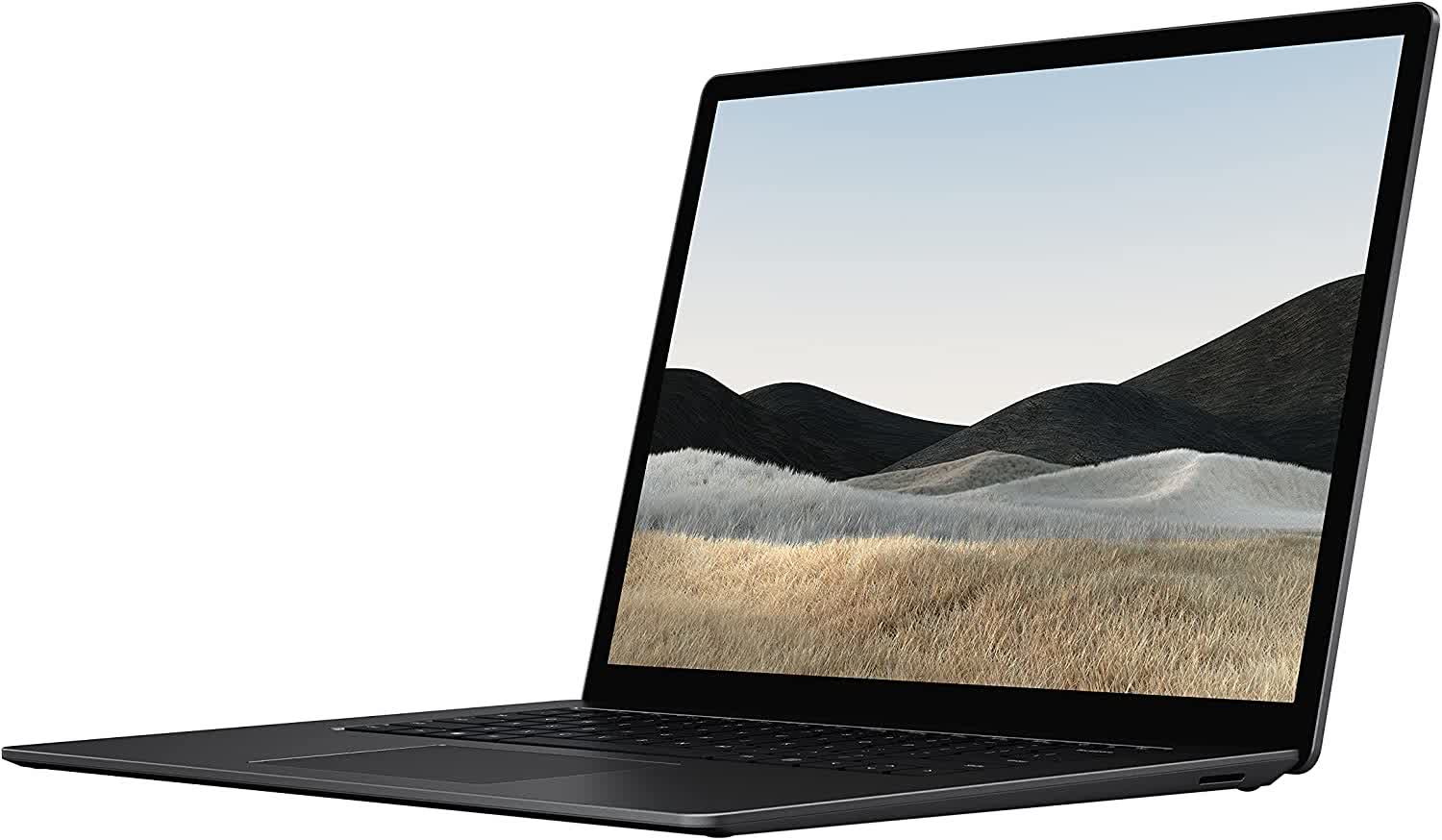
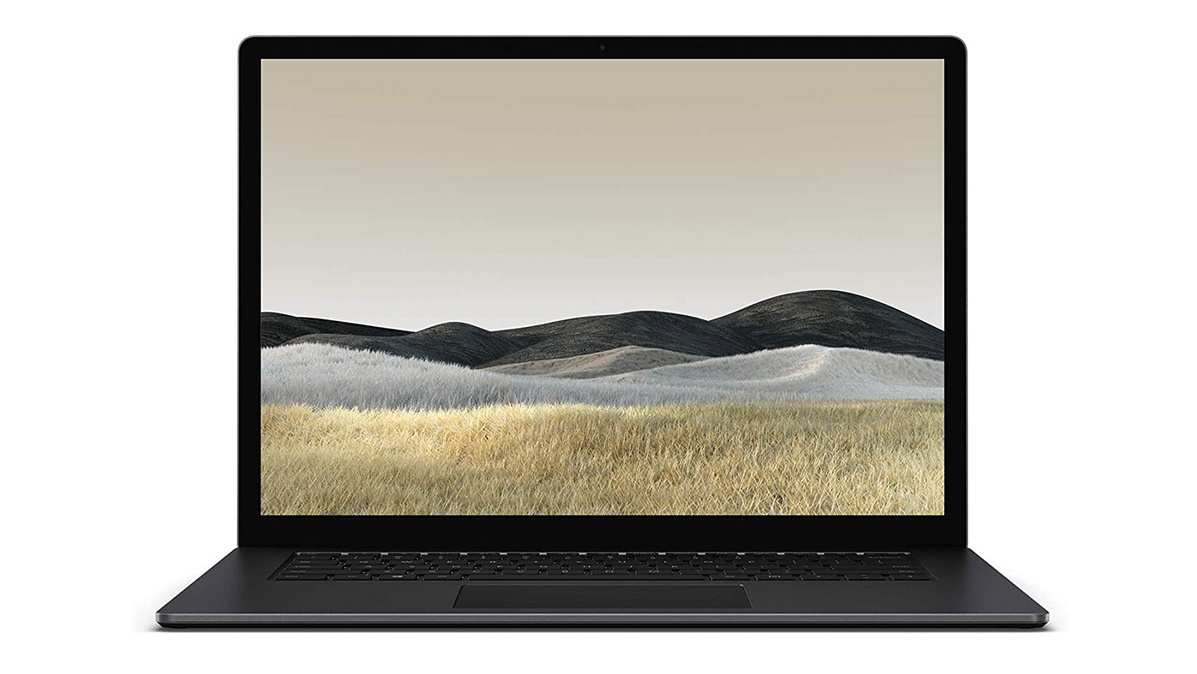
While Apple blew us away with the new MacBook Air (above), arch rival Microsoft has also impressed us with its new Surface Laptop 4, landing straight in at number 2 of our best laptops 2021 list. As with previous Surface devices, build quality and design is absolutely top-notch here, and its gorgeous PixelSense touchscreen really sets it apart from the competition (a touchscreen is something we've yet to see on an Apple laptop, as Microsoft likes to remind us).
It also comes with a brilliant keyboard that's a joy to type on, and some pretty great specs as well, which ensures that Windows 10, and all your favourite apps, run extremely well. Battery life is also very impressive – lasting over 13 hours in our tests – and the price is impressively competitive as well. If you're looking for the best laptop of 2021 that runs Windows 10, this is it.
CPU: Apple M1 Pro 8-core – M1 Max 10-core | Graphics: Integrated 14-core – 32-core GPU | RAM: Up to 64GB | Screen: 14-inch Liquid Retina XDR display | Storage: Up to 8TB
Brilliant performance
Best screen on a laptop
14-inch screen may be a bit small
The brand-new MacBook Pro 14-inch is easily the best productivity laptop you can buy in 2021. For creative professionals such as photographers, video editors and music producers, the MacBook Pro 14-inch (2021) is a dream to use, thanks to a choice between powerful new M1 Pro or M1 Max chips that can handle even the most intensive workloads with ease.
Not only that, but its Liquid Retina XDR display with mini-LED technology is absolutely stunning, and the best screen you can get on a laptop right now. Add in a 1080p webcam and boosted port selection, and you have a brilliant business and productivity laptop. It won't be for everyone – the price and power will be too much for most people's needs – but if you want a killer laptop to do creative work on, this is the laptop to get. For everyone else, check out the MacBook Air (M1, 2020) at the top of our list.
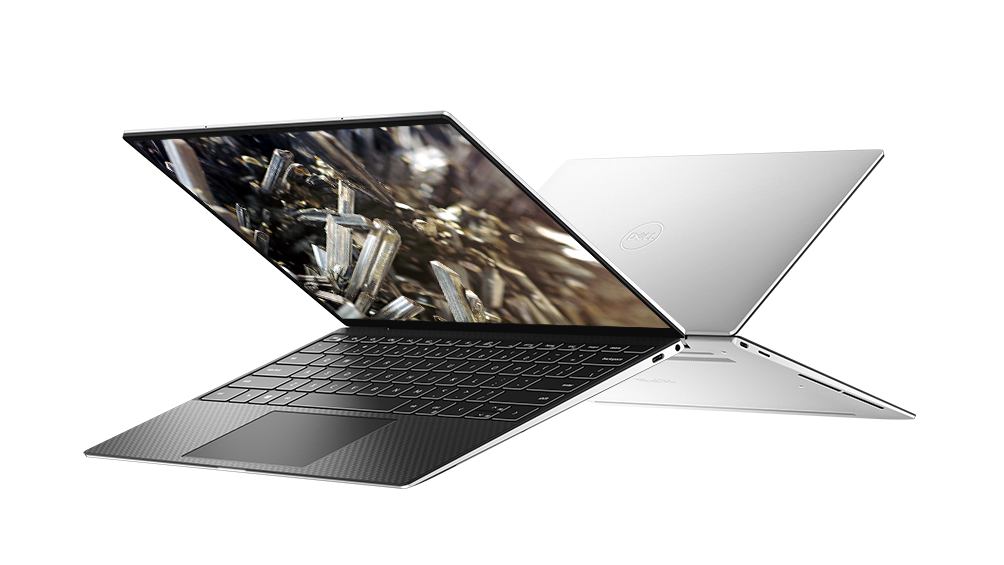
While it's certainly not the latest model, the late 2020 Dell XPS 13 (9310) is one of the best bang-for-buck laptops on the market in New Zealand. Although later models packed in a few improvements, their pricing locally doesn't translate to nearly as good a value score as this particular model. This 'New XPS 13' packs in the 11th-gen Intel Core processors as well as as the superbly impressive Iris Xe integrated GPU – an upgrade that almost doubles its graphical prowess. This means that, not only is the XPS 13 9310 a great option for business and everyday use with its gorgeous, sleek design and powerful innards, but it's now viable for casual gamers. It's also sporting the upgraded 'Infinity Edge' display which dramatically reduces bezels and the overall size of the unit.
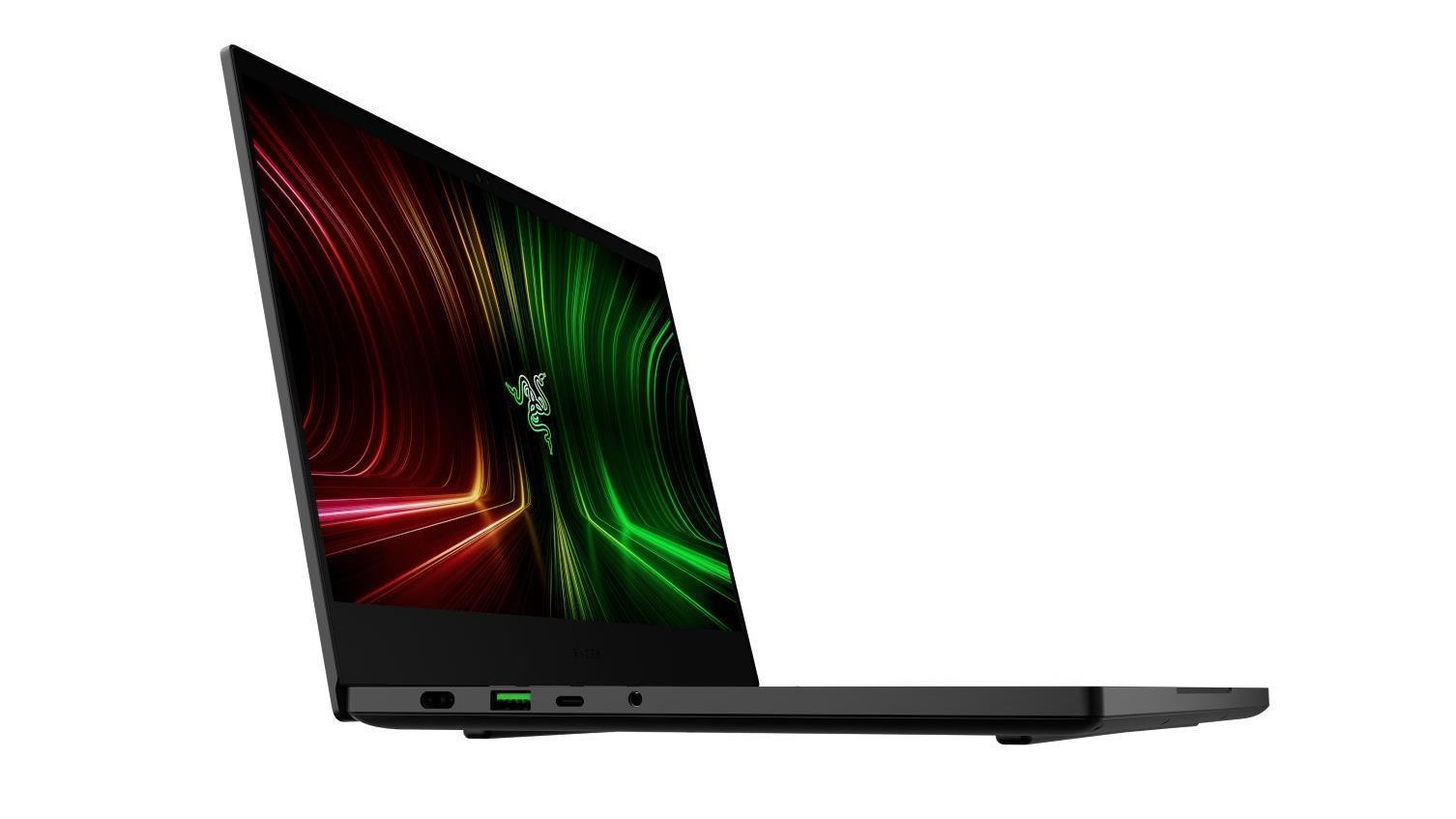
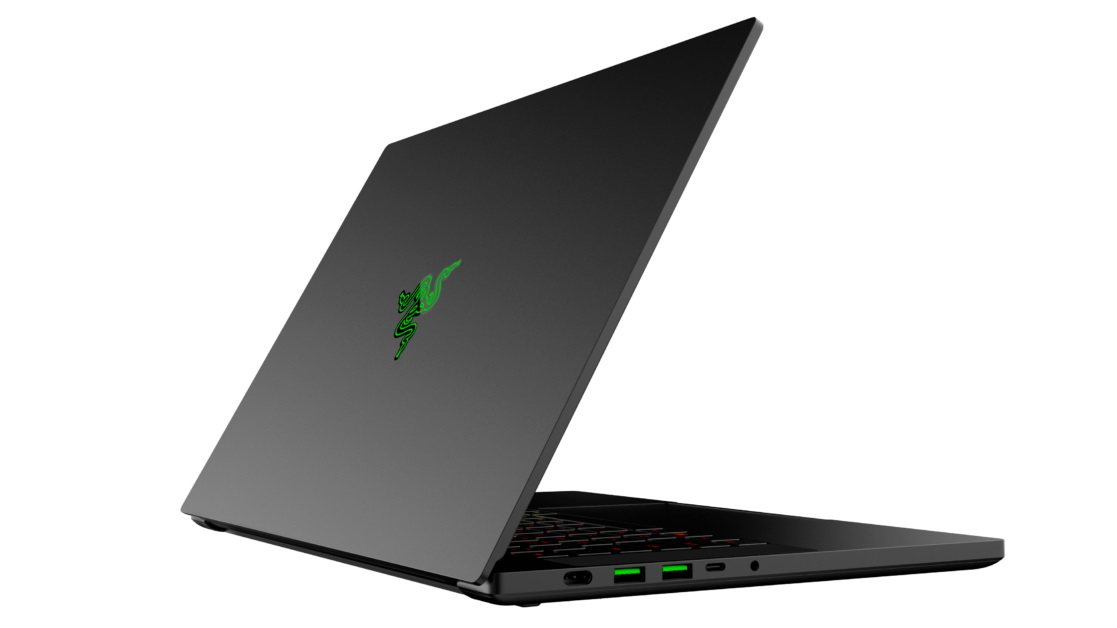
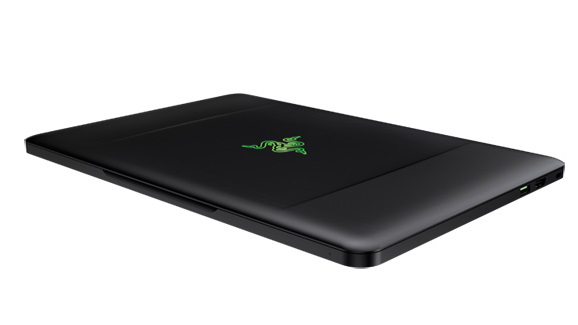
This luxurious thin and light gaming laptop from Razer just oozes class, and is an ideal laptop for people who want a gaming device they can take around with them. It's solidly built, so you won't worry about it getting damaged during your travels, and it's one of the nicest looking modern gaming laptops we've seen.
It's not all about looks, however, as the Razer Blade 14 comes with cutting edge components as well, including the awesome AMD Ryzen 9 5900HX processor and up to an RTX 3080 graphics card. This means you'll be able to play any AAA game you want in all its glory. It's by far the best gaming laptop you can buy in in 2021, but it does cost a lot of money.
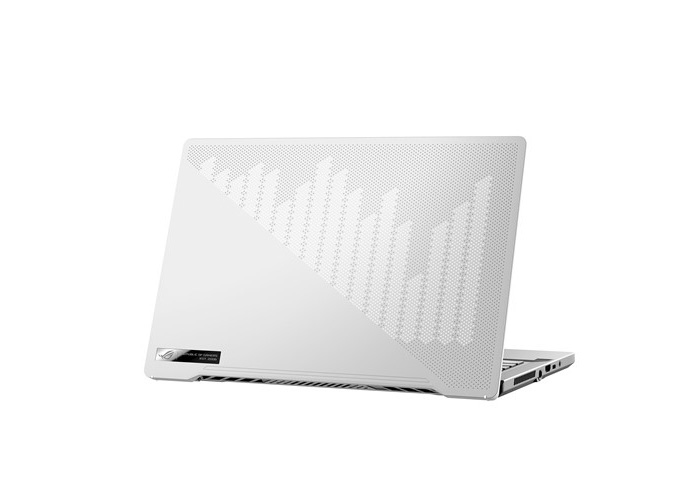
The Asus Zephyrus G14 is an absolute beast of a laptop.(Image credit: Asus)
6. Asus ROG Zephyrus G14
The ultimate blend of work and play
CPU: AMD Ryzen 7 4800HS – 9 4900HS | Graphics: NVIDIA GeForce RTX 2060 | RAM: Up to 32GB | Screen: 14-inch Non-glare Full HD (1920 x 1080) IPS-level panel, 120Hz – 14-inch Non-glare WQHD (2560 x 1440) IPS-level panel, 60Hz | Storage: 512GB / 1TB M.2 NVMe PCIe 3.0
Best battery life in a gaming laptop
Excellent performance
Thin and light
No webcam
Fans can get loud
We know, this is technically a gaming laptop, but for those that want to balance work and play, there's little else out there that's better value than the Zephyrus G14 right now. It's worth noting that it's missing a webcam and a Thunderbolt 3 port, so if that's a concern this isn't for you, but its solid battery life, compact form, and powerful specs do a fine job at balancing everything that you'll need from a laptop. This is an absolute beast for performance, with its AMD Ryzen 4000 processors and Nvidia RTX 2060 graphics card, best-in-class battery life that will last you all day long, a fast display with a 120Hz refresh rate and a lightweight, ultrathin design. The best part is that you’re getting all that without burning a hole in your pocket. Don’t get us wrong; it isn’t cheap. However, for a laptop this impressive, we’re surprised Asus isn’t asking for more.
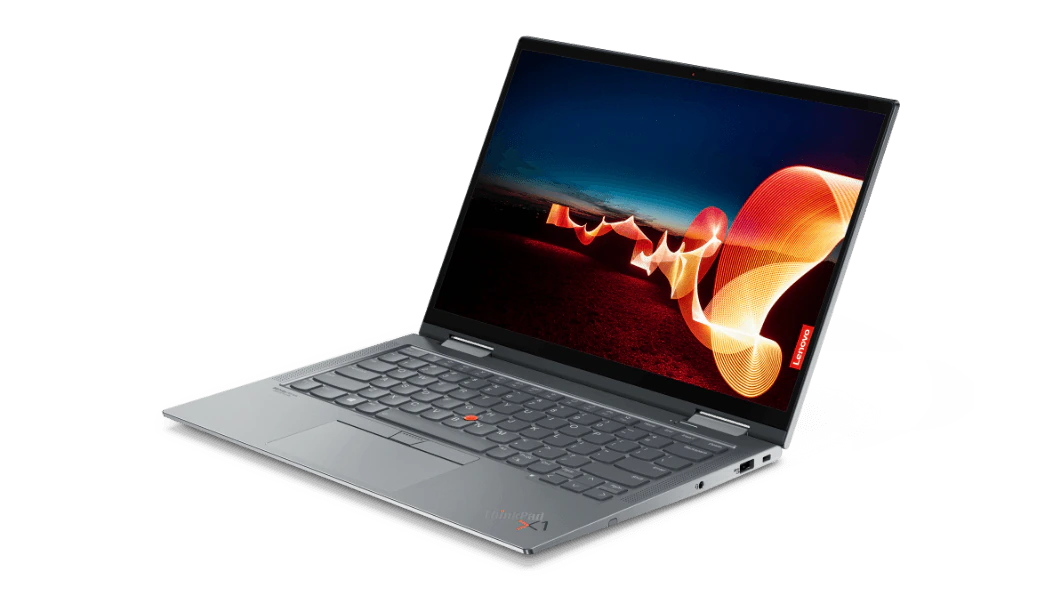
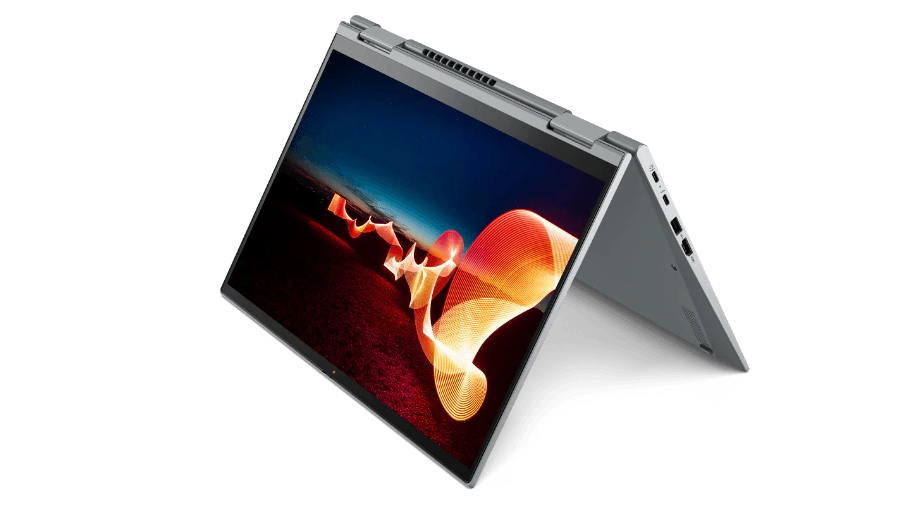
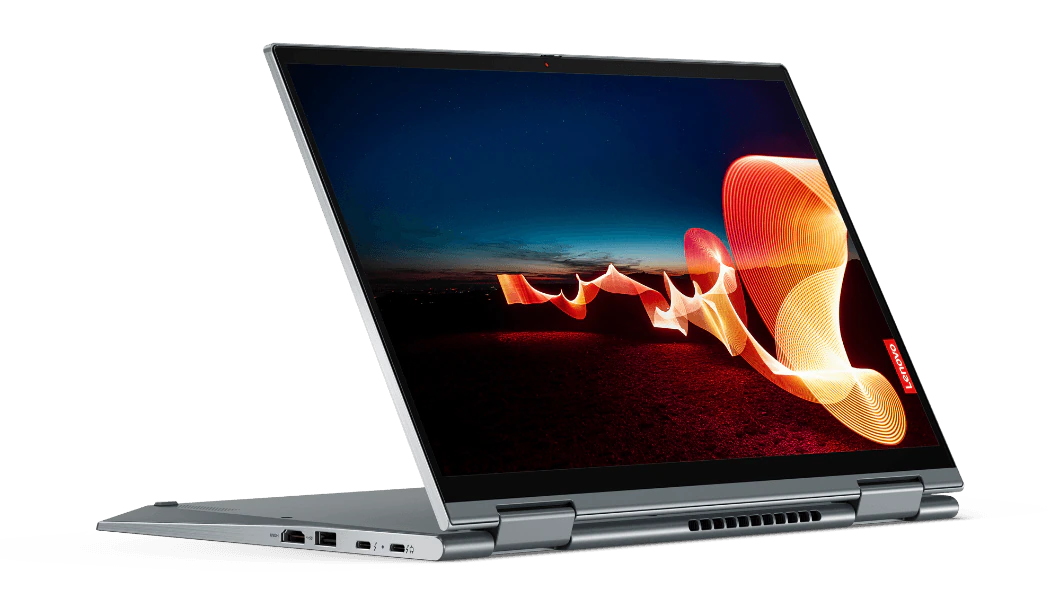
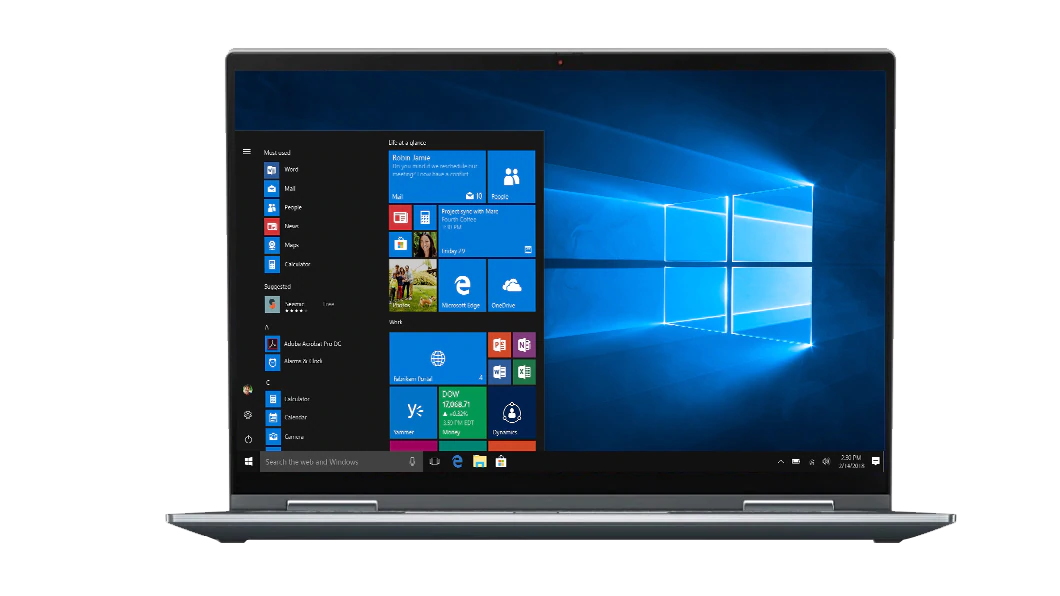
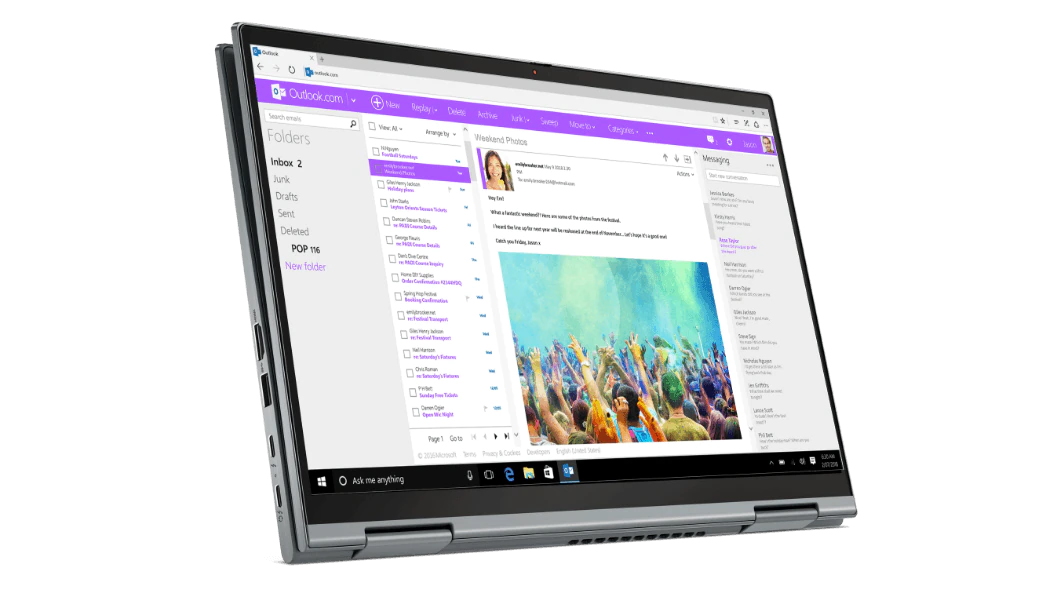
The Lenovo ThinkPad X1 Yoga Gen 6 is the latest refresh for Lenovo's flagship 2-in-1 business laptop and the addition of Intel's 11th-gen Tiger Lake processors with Iris Xe graphics, along with Intel Evo certification, make it one of the best 2-in-1 laptops we've tested.
Add in the outstanding 16:10 touchscreen display, garaged stylus, and excellent battery life, and there's very little that we can find fault with here. It's got a great selection of ports that puts the MacBook Air to shame, but it does miss an SD card slot, which some creatives may be disappointed to learn.
But apart from that, and a bit of a straight-laced design (as a ThinkPad device, this is a laptop aimed primarily at business users), the Lenovo ThinkPad X1 Yoga Gen 6 is easily one of the best laptops to come out in 2021, especially if you're looking for something that can be used as both a traditional laptop and as a tablet-like device as well.
CPU: up to Intel Core i7-8565U | Graphics: Nvidia GeForce MX150, Intel HD Graphics 620 or AMD Radeon Vega 8 | RAM: 4GB – 8GB | Screen: 14-inch FHD (1,920 x 1,080) ComfyView IPS – 15.6" Full HD (1920 x 1080) | Storage: 128GB – 1 TB HDD, 16 GB Intel Optane Memory
Superb keyboard and trackpad
Excellent performance
Very reasonably priced
Looks a little plain
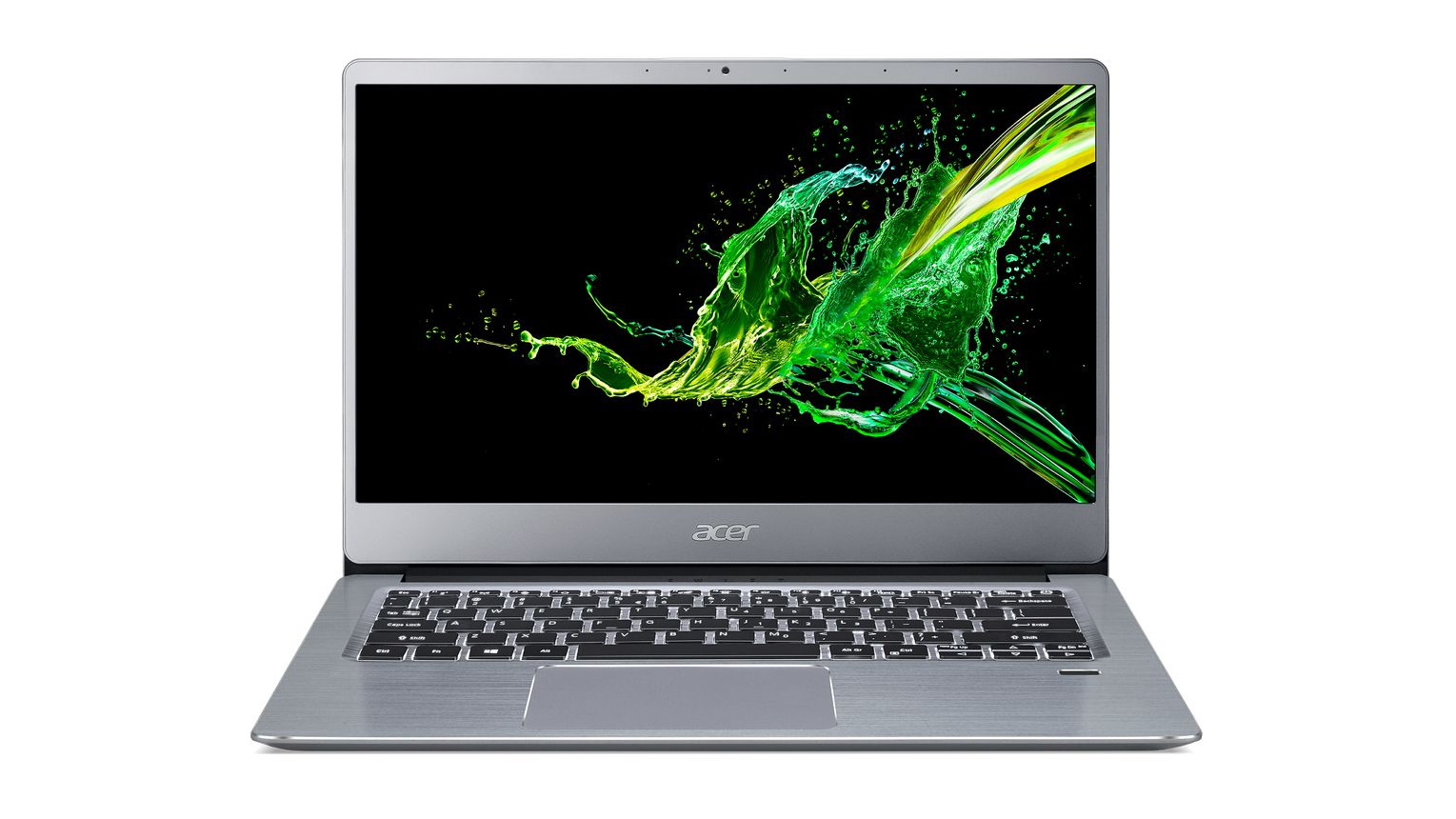
Beyond the Acer Swift 3's modest exterior, you'll find an excellent laptop that boasts plenty of power for work and study. The Swift 3 (not to be confused with the Switch 3 another laptop from Acer) is an inexpensive laptop; however, that plain chassis is all-aluminum and packed with beefy components.
In terms of performance, it gets surprisingly close to the far more expensive Microsoft Surface Laptop. Its display is a little lower-res, but the two are otherwise strikingly similar - other than the price.
This laptop is incredible to use as well, with its roomy trackpad as well as its backlit keyboard that offers a comfortable typing experience with decent travel. If you're going to be writing a lot – whether you’re traveling or at the office, this is one of the best budget laptops 2021 has on offer.
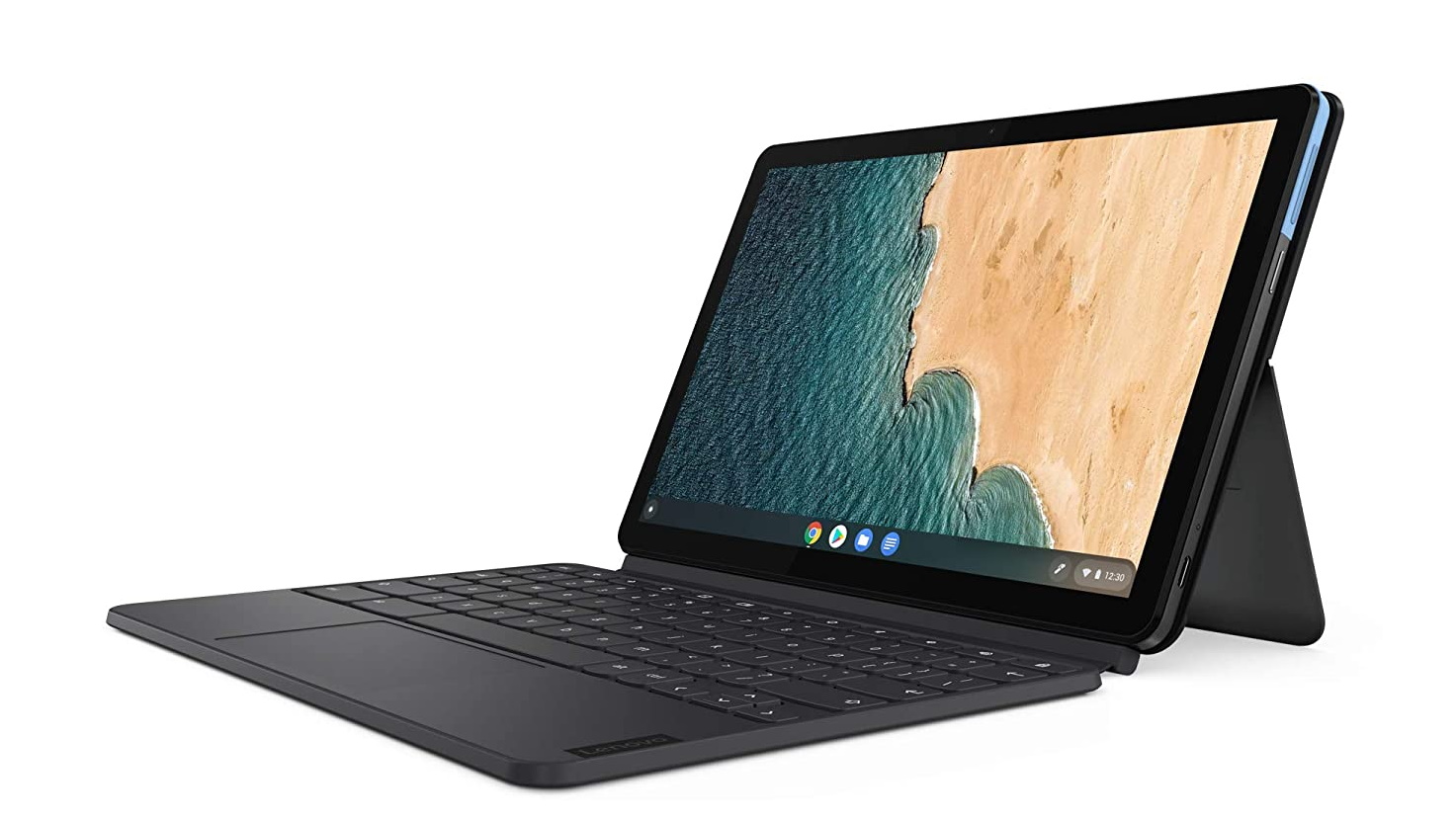
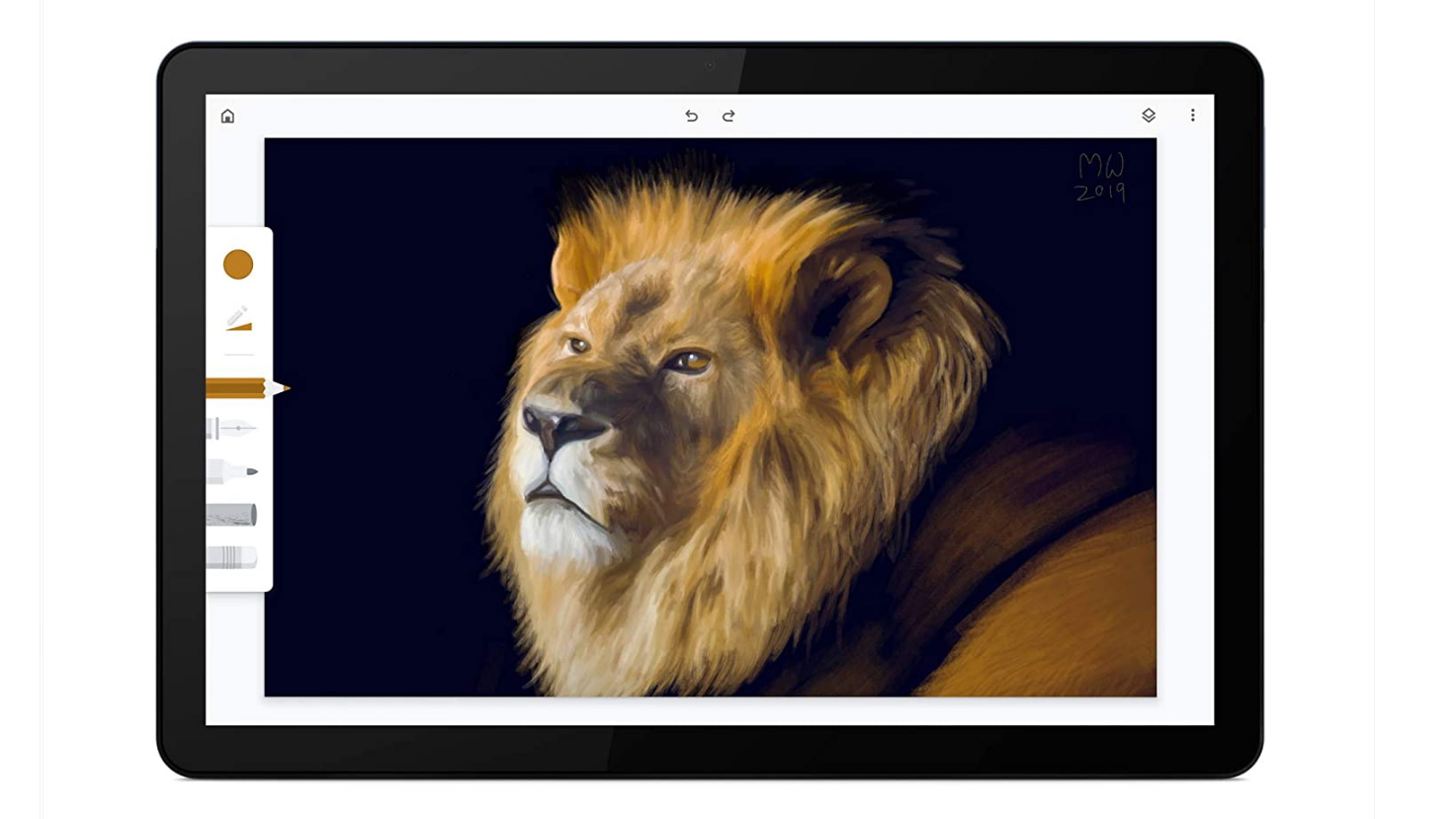
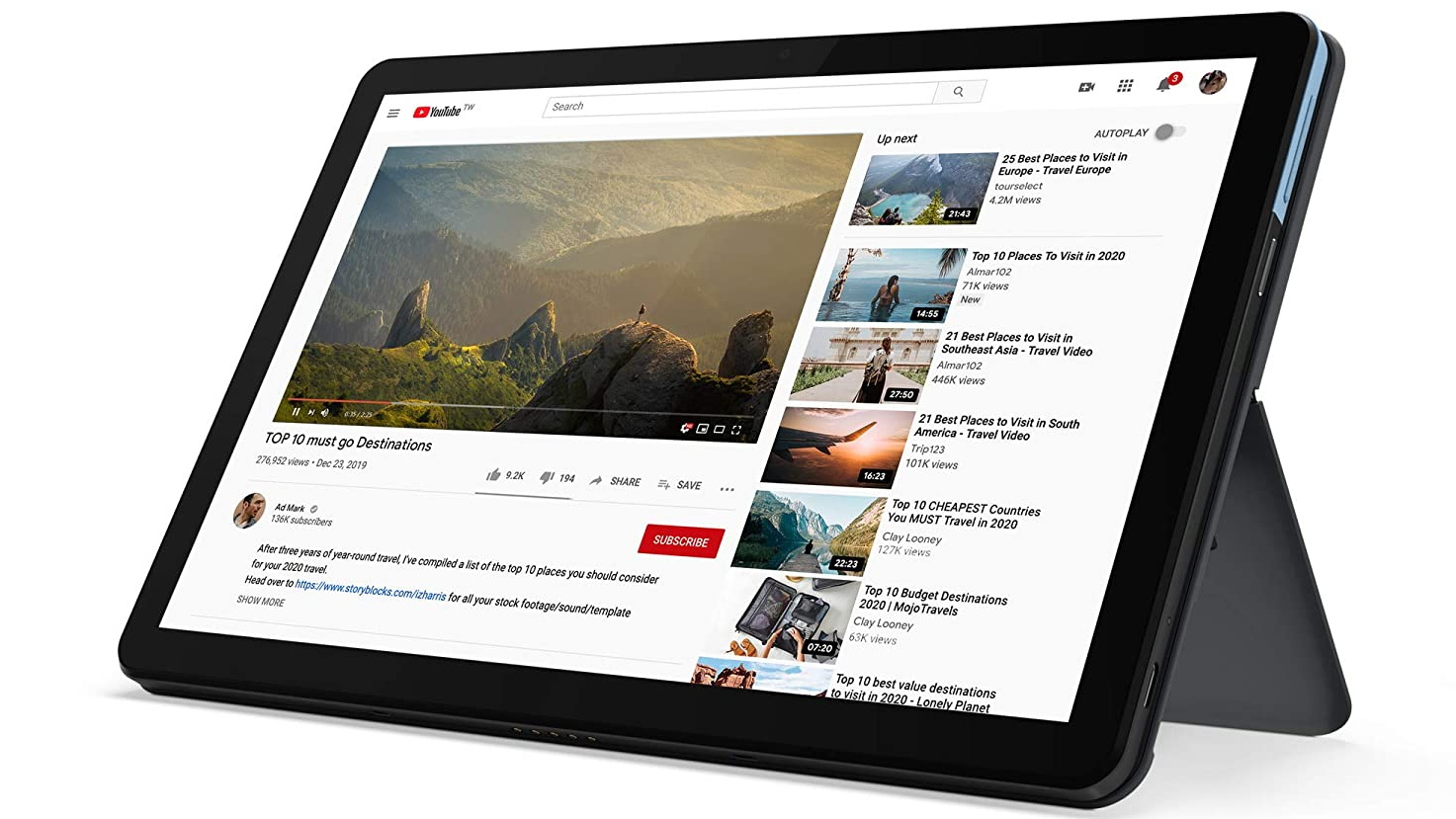
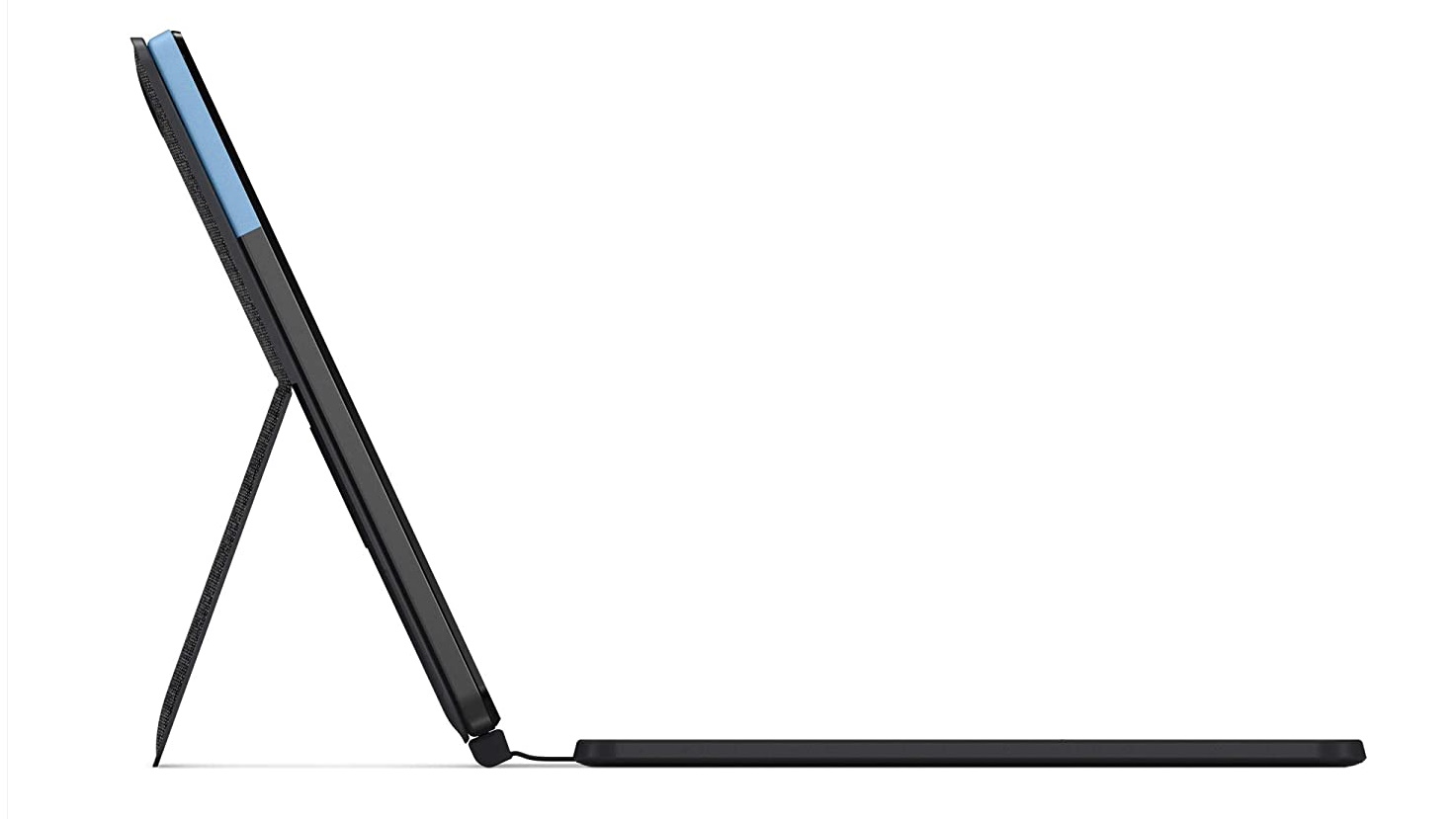
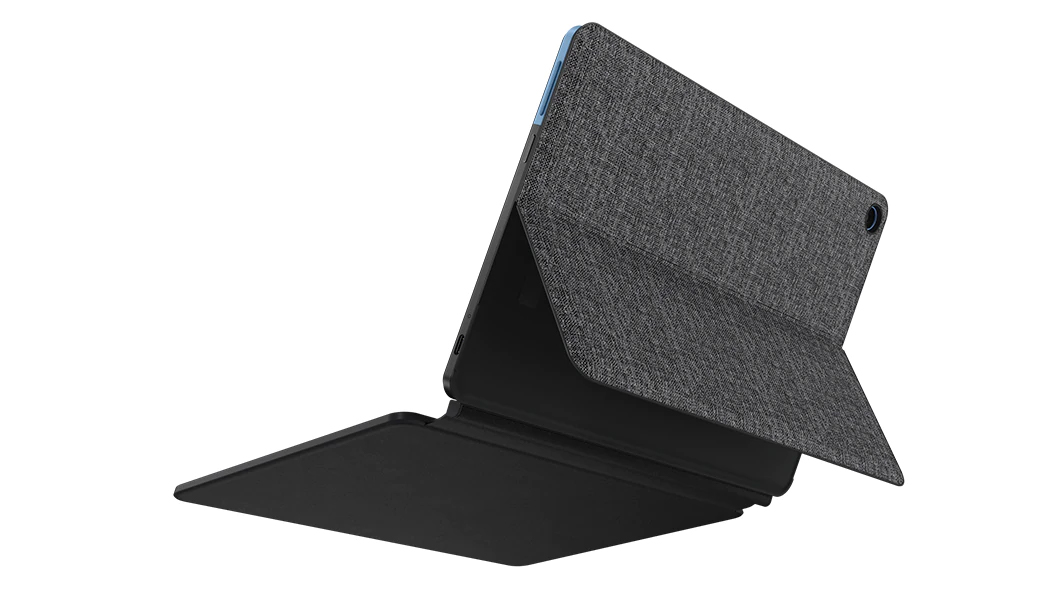
Lenovo doesn't just make some of the best laptops in the world, it also makes some of the best Chromebooks as well, and the brilliant Lenovo IdeaPad Duet Chromebook proves how good these Chrome OS-powered laptops really are. It can be used as a laptop or a tablet, and it's backed up by some very impressive specs.
Is it a Chromebook or is it a tablet? Well, luckily, you won’t have to decide with the brilliant Lenovo IdeaPad Duet Chromebook. True to its name, this Chromebook delivers two form factors in one, while utilizing the versatility of the Chrome OS and setting you back much less than many of the top Windows tablets out there.
Like all the best Chromebooks, its battery packs an incredibly long life of almost 22 hours – so you could pull an all-nighter, work through the day and mid-afternoon, and you’ll still pass out before it runs out of juice.
For this price, sacrifices have to be made, naturally – the keyboard is tiny, the trackpad isn’t as reliable, and the charger and headphones share one port. However, if budget is your top priority, those are definitely not deal-breakers.
CPU: Up to Intel Core i7-11375H | Graphics: Up to NVIDIA GeForce RTX 3070 | RAM: Up to 16GB DDR4-3200 | Screen: Up to 15.6-inch WQHD anti-glare 165Hz IPS-level display with Adaptive Sync | Storage: Up to 1TB SSD
Long battery life
Strong gaming performance
No webcam
Keyboard lighting color can't be changed
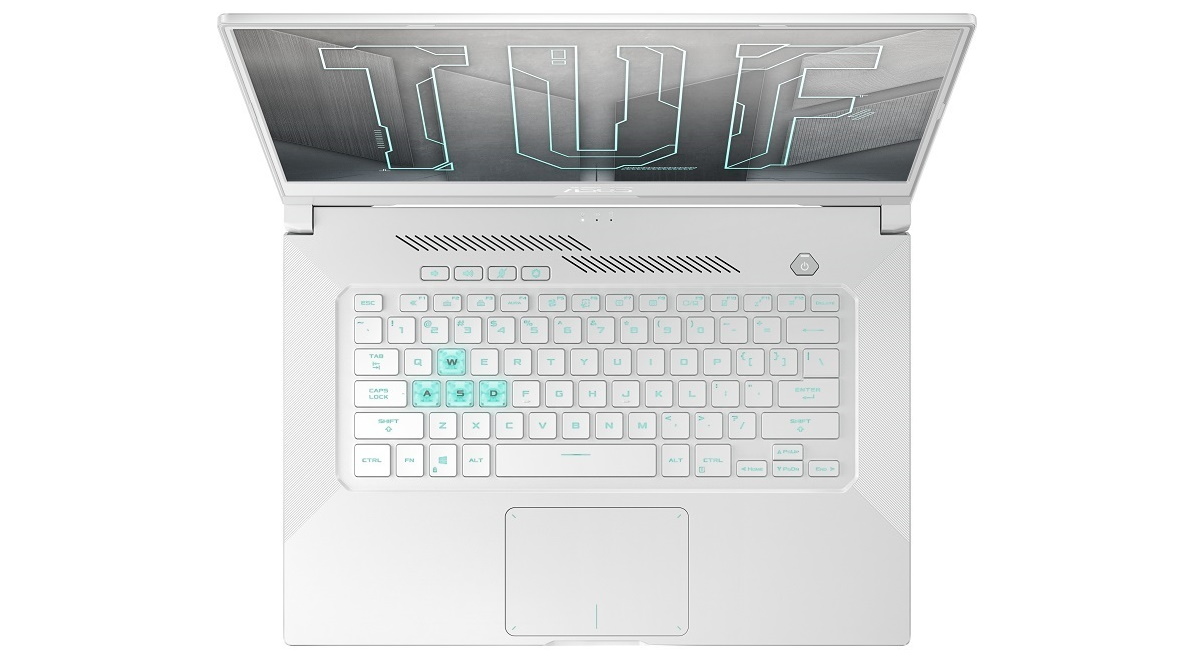
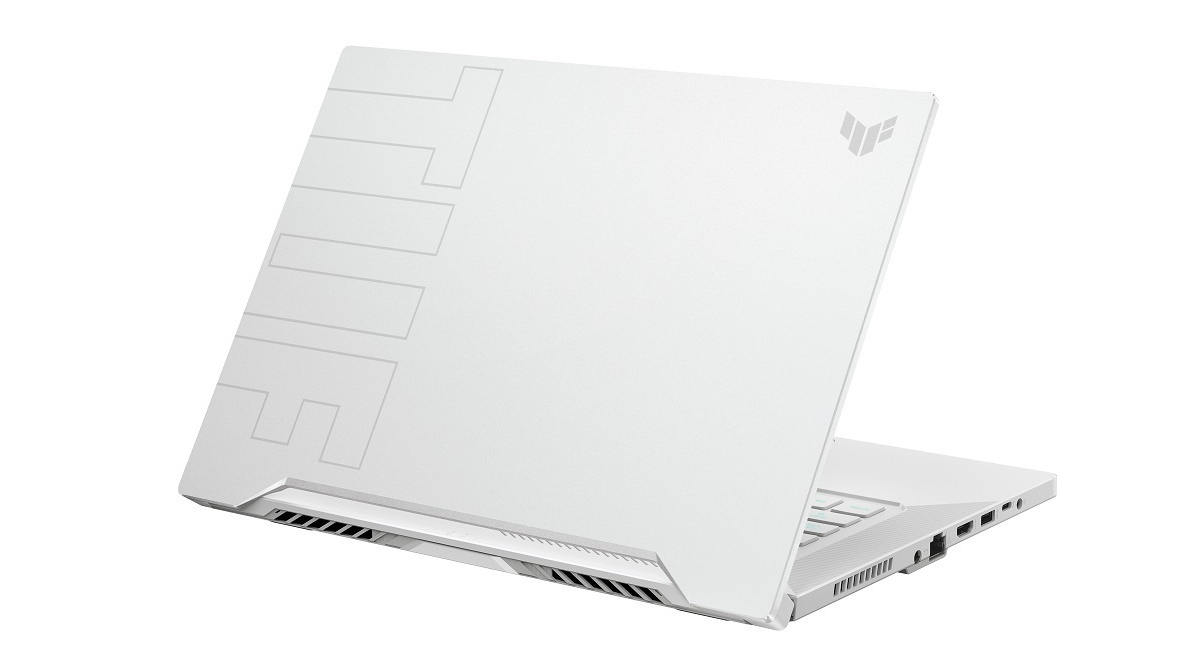
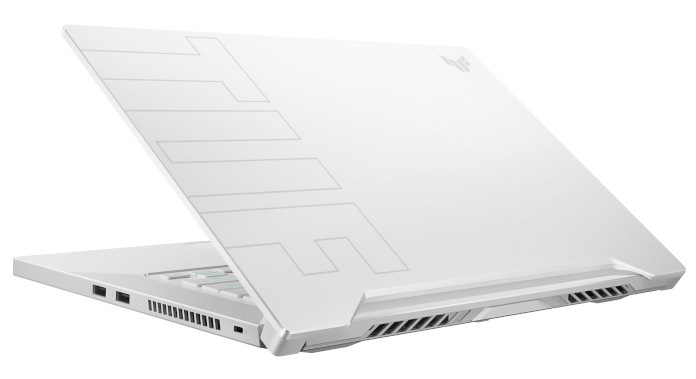
If the Gigabyte Aero 15 OLED above is out of your price range, then the Asus TUF Dash F15 is a decent alternative if you're looking for a machine that can play the latest games, but doesn't blow a hole in your bank balance.
Asus' TUF lineup of laptops have been earning plaudits for their excellent value for money, and the new Asus TUF Dash F15 continues that fine tradition. With excellent build quality, a brilliant battery for a gaming laptop, and an impressively thin and light design, this is easily one of the best gaming laptops money can buy right now.
It also features Intel Tiger Lake processors, Nvidia GeForce RTX 3000 mobile GPUs, and up to a 240Hz 1080p display.
The Asus VivoBook S15 is the best affordable laptop(Image credit: Asus)
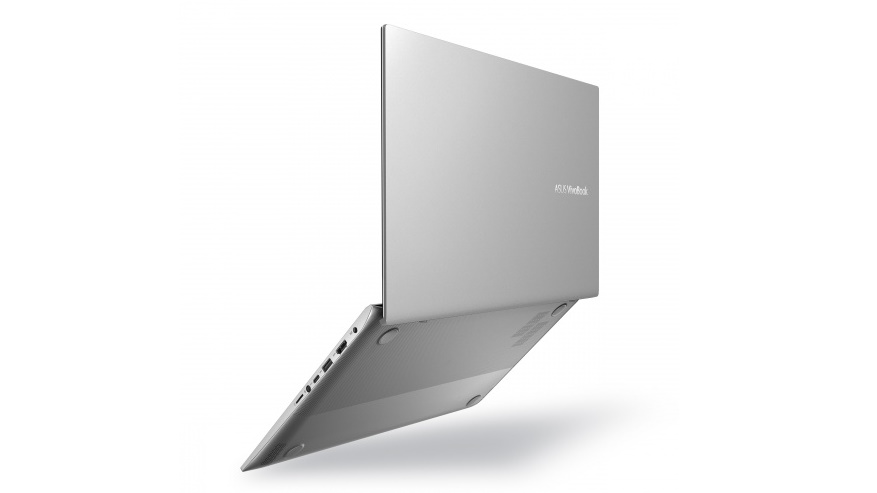
The Asus VivoBook S15 is the best mid-range laptop
Image 3 of 4
(Image credit: Asus)
Image 4 of 4
(Image credit: Asus)
11. Asus VivoBook S15
The best budget 15-inch laptop
CPU: Intel Core i5 – i7 | Graphics: Intel UHD Graphics | RAM: 8GB DDR4 | Screen: 15.6-inch full HD (1920 x 1080) | Storage: 512GB SSD
Bright, colorful 15.6-inch screen
Weighs just 1.8kg
Average battery life
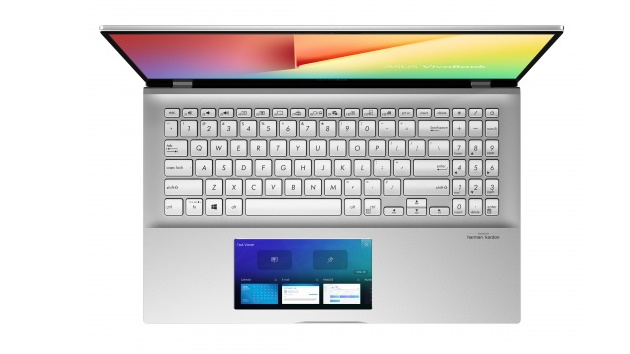
ScreenPad is a bit weird…
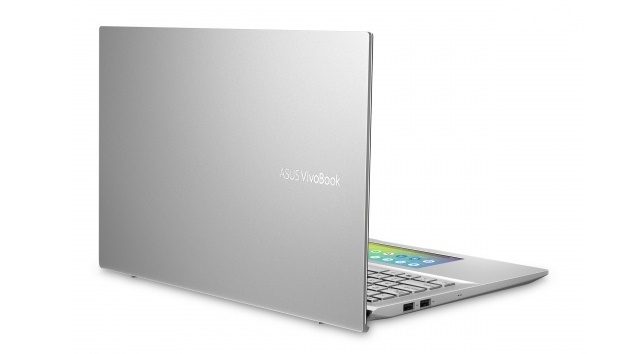
The new Asus VivoBook S15 hasn't been out for long, and it's made its way straight into our best laptops list. This is because it combines a thin and light design with great performance and an excellent price.
If you're looking for a mid-range laptop that doesn't cost too much, but still performs brilliantly, then this is the best laptop for you.
Thanks to its powerful Intel processor, 8GB of RAM and fast SSD storage, this is a laptop that can handle almost any task with ease – though gaming is out of the question. Its 15.6-inch screen is bright and vibrant, and it has loads of ports that makes it easy to hook up your favorite peripherals.
However, it doesn't have the longest battery life for a laptop, and the ScreenPad, which replaces the traditional touchpad below the keyboard with a touchscreen, takes a bit of getting used to.
General laptops: This broader category is dedicated to devices that focus more on practicality than style, portability or power. That’s not to say they can’t be fast, but you’ll typically find a non-Ultrabook clamshell laptop with an HD screen and spinning drive-based storage for less than NZ$1,000.
Ultrabooks: Where you’ll find thin-and-light notebooks sporting SSD storage and display resolutions that exceed 1080p. Paired with powerful, albeit mobile-centric components and especially long battery life, the best Ultrabooks will cost a pretty penny – closer to NZ$1,000 to NZ$3,000.
2-in-1 laptops: Where notebooks that double as tablets are located. Outfitted with both detachable and 360-degree rotating hinges, these hybrids are the most versatile way to experience Windows 10 (or Chrome OS) on a touchscreen.
Chromebooks: Where you’ll find the best Chromebooks running Chrome OS. These do much of what Windows and macOS can in the browser, focused on cloud storage over local, while recently getting Android app support for touchscreen models. They generally cost less than NZ$700.
Gaming laptops: Need a laptop to play games (almost) just like a shiny desktop PC can? Then you’ll want one of the best gaming laptops. These machines generally cost more than NZ$1,500 and can quickly get into the NZ$5,000 range for the beastlier models.
from TechRadar - All the latest technology news https://ift.tt/wTOEkiW
via IFTTT
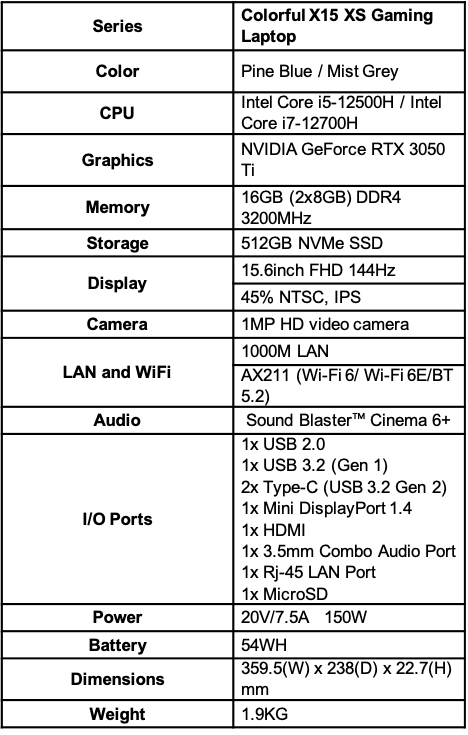
Colorful Technology Company Limited today announced the second generation of its gaming laptop, equipped with the latest Intel processors and an RTX 3050Ti GPU.
The Colorful X15 XS gaming laptop can be configured with either a 12th generation Intel Core i5-12500H 12-core (4P+ 8E Cores), 16-thread processor or an Intel Core i7-12700H 14-core (6P+ 8E Cores), 20-thread processor – both offering excellent performance for gaming and content creation. Both models are powered by Nvidia GeForce RTX 3050Ti graphics with support for NVIDIA G-SYNC Ultimate on the laptop’s 15.6” 144Hz FHD display. The laptop will be available in two colors – Pine Blue and Mist Grey.
Colorful has equipped the gaming laptop with new cooling technologies, such as dual turbo fans with superfins, and a high-performance heatsink with four heat pipes. Four cooling vents also help improve airflow and cooling efficiency. For extreme cooling, users can activate ‘Freezing Mode’ which ramps up the cooling fans to turbo for maximum heat dissipation.
The Colorful X15 XS gaming laptop features an anti-skid RGB backlit keyboard with 15 RGB color options with a 1.8mm travel distance and tactile feedback. It comes paired with a large trackpad – 30% larger than most gaming laptop trackpads.
(Image credit: Colorful)
The Colorful X15 XS will retail at $1,099 for i7 + RTX 3050Ti model and $999 for i5 + RTX 3050Ti model.
from TechRadar - All the latest technology news https://ift.tt/eg74VAQ
via IFTTT
My partner has Amazon Prime, and thus unlimited next day delivery. It's extremely useful when we're in a bind and need something quickly.
Our current system works pretty well. If there's something I need, I'll WhatsApp over the Amazon link for the product and my partner will place the order on their account.
It works fine, but it's not the most efficient. If only there was a way I could share my partner's Prime subscription.
Well, it turns out you can do exactly that with Amazon Households, a service that allows you to link another adult Amazon account to one which is subscribed to Prime.
Sharing is caring
Being plugged into the technology industry means I get to hear about a lot of things before the general public, and that's pretty darn cool. But there's so much happening in the tech space that every now and then something will completely pass me by - Amazon Households is one of those things.
Amazon Households launched for Prime subscribers way back in August 2015 - so to say I'm late to the party here is an understatement. My partner has only had Prime for two years though, so we've not been sleeping on this feature for the full seven years.
When Households launched it was actually seen as a downgrade from what was originally available - where Prime subscribers could share their Prime benefit (which at the time was free two-day shipping) with up to four other adults without the need to also share financial details.
Households requires you to share your Amazon wallet (your bank cards) with the other person in your little circle of trust - so you need to ensure that person is financially responsible and someone you trust not to drain your accounts.
But once you’ve overcome that internal wrangle, Households gives you more than just sharing the free next-day shipping (and same-day shipping in some areas).
It includes a number of the Prime benefits that one can get from Bezos’ brigade, and Amazon's services has grown and improved over the years to include Prime Video and access to a wide library of digital content available to purchase.
That makes Households an enticing offer for adults living in the same house - or even two adults living in separate locations (in the same country), so long as you trust them to have access to your bank cards, and vice versa.
Staying separate is key
While I may be piggy-backing off my partner's subscription, our Amazon accounts remain very separate.
We can't see each other's purchases (outside of the apps and ebooks we've agreed to share across accounts), so if I want to make a birthday gift purchase for example, the surprise won't be ruined.
And when it comes to big sales events such as Amazon Prime Day and Black Friday - where the best deals are often reserved for Prime members - I'll be able to make instant purchases without having to message my other half and desperately hope they see it before what I want sells out.
Another big win for us is with my partner’s Kindle. Originally set up with my Amazon account many years ago, it continues to say "John's Kindle" at the top of the screen and any book purchases come off my card - even though it’s exclusively used by my partner.
We have considered wiping it and signing in with my partner’s Amazon account (before we had a Prime subscription), but we would have lost all previous purchases and read history - it was just easier to keep with the awkward system we had become accustomed to.
However, with Households I can share all book purchases on my Amazon account with my partner, which means they can, finally, wipe the Kindle and have their name proudly displayed at the top of the screen, while retaining access to all previous purchases.
It’s turned our messy Amazon existence into a much more streamlined and useful experience. Billing now makes sense, and I’m no longer having to hassle someone else when I want something delivered next-day.
There's probably many of you out there scoffing at the fact a tech journalist has completely missed this, and to be honest I'm a little embarrassed - but I hope this confession helps those like me, who have now had their eyes opened to a new world of possibility.